















How to Fix an SC Error Code on a Samsung Washer
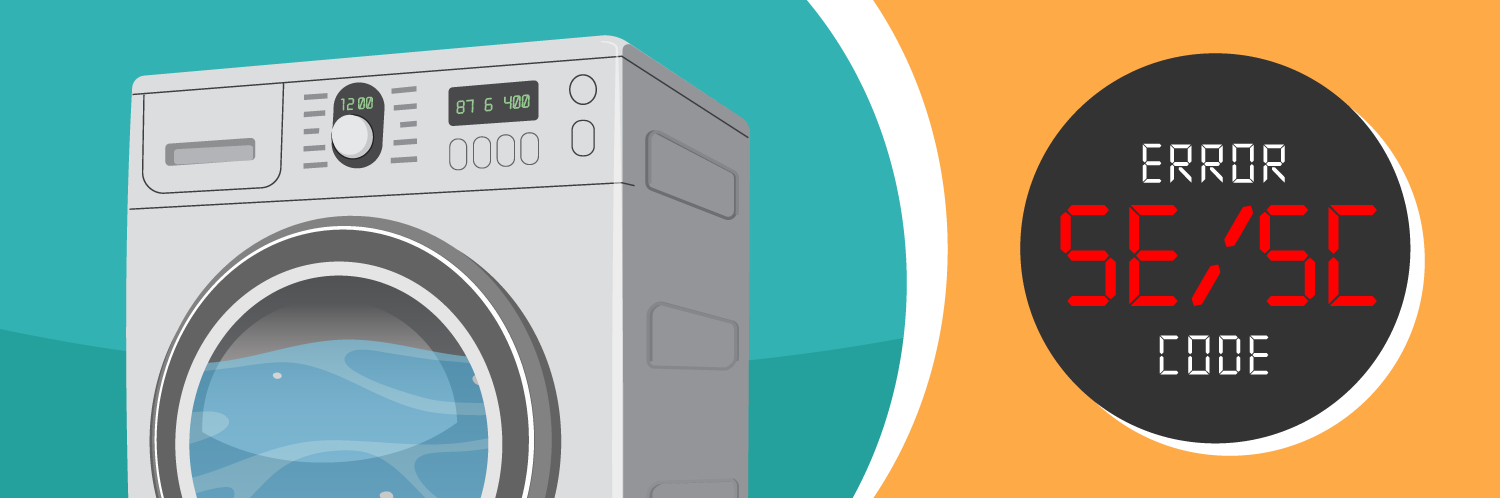
If you’ve gone into the laundry room, only to find your Samsung washer full of water and an error code flashing, this article is for you! Depending on your model, if your Samsung washer is displaying an error code 5C, SC, 5E, or SE it means there is a drainage issue. The digital display may appear to be showing the letter “S” but the proper codes per Samsung are 5C or 5E. This drainage error code typically means there is a blockage with the drain pump filter, or an issue with the drain hose. We will show you how to resolve the 5C/5E error code, and how to prevent it from happening again in the future.
How to Drain Your Samsung Washer
If your washer still has water in the tub, it is possible to manually drain this from the machine. You will need a towel for the floor and container to catch the water in. After disconnecting the power to the washer, remove the filter cover from the bottom front panel of the machine and locate the drain tube. Position the end of the tube over your container before removing the stopper. Remove the stopper from the drain tube and allow the water to flow out. Once the water has completely drained from your Samsung washer, you should next inspect the drain pump filter and give it a clean to prevent future drainage issues.
Parts to Inspect to Clear a Samsung Washer 5C/5E Error Code
Drain Pump Filter
If your Samsung washer is a front-load machine, it will have a drain pump filter which helps prevent lint and other debris from damaging the pump. Like all household filters, it needs to be regularly cleaned to work efficiently. A clogged filter can prevent your washer from draining properly, which may result in seeing an error code and a tub full of water.
How to Inspect the Drain Pump Filter
- Before you begin, disconnect the power to your washer, and then remove the filter cover found at the bottom of the front panel.
- You will want to place a towel down beneath the cover, along with a container to catch any water that might be left in the machine. Pull out the drain tube and remove the stopper to allow any water to drain from the machine into the container. Replace the stopper and place the tubing back into the housing.
- To remove the filter, twist it counterclockwise and pull it out. Inspect the filter for any signs of damage. If the filter is not salvageable by cleaning it, it will need to be replaced with a new drain pump filter.
- If the filter isn't damaged but just clogged, it can be cleaned by running it under the sink and using a soft bristle brush, like a toothbrush, to remove any debris.
- To reinstall the filter, place it back into the slot and turn clockwise to lock it in place.
How to Replace a Drain Pump Filter on a Samsung Washer
Replacing the drain pump filter is as simple as twisting out and discarding the old filter and inserting a new one in its place.

Drain Hose
How to Inspect the Drain Hose
Start by visually inspecting the drain hose for any issues like kinks or cracks in the hose. A kinked or bent hose can be resolved by straightening it out, but if there are splits or cracks it will need to be replaced. If there are no visible issues with the hose, next check for any blockages by feeling along the length of the hose. You will likely be able to feel where debris is trapped and will need to be cleared out. Finally check to ensure that the hose isn’t submerged too far down the standpipe; about six inches of the drain hose should be inserted.
Proper Installation of a Samsung Washer Drain Hose
If the drain hose for your washer was not installed at the correct height (between 39 to 96 inches per Samsung), it can cause issues with drainage. If the drain hose is too high (above 96 inches), it reduces the draining capabilities and may leave you with water remaining in your machine. A drain hose installed too low (below 39 inches) can cause a siphoning effect, which causes the machine to fill and drain at the same time. If the height of the drain hose is in the proper range, next check that it isn’t inserted too far down the standpipe. There should be six inches of drain hose in the standpipe, more than that could also cause siphoning issues. The last item to check for proper drain hose installation is that the connection between the hose and the standpipe is not airtight.
How to Replace a Drain Hose on a Samsung Washer
- To replace the drain hose, begin by disconnecting the power and turning off the water supply to the washer.
- At the back of the machine, use a set of pliers to release the clamps holding the drain hose in place.
- If the hose had a blockage and just needs to be cleaned, it can now be flushed with water or with a drain snake, then reconnected to the machine.
- If the hose is damaged, discard the old hose and clamp a new drain hose in place on your washer.
Drain Pump
How to Inspect the Drain Pump
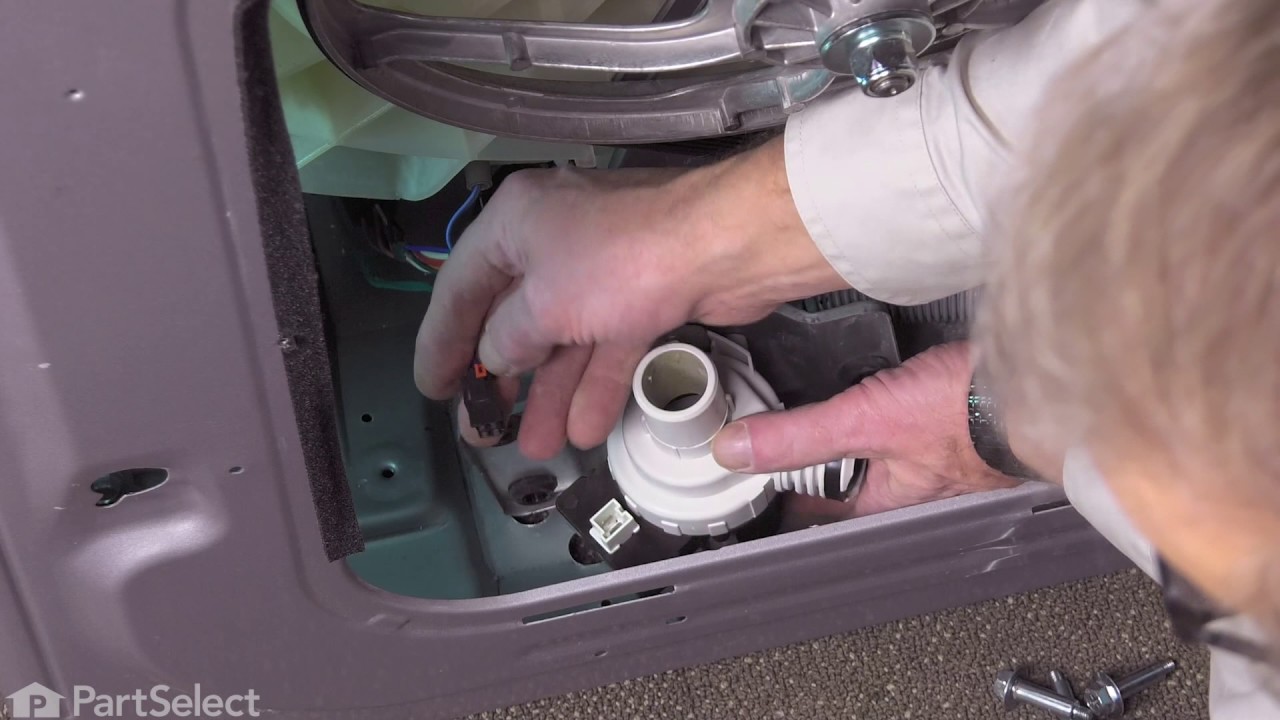
If cleaning the drain pump filter and the drain hose did not solve the 5C/5E error code issue with your Samsung washer, you should next inspect the drain pump itself. Depending on your model, you may need to place the washer on its side or remove the back panel to access the drain pump. Visually inspect the pump for any signs of damage. If none are obvious, you can use a multimeter to test for continuity. If there is no reading, or the results are not within range, then the pump has failed and will need to be replaced with a new drain pump.
How to Replace a Drain Pump on a Samsung Washer
The new drain pump can be installed by reversing the steps used to remove the damaged pump from your washer. Reconnect the hoses and wire harness, then the water and power supply can be turned back on.
Pressure Switch
How to Inspect the Pressure Switch
The pressure switch is used to tell the washer’s control board when to add or remove water from the machine. If cleaning or replacing the above parts has still not corrected the 5C/5E error code, then the pressure switch may be to blame. Disconnect power to your washer, then locate the pressure switch (reference your user manual for the exact location in your Samsung washer). Remove the tubes and wire harness from the pressure switch, so that it can be tested with a multimeter. If the reading comes back out of range, or doesn’t produce a reading at all, the part has failed and will need to be replaced with a new pressure switch.
How to Replace a Pressure Switch on a Samsung Washer
- Connect the new pressure switch to the wire harness and clip the switch back into place on the machine.
- Then connect the air pressure tubes to the switch.
- Reassemble any panels that were removed to access the pressure switch.
- Finish up by reconnecting the water and power supply to the washer.
If you’ve tried all the above parts and you are still receiving a 5C/SC/5E/SE error code on your Samsung washer, it may be time to call in a professional repair technician for their diagnosis. Generally, this error code is a simple fix, and easily preventable with regular cleaning of your washer’s drain pump filter.

Find your mysteriously missing coins, socks and bank cards by taking a quic...
Spring is here, and we are cleaning up all our appliances! A washer is supp...
A few minutes of maintenance could save you hours of repair work in the fut...