Your coupon for will be reflected when you check out!
✖
Your coupon for
✖
Hello!
You're visiting the PartSelect site in U.S.
Would you like to shop on the Canadian site?
Stay on this site
Go to Canadian site
✖
Model Number Locations
1Select Category Type
Select Category Type
2Select Product Type
Select Product Type
3Select {MODEL} Type
Select {MODEL} Type
Sample Model Number Tags
Model numbers can be made up of numbers (1005400, for example) or a combination of letters and numbers (LAT1000AAE). The model number will most likely appear on either a paper sticker or a metal plate. Your appliance's model number tag may look similar to the sample model number tags shown here (model number highlighted in yellow):
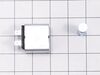
Upgrade your Whirlpool refrigerator with this authentic OEM Dispenser Control Board. Regulating both water and ice dispenser mechanisms located in your refrigerator door, this essential component ensures optimal functioning and efficiency. Comes with a handy peel and stick backing, making installation user-friendly. Remember to safely store perishable food and disconnect the refrigerator before installation. Donning work gloves to protect your hands during installation is advised. This product is exclusively compatible with various Whirlpool models, guaranteeing a perfect fit and superior performance.
How Buying OEM Parts Can Save You Time and Money
Why buy the real thing?
OEM stands for Original Equipment Manufacturer. Simply put, this means that the company who made your appliance is also supplying the replacement part for it.
Keep searches simple. Use keywords, e.g. "leaking", "pump", "broken" or "fit".
Sorry, we couldn't find any existing reviews that matched. Try using some different or simpler keywords.
★★★★★
★★★★★
DONALD M - December 31, 2020
Verified Purchase
very easy to repair, right part makes everything easy
the part was in great condition. and my refrigerators and working condition.
< Prev
1
Next >
Installation Instructions
Average Repair Rating: 3.3 / 5.0, 2 reviews.
What's this?
Sort by:
< Prev
1
Next >
Search filter:
Clear Filter
Your search term must have 3 or more characters.
Keep searches simple. Use keywords, e.g. "leaking", "pump", "broken" or "fit".
Sorry, we couldn't find any existing installation instruction that matched.
Touchpad stopped working
Maytag PS12349472 CNTRL-ELEC W11221359 If you can fix things around the house, you can do this! First, try resetting the touchpad by unplugging the refrigerator electrical cord for about 10 seconds, then plug it back in and try the touchpad. If it starts working you don’t need to replace it yet. If it doesn’t work, order
... Read more the replacement touchpad and install it as follows. The one I ordered came with the low power control panel (#13). This repair takes about 30-45 minutes depending how much elbow grease is required to clean the old touchpad’s adhesive off the front panel. Read all the steps below first before attempting this repair. Step 1. Unplug refrigerator electrical cord. Step 2. Remove drip tray (#14) and remove two screws with nutdriver. Step 3. Remove front panel (#11). Step 4. Disconnect low power control board (#13) from all wiring harnesses. Step 5. Remove low power control board (#13) from front panel (#11). Step 6. Remove touchpad (#12) from front panel (#11). Step 7. Clean adhesive completely from front panel (#11). IMPORTANT: DO NOT USE ABRASIVES - use appropriate solvent (e.g. rubbing alcohol, Goo-Gone, Krud Kutter, etc.) to remove adhesive completely from front panel (#11) - DO NOT USE ABRASIVES. Step 8. Mount new low power control board (#13) on front panel (#11). Step 9. Very carefully align and mount new touchpad (#12) on front panel (#11). IMPORTANT: Pull new touchpad wiring harness all the way through the opening to the back of the front panel (#11) before exposing the new touchpad’s (#12) adhesive backing. Mount new touchpad (#12) exactly where the old one used to be. Step 10. Reconnect all wiring harnesses to low power control board (#13). Step 11. Mount front panel (#11), install two screws with nudriver, and drip tray (#14) back on refrigerator. Step 12. Plug in refrigerator and check operation of new touchpad (#12).
Read less
Larry from BELLEVILLE, IL
Difficulty Level:
A Bit Difficult
Total Repair Time:
30 - 60 mins
Tools:
Nutdriver
3 of 3 peoplefound this instruction helpful.
Was this instruction helpful to you?
Thank you for voting!
Touch panel stopped working
Ordered a new Dispenser Front Overlay, removed the housing from the refrigerator, unplugged the old Overlay and pealed it off, applied the new Overlay (taking care to line it up correctly), plugged in the new Overlay and reinstalled the housing. Works great!
Ken from Hixson, TN
Difficulty Level:
Easy
Total Repair Time:
15 - 30 mins
Tools:
Nutdriver
23 of 36 peoplefound this instruction helpful.
Was this instruction helpful to you?
Thank you for voting!
< Prev
1
Next >
Questions and Answers
Ask our experts a question about this part and we'll get back to you as soon as possible!
7 questions answered by our experts.
Sort by:
< Prev
1
Next >
Search filter:
Clear Filter
Your search term must have 3 or more characters.
Keep searches simple. Use keywords, e.g. "leaking", "pump", "broken" or "fit".
Sorry, we couldn't find any existing answers that matched.Try using some different or simpler keywords, or submit your new question by using the "Ask a Question" button above!
Jeff
September 20, 2019
My current control pad doesn't light up unless i push a pad or trip the dispenser, and then all the lights light up but the fridge is not working. After turning off and on the power, the control pad will flash on, the motor will start, then everything turns off again, and it keeps repeating the on and off cycle. Do you think this problem is in the control pad, or the mother board?
For model number MFI2067AES8
Hello Jeff, Thank you for the question. This sounds like and issue with the Electronic Control Board. Hope this helps!
3 people found this helpful.
Did this question help you?
Thank you for voting!
Rocky
October 29, 2019
I need the circuit board not the touch pad i can't find the part number for the board.
For model number W11221359 | Whirlpool Refrigerator Control Board
Hello Rocky, thank you for writing. This is the dispenser touch pad and board. We can see if they are available separately once we have the model number for your refrigerator. We look forward to hearing back from you!
3 people found this helpful.
Did this question help you?
Thank you for voting!
Tad
July 7, 2022
Ice dispenser does not work, all other functions work.
For model number MFI2568AEW
Hello Tad, thank you for writing. We recommend replacing the Dispenser Solenoid PS2069887. If you need help placing an order, customer service is open 7 days a week. Please feel free to give us a call. We look forward to hearing from you.
Does this part include the low power control (mother board)
Hello Douglas, thank you for your question. This part is just the Dispenser touchpad with peel and stick backing. It does not include a control board. I hope this helps!
1 person found this helpful.
Did this question help you?
Thank you for voting!
Mike
January 22, 2023
We experienced a power surge fridge and stopped working.(coincidence maybe?) Replaced main control board thinking it was affected but cannot program . When put in code and try to enter unit beeps and will not take code.. Do you suppose this board is not good? Thank You so much!
For model number MFI2568AES
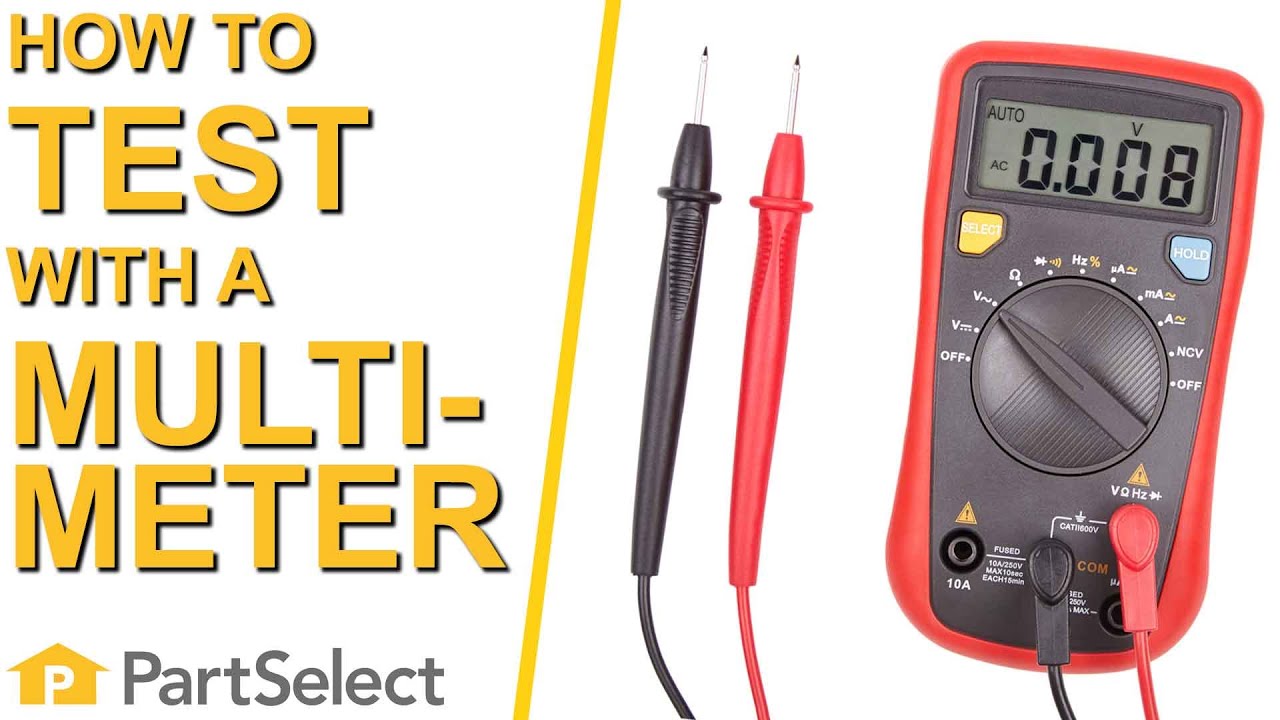
Hello Mike, We are glad you asked! You can test your board with a multimeter to see if the surge has damaged it. If so, you did choose the board for the Dispenser and icemaker section PS12349472. We have a video on how to use a multimeter for your convenience. We are pleased to have been able to help.
Did this question help you?
Thank you for voting!
Chris
December 21, 2025
Hi, my water and ice is not dispensing. It seemed to be dispensing once a day for a few minutes before stopping completely. I replaced the dual water valve and it started dispensing both ice and water, but only a few times. We unplugged the fridge and then it worked for a quick second before repeating the same symptoms. The LCD lights up. I can reset the water filter and use all the functions perfectly fine. I also have a brand new water filter installed. Nothing seems to be frozen over. Any thoughts?
Thankss
For model number MFI2568AEW
Hello Chris, thank you for reaching out. As you have already replaced the dual water valve and the water filter, and the unit briefly works after being unplugged, we would recommend checking the main control board, part number PS11722792. Failing control-board relays cannot sustain load current, causing valve shutdowns that temporarily reset with power cycling but recur under normal operation. You may need to replace it to fix the issue. We hope this information helps!
The water and ice work occasionally. The ice cube auger and arm work
Replaced micro switch. It just stops working occasionally-no sound
For model number MF12067AES
Hello Ron, thank you for contacting us. We would recommend checking the cycling thermostat, part number PS11743313. It monitors the temperature in the freezer to determine when to release the ice into the bin and start a new ice-making cycle. Also, check the water inlet valve, part number PS2069865, and ensure that the water supply is continuous. Please change the water filter, part number PS11722130, if it is due. Please reach out to customer service if you need help placing an order. Glad to be of help!
Item is in stock and is estimated to be delivered in 2-3 business days via Standard Shipping.
On Order
Item is not in stock and usually ships 3-5 business days from the time you place your order.
Special Order
Item is not in stock and usually ships 10-15 business days from the time you place your order.
NLA - No Longer Available
This item is no longer being made by the manufacturer, and cannot be added to your shopping cart.
[{"position":0,"name":"Home","title":"Home","url":"/"},{"position":1,"name":"Refrigerator","title":"Refrigerator","url":"/Refrigerator-Parts.htm"},{"position":2,"name":"Circuit Board or Touch Pad","title":"Circuit Board or Touch Pad","url":"/Refrigerator-Circuit-Boards-and-Touch-Pads.htm"},{"position":3,"name":"W11221359","title":"W11221359","url":""}]
You added 1 item to your cart
✖
% OFF
$
$
Qty:
Total item(s) in cart:
Order Subtotal
$
*Taxes and shipping will be applied during checkout