















MR5492W01 Amana Microwave - Overview
Sections of the MR5492W01
[Viewing 3 of 3]


Keep searches simple, eg. "belt" or "pump".
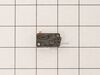
Micro Door Switch
PartSelect #: PS4131192
Manufacturer #: 3405-001034
This door switch, also known as a safety switch, is a genuine OEM replacement part for microwaves. It is a safety mechanism that sends signals to the microwaves control system, telling it when the doo...
$32.63
On Order
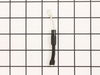
Black Sleeve Diode
PartSelect #: PS11747959
Manufacturer #: WPR9800486
In your microwave, the diode allows current to flow one-way only, converting alternating current to direct current. If you notice that your microwave does not heat properly, you may need to replace th...
$15.17
In Stock

Tray
PartSelect #: PS4234959
Manufacturer #: DE74-20015G
This is a cooking tray, but may also be known as a turntable tray, and it is used in conjunction with your microwave or oven/microwave combo. The outer diameter of this part is roughly 12.75 inches. T...
$70.95
In Stock



Questions And Answers for MR5492W01
We're sorry, but our Q&A experts are temporarily unavailable.
Please check back later if you still haven't found the answer you need.
Common Symptoms of the MR5492W01
[Viewing 3 of 3]No heat
Fixed by
these parts
these parts
Show All
Doesn’t shut off
Fixed by
these parts
these parts
Show All
Won’t turn on
Fixed by
these parts
these parts
Show All
Keep searches simple. Use keywords, e.g. "leaking", "pump", "broken" or "fit".
no heat
I looked up the #1 reason for no heat for my microwave on the site , and using my model number found that 92% of the time it was the Black Sleeve Diode. Ordered the $15 part, and installed it within 30 minutes. Most of the time was used for removing the built in microwave and removing the cover. Replaced the diode by finding it on the
... Read more
diagram that I printed from this site (free). Very relieved that we don't need to have our custom cabinetry re-sized to accommodate a new microwave. Thank you!
Read less
Parts Used:
-
Lisa from PARADISE, PA
-
Difficulty Level:Easy
-
Total Repair Time:15 - 30 mins
-
Tools:Pliers, Screw drivers
28 of 28 people
found this instruction helpful.
Was this instruction helpful to you?
Thank you for voting!
No heat
Removed case,
Discharged HV capacitor and removed cooling fan.
Unscrewed ground end of HV diode and unplugged from HV capacitor.
Installed new diode by reversing the order. In my case, the problem was the magnetron was bad, so I replaced it as well.
Discharged HV capacitor and removed cooling fan.
Unscrewed ground end of HV diode and unplugged from HV capacitor.
Installed new diode by reversing the order. In my case, the problem was the magnetron was bad, so I replaced it as well.
Parts Used:
-
John from SANTA CLARA, CA
-
Difficulty Level:Really Easy
-
Total Repair Time:30 - 60 mins
-
Tools:Screw drivers
4 of 4 people
found this instruction helpful.
Was this instruction helpful to you?
Thank you for voting!
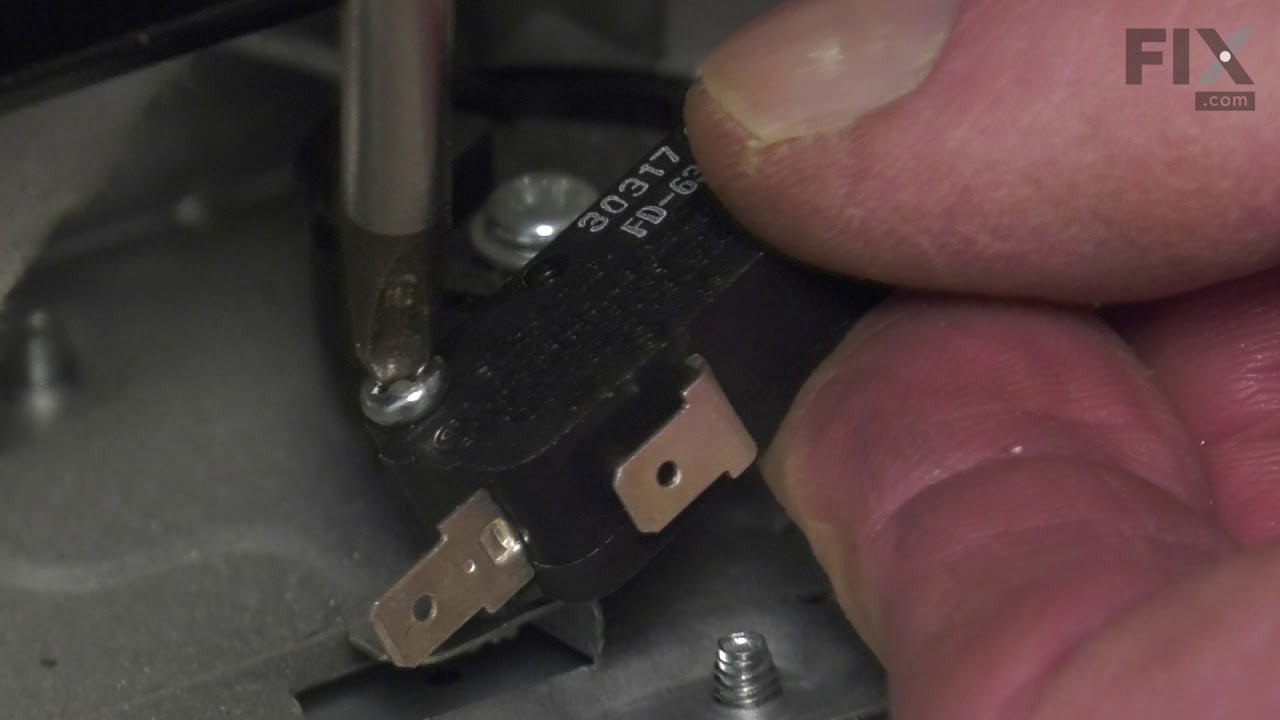
The microwave would not turn on or would run with the door open
Other tools that are usefull long needle nose pliers, long thin blade screw driver and small magnetic flashlight. Place the microwave on a work bench and remove the case it cover 3 sides. Place the microwave on a chair so it can stand with the controls up. You are replacing the lower door microswitch. The switch is located behind the
... Read more
control panel in the lower part of the area. The switch is several inches inside this area and your hands will not fit. Take care when moving wires and a couple of sensors. Use the thin blade screwdriver to release a tab holding the switch in place. Do not break this tab. Take the needle nose pliers and remove the switch. Put the wires on the new switch, open the door a short distance so a door lever moves enough to put the microswitch back into the bracket.
Read less
Parts Used:
-
Raymond from TROY, OH
-
Difficulty Level:Easy
-
Total Repair Time:1- 2 hours
-
Tools:Screw drivers
6 of 13 people
found this instruction helpful.
Was this instruction helpful to you?
Thank you for voting!