Your coupon for will be reflected when you check out!
✖
Your coupon for
✖
Hello!
You're visiting the PartSelect site in U.S.
Would you like to shop on the Canadian site?
Stay on this site
Go to Canadian site
✖
Model Number Locations
1Select Category Type
Select Category Type
2Select Product Type
Select Product Type
3Select {MODEL} Type
Select {MODEL} Type
Sample Model Number Tags
Model numbers can be made up of numbers (1005400, for example) or a combination of letters and numbers (LAT1000AAE). The model number will most likely appear on either a paper sticker or a metal plate. Your appliance's model number tag may look similar to the sample model number tags shown here (model number highlighted in yellow):
Model has been saved to My Models. If you're not signed in, your lists are available on this device and will expire within 30 days.
Model has been saved to My Models.
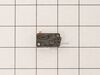
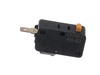
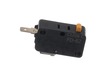
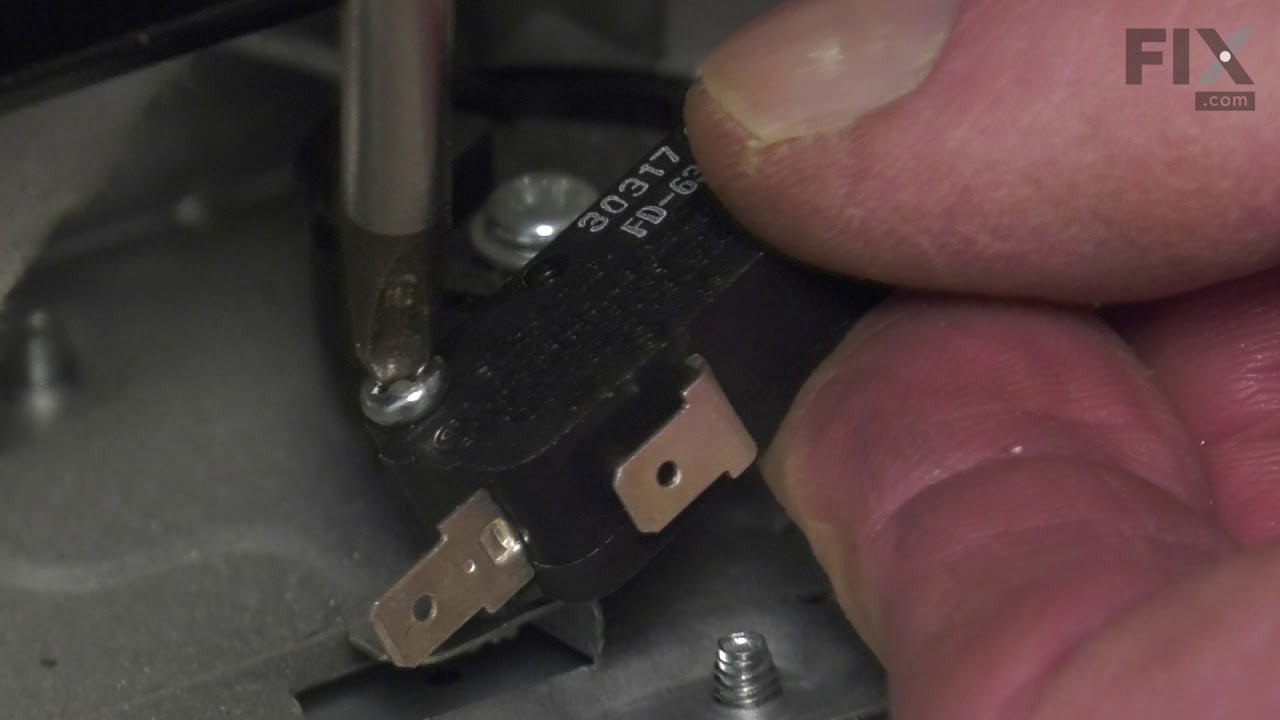
This door switch, also known as a safety switch, is a genuine OEM replacement part for microwaves. It is a safety mechanism that sends signals to the microwaves control system, telling it when the doo...
This is a cooking tray, but may also be known as a turntable tray, and it is used in conjunction with your microwave or oven/microwave combo. The outer diameter of this part is roughly 12.75 inches. T...
This flange nut is designed for use within various cooking appliances like ranges, microwaves and wall ovens. Flange nuts are typically used to evenly distribute pressure across its application surfac...
First I read through the customer comments, reviews, questions, etc. at Parts Select, which is always a good bet. Then I put "samsung microwave door switch replacement" into youtube and watched some videos. They don't even have to be for Samsung. From what I can tell, many of the appliance companies use the same design and the same jun
... Read morek parts, so watching a GE video is almost the same for example. Watch some videos to familiarize yourself with the steps. There are maybe six to disassemble and install the new part. I replaced all three switches. They are not expensive and to replace 3 is only 5% more work than to replace just one; you have to take the microwave apart in either case. UNPLUG THE MICROWAVE FROM THE WALL. Start taking it apart. I use my phone to take a picture of any thing I remove, unscrew or disconnect, especially wires, BEFORE I disconnect them. Thee pictures serve as a reference when I go to reconnect and reassemble. If I am uncertain then I check the picture. Good luck!
I replaced all 3 door switches. Once you remove the top vent then remove the panel. Then remove the two screws holding the door switches in place and pop them out and replace them. It was tricky getting around all the wires but eventually was able to get around them. Took less than 20 mins to do and was less than $40 to fix. Much better t
... Read morehan having to replace our over the stove microwave.
Unplugged the unit. With a screwdriver removed two screws on the top plastic vent. This exposed the screw holding the control panel. Removed that screw to access the switches. Removed the visible connected wiring from the switches. Grabbed each switch with pliers to gentle pull them from their holders. Inserted new switches and reconnecte
... Read mored wiring, ensuring the correct orientation of switches in their holders. Recommend replace all three switches.