EasyApplianceParts is now PartSelect! We've merged our sites to provide a better shopping experience for you.   Full Details
Back
Back
Back
Keep typing for more specific results...
Models > MED5500FC0 > Symptoms > Not Heating

Parts That Fix Maytag Dryer MED5500FC0 Not Heating
Not Heating is a commonly reported symptom for the MED5500FC0 Maytag Dryer, and we have put together a full guide on how to fix this. This advice is based on feedback from people who own this exact appliance. We have listed the most common parts for your MED5500FC0 Maytag Dryer that will fix Not Heating. We have included repair instructions, and helpful step-by-step video tutorials. If you are experiencing this issue, not to worry, DIYers just like you have fixed this, and shared their experience to help you!
Fixes Symptom 35% of time

Rated by 1 customer 


A Bit Difficult 

30 - 60 mins 

Ratings submitted by customers like you who bought this part.   

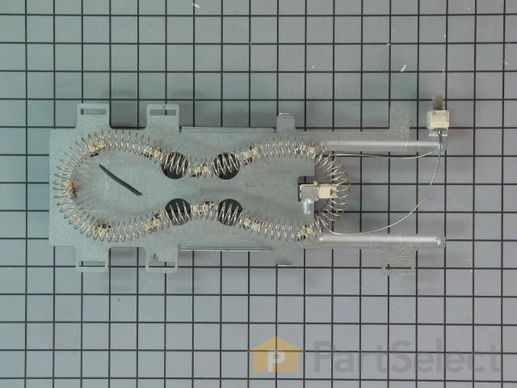
The 5400W, 240-volt heating element is supplied directly by the manufacturer for use in various models of dryers. It is responsible for generating the heat needed to dry your laundry effectively. It is found within the dryer housing, behind the drum. It consists of a coiled wire made of high-resistance material. The wire heats up when an electrical current flows through it and then transfers that heat to the surrounding air. This hot air is then circulated through the drum during the drying cycle. If the heating element becomes faulty, it will be unable to carry out this function leading to poor heating, damp clothes, and high energy usage.

$ 87.71
  In Stock
PartSelect Number PS11746337
Manufacturer Part Number WP8544771

Replacing your Whirlpool Dryer Dryer Heater Element
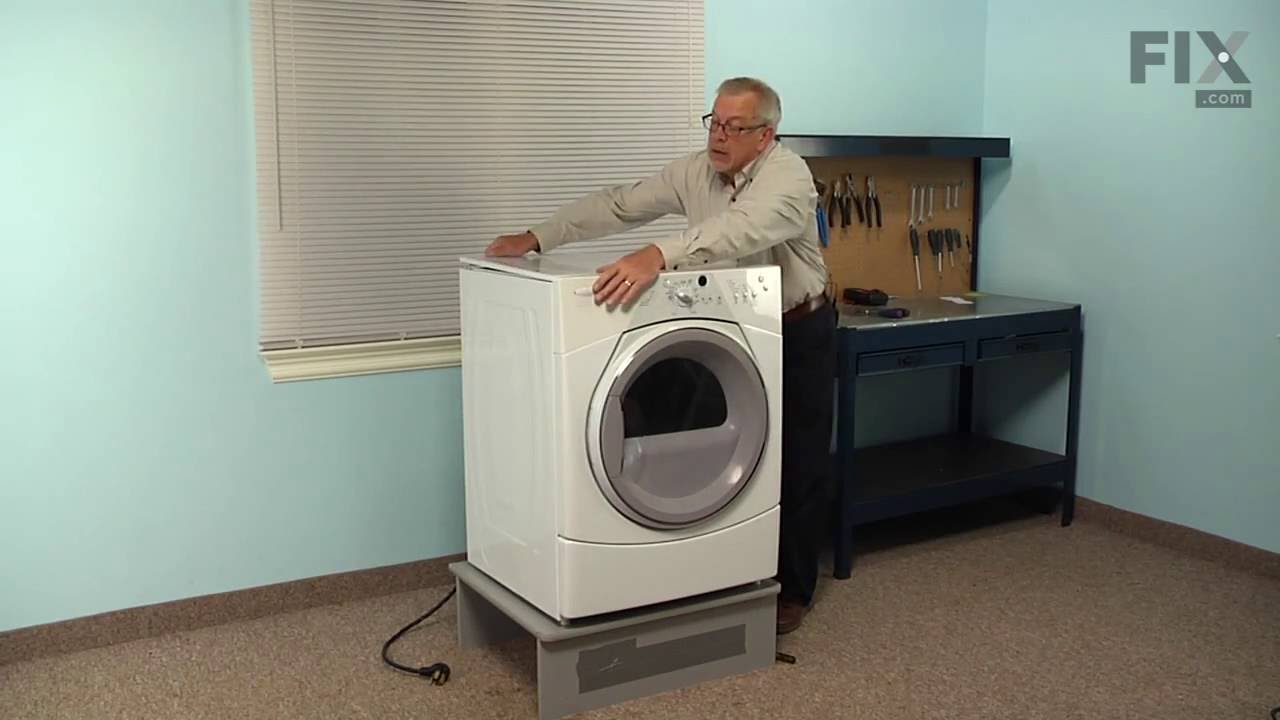
Replacing your Dryer Heater Element

Customer Repair Stories

Heater Element bad.
Followed video step by step. Perfect instructions. I’d only add that you should get and wear mechanics gloves. My hands got torn up by the sharp metal edges taking apart and putting it back together. Ouch!!
So happy with Partselect though. Super fast shipping and a perfect instructional video. Thanks!!

P.S. Wear gloves!!!
  • Christian from JOHNSTON, IA
  • Difficulty Level:
    A Bit Difficult
  • Total Repair Time:
    1- 2 hours
  • Tools:
    Nutdriver, Pliers, Screw drivers
9 of 10 people found this instruction helpful.
Was this instruction helpful to you?
Thank you for voting!
Had to replace heating element broken coil
Remove bottom panel was able to remove the element from the bottom without taking off the whole front and removing the drum simply remove the panel remove the two wires connected to the coil unbolted the bracket that was held on by two small bolts then removed the 4 bolts holding the bracket together was able to remove the heating element and then put everything back together did not have to remove the drum the top or the back panel To complete the repair I am not an appliance repair technician just a homeowner but I was still able to repair this myself and it’s working just fine
  • Carter from NORFOLK, MA
  • Difficulty Level:
    Easy
  • Total Repair Time:
    30 - 60 mins
  • Tools:
    Pliers, Socket set
19 of 19 people found this instruction helpful.
Was this instruction helpful to you?
Thank you for voting!
Fixes Symptom 23% of time

This dryer thermistor is a genuine replacement component designed to monitor and regulate internal temperature in Whirlpool dryers. Mounted on the blower housing, it plays a critical role in controlling the heating element by adjusting resistance as temperatures rise, signaling the control board to maintain safe and efficient drying conditions. A malfunctioning thermistor can result in symptoms such as no heat, overheating, premature cycle termination, or failure to start. It may also trigger fault codes like F-22, F-23, E1, or E2. Replacing the thermistor restores proper temperature regulation, protects the appliance from damage, and improves drying performance. Installation should be performed with the dryer unplugged and may require basic tools.

$ 31.88
  In Stock
PartSelect Number PS11746740
Manufacturer Part Number WP8577274

Replacing your Whirlpool Dryer Dryer Thermostat Internal bias
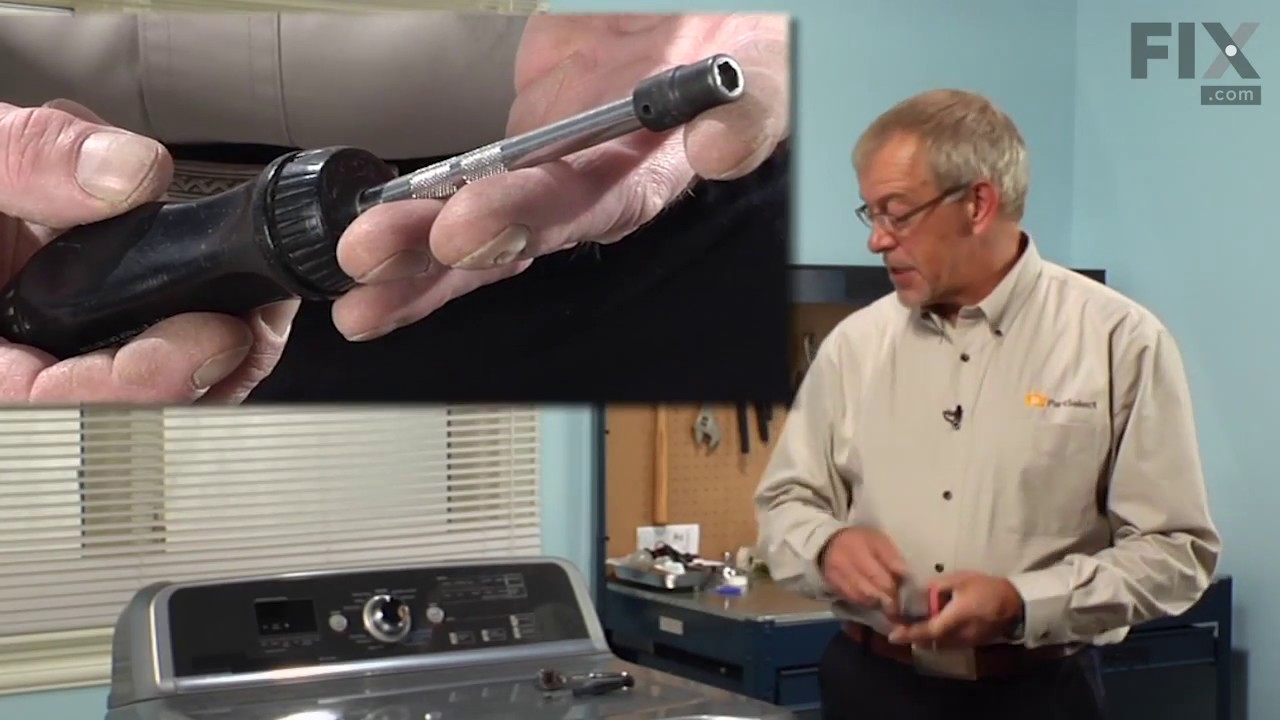
Replacing your Dryer Thermostat Internal bias

Customer Repair Stories

Dryer turns off after 1-2 minutes
I tried to follow directions followed by others on this site after diagnosing the problem via suggestions provided by users. I have a Whirlpool Duet dryer from 2002. We've had problems since moving about 3 years ago. I removed the front panel (lower) by unscrewing the two bottom screws (1/4" sheet metal screws). Then I took out the lint screen and the metal tube/contraption immediately beneath to get access to the area where thermistor is located. See the drawing/chart to help you locate this. It's really easier than it seems. Make sure you have the chart/drawing for your model - it makes difference! The thermistor came out pretty easily with a nutdriver that has a swivel offset shaft. Ask your hardware store tool dept. about that one. Put everything back in reverse order of course and test either with/without the front panel re-attached. In my case it fixed at least part of the problem. I was able to get clothes almost dry with most settings but I have yet to install the moisture sensor to see if that helps in addition to the internal-bias thermistor. I am the kind of person that does one thing at a time so at least I now know the thermistor was bad. Good luck and hang in there with your own repair. It's a lot cheaper even if it takes you longer to do than a pro.
  • Dixon from Santa Fe, NM
  • Difficulty Level:
    Easy
  • Total Repair Time:
    30 - 60 mins
  • Tools:
    Nutdriver
23 of 27 people found this instruction helpful.
Was this instruction helpful to you?
Thank you for voting!
Unit would shut down in the middle of cycle and flash E1 trouble code
Had to remove the back of unit to access the area of subject part by removeing 12 to 14 screws also the gas line had to be removed. Two screws held the part in place. Unit now runs normal.Saved alot on repair costs!!!!!
  • Jim from Tucson, AZ
  • Difficulty Level:
    A Bit Difficult
  • Total Repair Time:
    15 - 30 mins
  • Tools:
    Nutdriver, Screw drivers, Socket set
30 of 41 people found this instruction helpful.
Was this instruction helpful to you?
Thank you for voting!
Fixes Symptom 17% of time

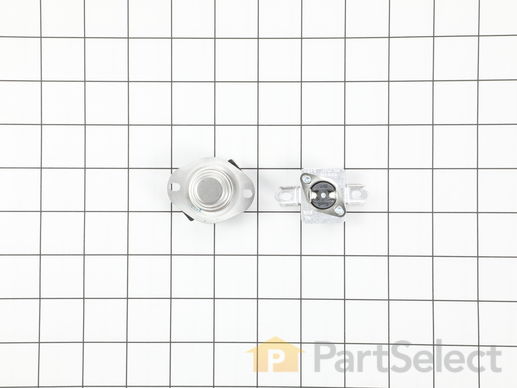
Also known as Thermal Cut-Off kit. The thermostat acts as a safety mechanism that keeps the dryer from overheating and the fuse is like a backup system - it's set to trip at a higher temperature than the thermostat. Once it trips, it has to be replaced.

$ 45.27
  In Stock
PartSelect Number PS334387
Manufacturer Part Number 279973

Replacing your Whirlpool Dryer High Limit Thermostat and Thermal Cut-Off Kit
Replacing your High Limit Thermostat and Thermal Cut-Off Kit

Customer Repair Stories

Dryer not heating
Open breaker and ensure power was off. Checked heating components for continuity.Found thermal fuse had an open circuit.Replaced High limit thermostat and thermal fuse.Now is a good time time check for free flowing vent piping.I discovered mine was crimped below the floor and caused lint build up and obstructing the flow which could have led to the thermal fuse blowing.I replaced the vent piping as well.My wife says the dryer works better now than it ever has.
  • Stephen from Andalusia, AL
  • Difficulty Level:
    Easy
  • Total Repair Time:
    30 - 60 mins
  • Tools:
    Nutdriver, Wrench (Adjustable)
14 of 25 people found this instruction helpful.
Was this instruction helpful to you?
Thank you for voting!
Flashing E1 code for a bad thermistor
I replaced the thermistor earlier, but the code was still flashing. I noticed the heater terminals were charred and pretty well covered in carbon. So, I replaced the heater, the thermostat and thermal fuse and replaced the 3/8" spade terminals on the heater wires. (These are hard to find - most electrical spades terminals are .250. Also, I crimped and soldered these for a connection with the lowest resistance possible). After all that, the code still flashed! I let the explatives fly, calmed down, and ran the control board test. (This is done by pressing "more time" "less time" "more time" "less time" in succession.) The control board was passing all the tests, but the thermistor test, and the only thing is in this circuit is the thermistor, the wires, the connector to the control board, and some circuit on the control board that involves a few resistors and the "brain" chip. So, I checked the terminals at the thermistor, the wires up to the control board and the connector at the board. The control board connector was fairly dust encrusted, so I unplugged it, cleaned the control board terminals and sucked away all the lint and dust. Finally, I carefully removed earch crimp terminal from the Molex connector (the white female connector) and cleaned and bent them to yield a better connection to the terminals on the control board. I put it all back together, and thus far it is working fine.
  • John from Cedar Rapids, IA
  • Difficulty Level:
    A Bit Difficult
  • Total Repair Time:
    30 - 60 mins
  • Tools:
    Nutdriver, Pliers, Screw drivers
19 of 28 people found this instruction helpful.
Was this instruction helpful to you?
Thank you for voting!
Fixes Symptom 11% of time

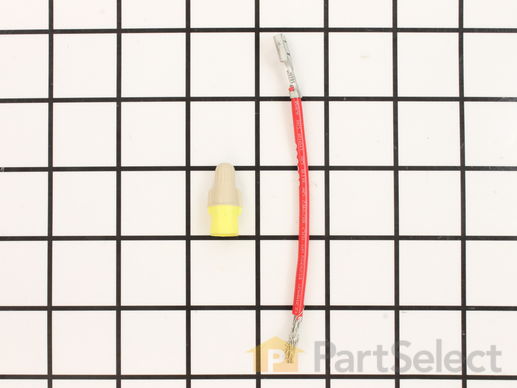
This kit is used for electric clothes dryers, and it comes with a yellow wire nut.

$ 9.40
  In Stock
PartSelect Number PS334206
Manufacturer Part Number 279457

Replacing your Whirlpool Dryer Heating Element Connection Wire Kit
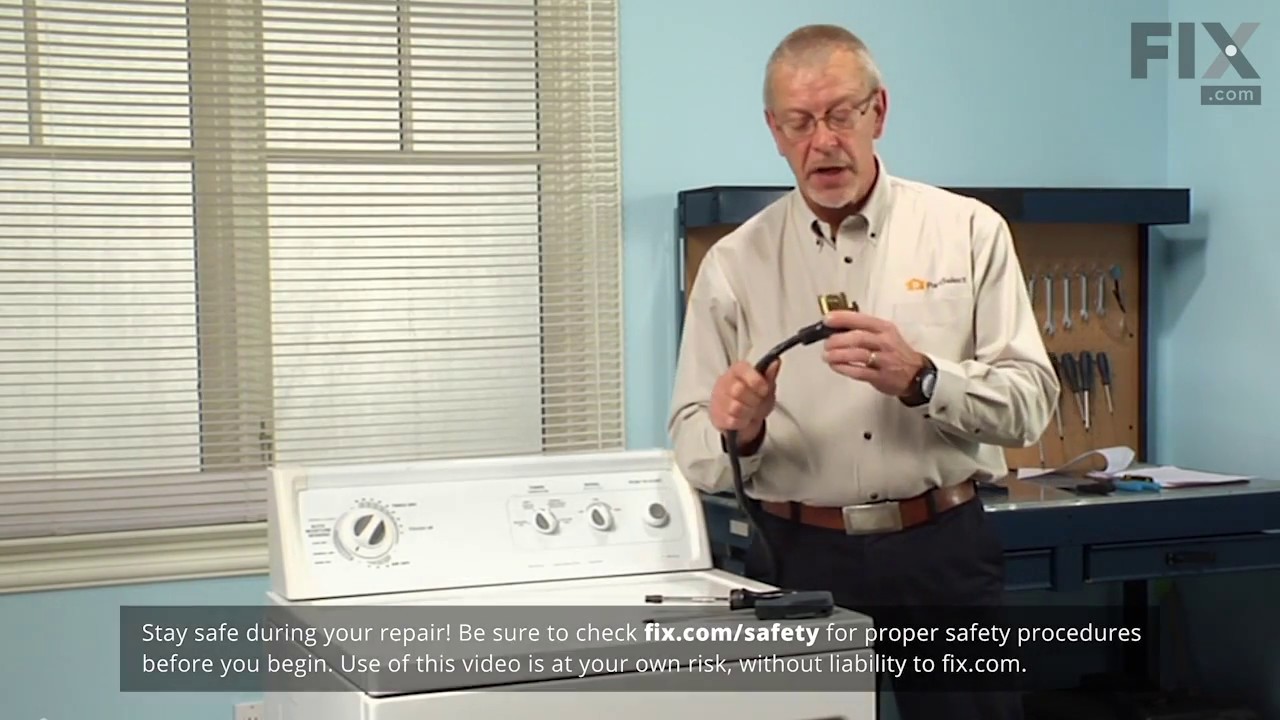
Replacing your Heating Element Connection Wire Kit

Customer Repair Stories

couldn't get the wire connection anywhere after we bought the heating element.
we received the two heating element wires in 3 days and connected the heating element with no problem works great.
  • Betty from Erie, PA
  • Difficulty Level:
    Really Easy
  • Total Repair Time:
    15 - 30 mins
  • Tools:
    Socket set
5 of 5 people found this instruction helpful.
Was this instruction helpful to you?
Thank you for voting!
Dryer stopped heating
(Always unplug dryer before making any repairs) I opened the dryer and checked the heating element. Making sure that the connection was good and nothing was damaged, I determined the problem was overheated wires. They melted and lots connection. I replaced them with the heating element wire connection kit. Easy to install and simple to get right. I cleaned the dryer again with a vaccum cleaner, removing all the lint, and checked the vents, making sure they were clear...I turned the breaker on (it was tripped when the dryer overheated)and everything worked great.
  • Joseph from Austin, TX
  • Difficulty Level:
    Really Easy
  • Total Repair Time:
    15 - 30 mins
  • Tools:
    Screw drivers, Socket set
6 of 7 people found this instruction helpful.
Was this instruction helpful to you?
Thank you for voting!
Fixes Symptom 5% of time

This is the moisture sensor for your dryer. It helps detect the amount of moisture in your clothes during the dryer cycle. If you notice your clothes are still wet after an automatic dryer cycle is done, you may need to replace the sensor. You will find the moisture sensor behind the lint screen. Be sure to disconnect the power source from the dryer before you begin this repair. Note: Some model's require two sensors, please order quantity needed. Sensor only, harness is not included. This part is sold individually.

$ 9.40
  In Stock
PartSelect Number PS11741408
Manufacturer Part Number WP3387223

Replacing your Whirlpool Dryer Moisture Sensor
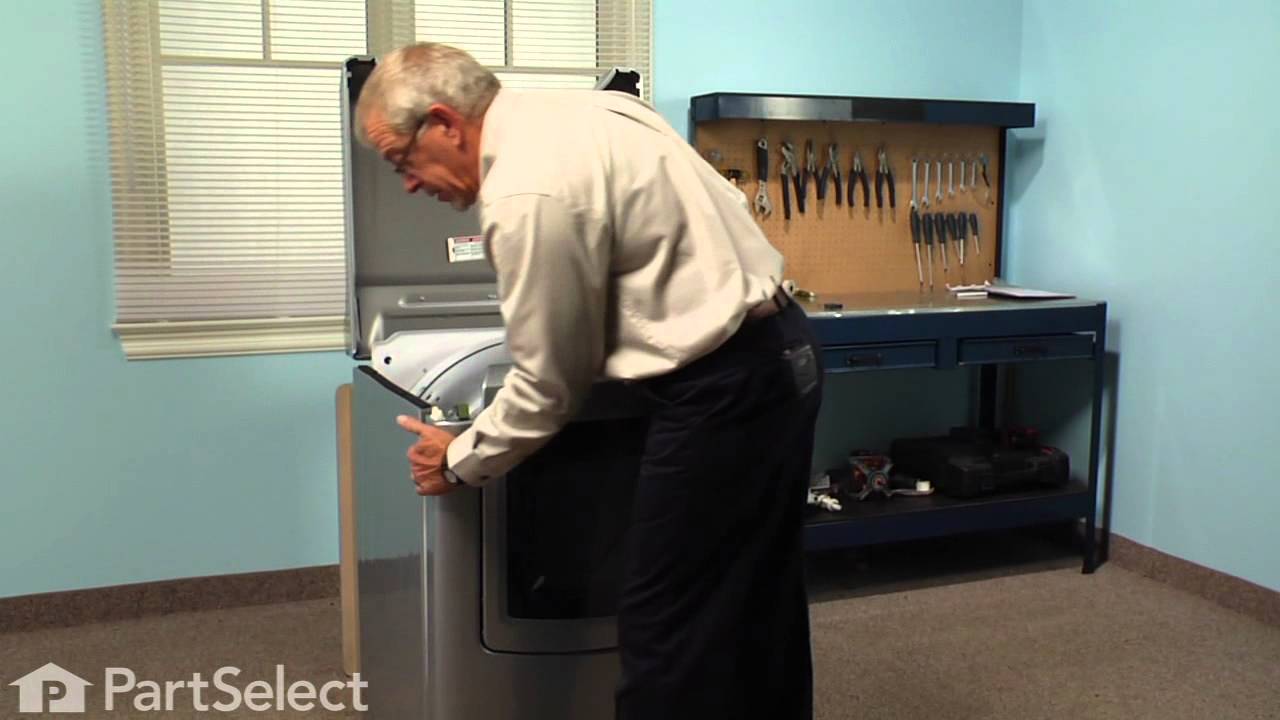
Replacing your Moisture Sensor

Customer Repair Stories

not drying completely on the automatic settings
Not a handyman but this was an easy and cheap fix. Now the automatic settings are working and drying much faster. Unplug machine, front panel has 2 spring clips toward the edges that you stick a flat tool into and pull on the panel to open. Pull off the electrical connections from the old sensors by the right side of the lint screen. Needlenose pliers help with the one farther up there. Then just pull the old ones sensors out, stick the new ones in, reconnect the electrical and get ready to live the good life with dry clothes that don't smell musty.
  • Jason from Colorado Springs, CO
  • Difficulty Level:
    Easy
  • Total Repair Time:
    Less than 15 mins
  • Tools:
    Pliers
3 of 3 people found this instruction helpful.
Was this instruction helpful to you?
Thank you for voting!
Moisture sensors need replacement
Inside the dryer tub, remove the filter housing by removing two phillips head screws. Unplug the sensor wires, note when replacing wires, black wire goes on upper sensor.
Separate filter grill from housing. Using the pliers, compress the tabs on the sensor plugs and push it thru the grill. The small blade screwdriver may come in handy here to pry up on sensor to assist in pulling the plug end through the grill. Replace the sensors by hooking short end into grill and pushing the long end through the grill. When replacing the housing to the dryer, the most difficult thing is getting the screwdriver onto the recessed screws. Be sure to put the tab on top of the housing under the dryer frame when rotating the assembly into place.
  • Jack from JONESBORO, AR
  • Difficulty Level:
    Easy
  • Total Repair Time:
    30 - 60 mins
  • Tools:
    Pliers, Screw drivers
20 of 24 people found this instruction helpful.
Was this instruction helpful to you?
Thank you for voting!
Fixes Symptom 5% of time

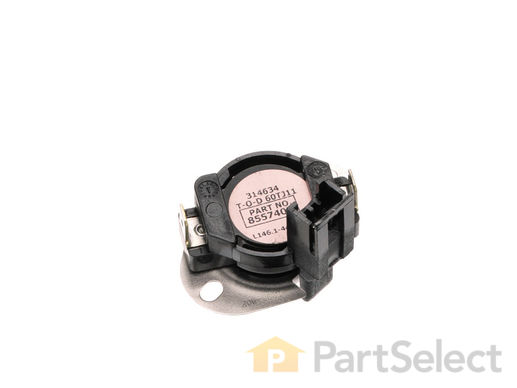
This high limit thermostat is an essential safety component for dryers, designed to automatically shut off the heating element if the internal temperature exceeds safe operating levels. By regulating heat output, it helps prevent overheating and potential damage to the appliance. This OEM replacement part ensures reliable performance and compatibility with select dryer models. Installation should be performed with the dryer unplugged, and appropriate safety precautions—such as wearing protective gloves and consulting the appliance manual—are recommended to ensure a safe and accurate repair.
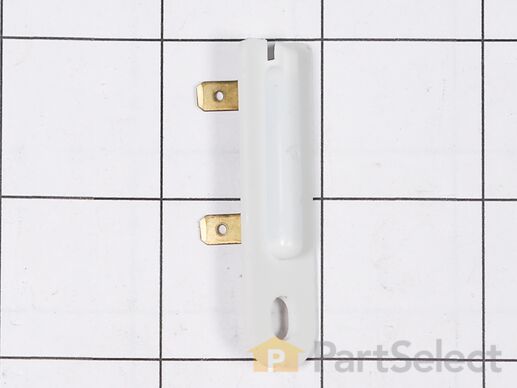
$ 69.31
  In Stock
PartSelect Number PS11746386
Manufacturer Part Number WP8557403
Fixes Symptom 4% of time

This is a manufacturer-made thermal fuse for clothes dryers. The thermal fuse is a safety component within dryers to shut off power to the heating element if the temperature rises above a specific temperature threshold. If your dryer is experiencing problems heating up or starting, this thermal fuse may be bad and likely needs to be replaced. Replacing this thermal fuse may require some disassembly of your dryer but should only need a screwdriver and wrench. This thermal fuse is sold as an individual OEM part and does not come with any other accessories.
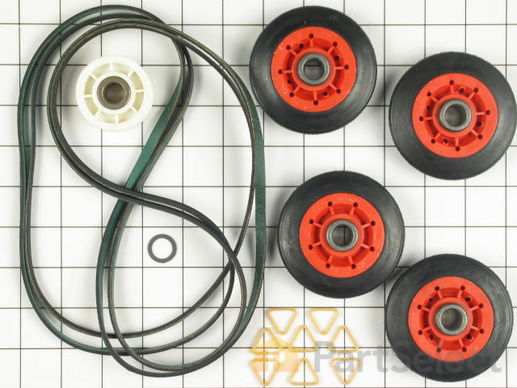
$ 52.99
  In Stock
PartSelect Number PS11766766
Manufacturer Part Number W10909685
Fixes Symptom 1% of time
★★★★★
★★★★★
3 Reviews

This Whirlpool Dryer Repair Kit is a convenient solution for fixing noise and drum movement problems in 27-inch dryers. Compatible with models from Whirlpool, Kenmore, Maytag, and more, the kit includes a drive belt, drum support rollers, an idler pulley, mounting clips, and a washer. It’s designed for straightforward installation using standard tools, and should only be installed after disconnecting power. Ideal for restoring smooth, quiet dryer performance, this kit combines essential components in one package to save time and effort during repairs. Installation requires disassembling the dryer to replace parts using standard tools. Ensure the dryer is unplugged before starting. This durable OEM kit provides reliable repairs for quieter, more efficient operation.

$ 38.06
  In Stock
PartSelect Number PS373088
Manufacturer Part Number 4392067

Replacing your Whirlpool Dryer Dryer Repair Kit
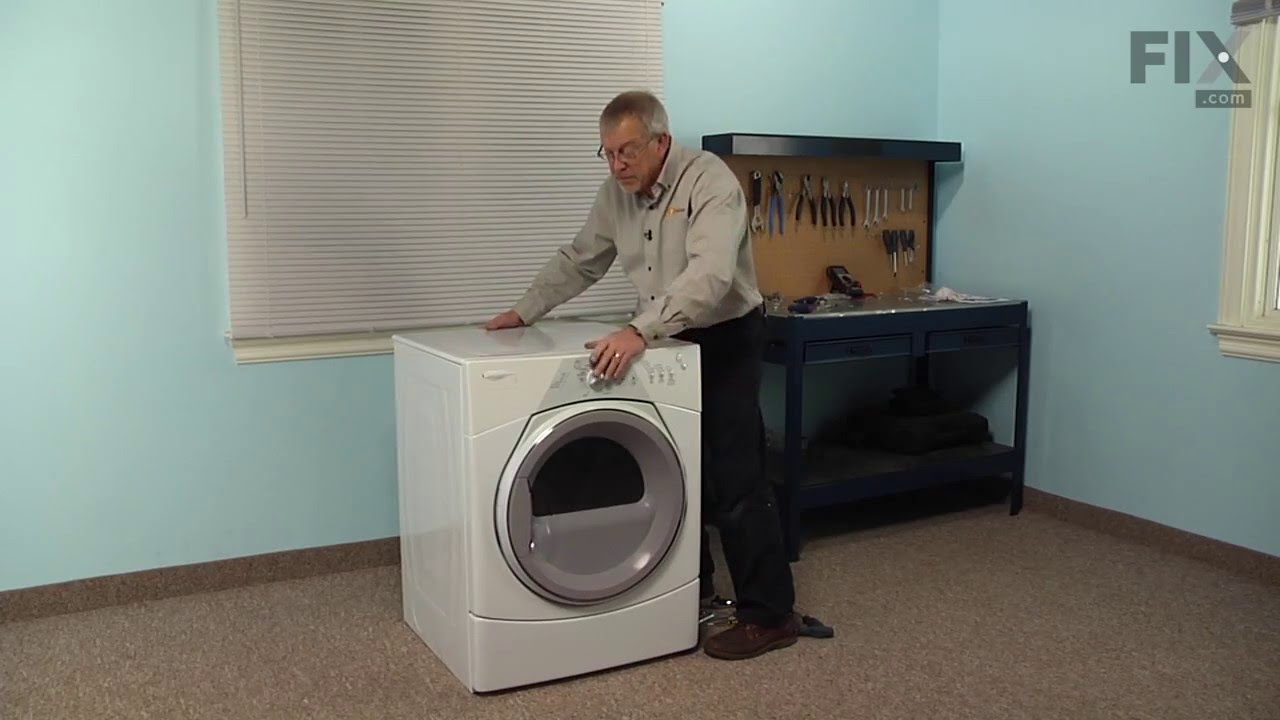
Replacing your Dryer Repair Kit

Customer Repair Stories

Squeaky Dryer Noise
I purchased the dryer repair kit with the drum belt, wheels and idler pulley. I watched the instructional videos online and it seemed fairly straight forward. Breaking down the dryer and replacing the pulleys was easy enough. My problem began when I tried to feed the drum belt around the idler pulley. After finishing the job, the dryer would not turn and the sensor light stayed on. I thought something else was broken with the dryer and spent hours trouble shooting other problems that I was having. Finally I figured out that the drum belt was not installed correctly around the idler pulley. However, I could not get it properly installed from the front of the machine so I tried from the rear still with no avail. I finally had to fish the old belt out of the garbage can that I had thrown away earlier. I lined up the old belt with the new one in the kit and discovered that the new belt was much smaller, so I put the old one back on the drum. Here's the lesson I learned...make sure the belts are the same size before attempting to install. The old idler was responsible for the squeaking and that stopped but I am still using the same old drum belt. Hope it lasts.
  • Eddie from PELZER, SC
  • Difficulty Level:
    A Bit Difficult
  • Total Repair Time:
    More than 2 hours
  • Tools:
    Nutdriver, Screw drivers
84 of 93 people found this instruction helpful.
Was this instruction helpful to you?
Thank you for voting!
very loud squeeling sound
The issue was the idler pulley. First I began opening up the front panel based on a youtube video but soon realized the model was slightly different and required a lot more items to remove. I saw the pulley in the back with nothing in the way so I put the front panel crap back on and removed the rear panel. There it was, very simple to remove and replace. I'm not looking forward to drum rollers though. Hopefully they're aren't as difficult as they appear.
  • jason from HOLDEN, MA
  • Difficulty Level:
    Really Easy
  • Total Repair Time:
    30 - 60 mins
  • Tools:
    Socket set
105 of 113 people found this instruction helpful.
Was this instruction helpful to you?
Thank you for voting!