Your coupon for will be reflected when you check out!
✖
Your coupon for
✖
Hello!
You're visiting the PartSelect site in U.S.
Would you like to shop on the Canadian site?
Stay on this site
Go to Canadian site
✖
Model Number Locations
1Select Category Type
Select Category Type
2Select Product Type
Select Product Type
3Select {MODEL} Type
Select {MODEL} Type
Sample Model Number Tags
Model numbers can be made up of numbers (1005400, for example) or a combination of letters and numbers (LAT1000AAE). The model number will most likely appear on either a paper sticker or a metal plate. Your appliance's model number tag may look similar to the sample model number tags shown here (model number highlighted in yellow):
Model has been saved to My Models. If you're not signed in, your lists are available on this device and will expire within 30 days.
Model has been saved to My Models.
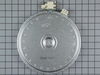
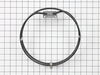
This is a large dual haliant element with a limiter or sensor for glass cooktops and freestanding ranges. It is a 2500-watt part. The inner diameter measures 9 inches, while the outer diameter measure...
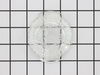
This part is the replacement oven bulb lens cover. It is made of glass and is approximately 3 inches in diameter. The lens cover is rigid and protects the oven light bulb from being damaged. The main ...
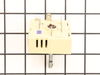
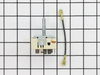
This part is sold individually and is for ranges. The control switch turns the surface element on and off and determines the temperature of the element. This will need to be changed if the control swi...
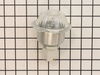
The light housing is also known as a lamp holder and is a part for the oven in your range. The function of this piece is to hold the bulb that will light up the inside of your oven. As per the manufac...
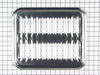
This large broiler pan is found in the bottom of your oven and is used to catch drippings from broiling foods. This part includes the grate and bottom pan and is made of porcelain. The grate measures ...
This infinite control switch is designed to regulate the heat output of dual surface burners on ranges and cooktops. It manages both the inner and outer heating coils of dual-element burners by cyclin...
Introducing GEs 6 Inch Heating Element, the ultimate solution for your appliance repair needs. Authentic and guaranteed for quality, this radiant surface element is designed to be the perfect replacem...
Meet the authentic GE Fan Blade?a dependable and top-notch replacement part for your room air conditioner. This critical component plays a key role when it comes to air circulation within your unit's ...
This repair is EASY if you know how to use an ohm meter. If not, seek help for this step.
SYMPTOM: The oven (JKP27WOP3WG or JKP27WP3WG and many ovens like it ) was not getting hot enough. Verifying the cooking temperature with an typical oven thermometer, I was able to determine that the oven was cooking temperature was
... Read more about 150 degrees to low.
FAILURE POINTS: There are two logical failure points (1) The oven sensor ( WB21X5301 about $75), or the (2) the controller board (PS238233 about $252). In my case it was the controller board. When replaced the oven worked beautifully.
REPAIR: As with any repair, you MUST DISCONNECT POWER TO THE UNIT BEFORE SERVICING!!!
Pull oven from the wall: - Disconnect power by flipping the circuit breaker to the OFF position. - Remove the top flange / cowling from the top of the oven (it just pulls off) - Remove two screws under the top flange / cowling - The whole unit easily slides out, but it is highly recommended that you use two people to place the oven on the floor.
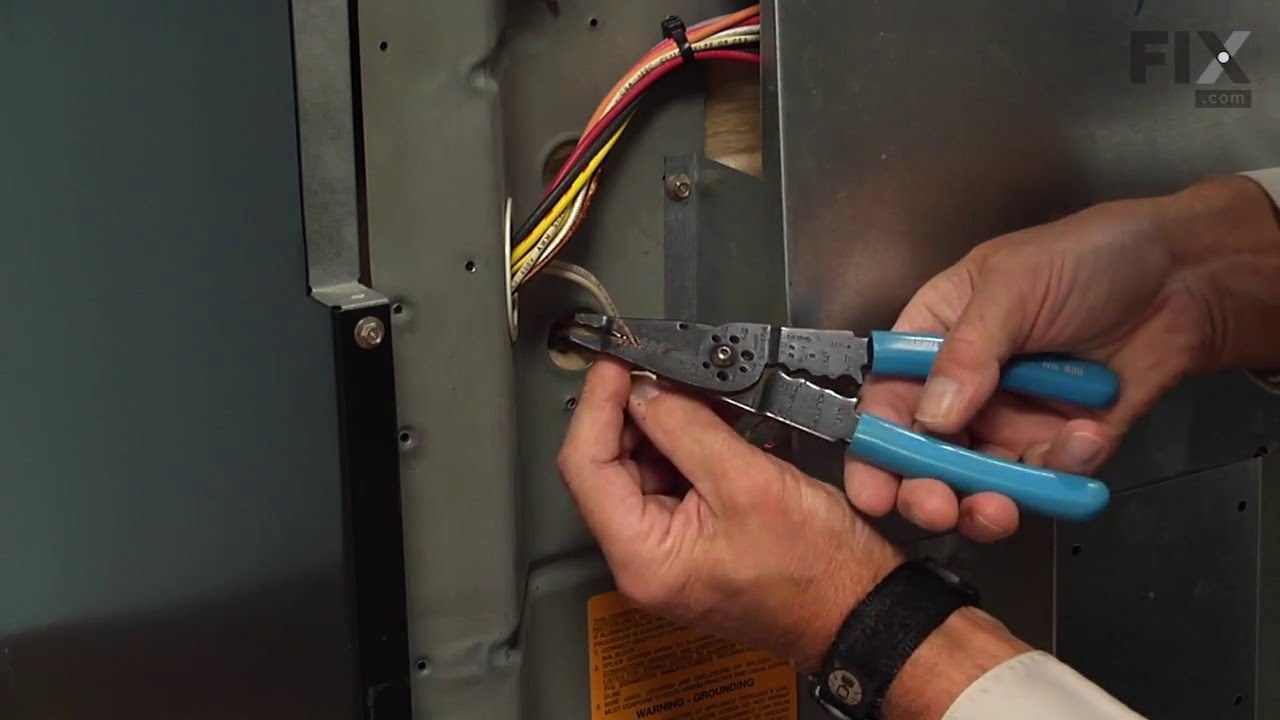
As a diagnostic between these two parts, if the oven sensors measure approximately 1.1K ohms of resistance at room temperature, then it is probably not the sensor. The oven sensor wires are connected to two white wires that run up to the controller board. You need to disconnect the oven sensor to make the measurement. You may either completely remove the oven sensor by cutting the wire (be sure to allow yourself enough slack so that they may be safely reconnected) where it connects to the white wires, OR, (preferred method) if leaving the oven sensor partially installed, - Remove the top sheet metal cover (10 screws) - Remove the service connect cover (2 screws - this is where the main Power cord comes into the unit) - Disconnect the white wires from the controller board (this connector which also includes other circuits is on the left side when looking at the controller board). - Remove two screws from oven sensor but just let in dangle down so that you can put the sensor in the ice water / boiling water.
Measure the resistance under the following conditions. Your ohm meter should read APPROXIMATELY... - 1.02K ohms in ice water - 1.09K ohms at room temperature - 1.36K ohms in boiling water. If you get approximately these readings, then it is NOT the oven sensor. If that checks out then re-install the sensor AND the connector.
If it is NOT the sensor, replace the controller board. - Take a moment to write down the color of the wire to the LETTERING (N, L, G, C / COM,,,) on the controller board. The connectors are in different locations on the new controller board so the wire color to the letter designation is significant. - Carefully remove the wires one at a time - VERY carefully remove the keypad ribbon cable from the right side of the controller board. -- The ribbon cable will disconnect by releasing some little pressure clips on the side of the connector. - Remove the controller board (4 screws) - Install new controller board (4 screws) - VERY carefully connect the keypad ribbon cable on the right side. -- Make sure that the connector is in the OPEN position first, then, -- Slide in the cable ensuring that all parts of the ribbon made it into the connector, then -- Press down on the connector locking tabs. - Reconnect each wire to the correctly lettering on the board. -- Again, the connectors MAY BE in a different order on the replacement controller board. Match color to letter. - Reconnect the (5 wire?) connector that includes the white oven sensor wires. - Make sure everything looks normal, (i.e. no wires are pinched, remove tools from top of oven area, etc.) - Re-install top cover. - Re-install service connect cover.
You can test the unit while it is out of the cabinet, - Make SURE that all sheet metal covers are in place. - Flip power breaker to "On". - Test that oven gets to the desired temp.
This was really easy, and pretty with no problems or issues It took me longer to write this than to do the actual installation. I used a digital camera to help me remember where things were, but a pen/paper works fine. Here's what I did:
1. Turn off the breaker for the cooktop.
2. Remove (2) 1/4" hex screws directly
... Read moreunder cooktop. You may need to open oven door to reveal them.
2. Prop up cooktop. I used the box the replacement element came in.
3. The element is held in place with (3) brackets held in by a #2 philips screw each. Mark the location of each of the brackets. There are numbers on the element to help you do this.
4. Write down where each of the wires connects to the element. There's only a few of them, but I tend to forget that stuff. The wires have female spade-type connectors that connect to the male ends on the element.
5. Using a needle-nose or small pliers wiggle each wire off the element. Grab the wires by the end of the female connector when you do this. I found it helpful to use a small flat screwdriver to help pry them off. Mine were on pretty tight, so expect this to take a few mins. If you have problems getting to the wires, remove the brackets (next step) first and come back to this one. I let the element hang from the wires without any problems, but I still wouldn't recommend it.
6. Remove each of the screws with a #2 philips screwdriver. Support the element with your hand and gently pull each bracket away from the element. Once they're all gone, the element should just come out. I took a look at my old element and saw that the large burner wires were melted in a couple places, so it was definitely broken.
7. If necessary, clean the underside of the cooktop surface with a clean papertowel. There was a little dust from the old element on mine.
8. Connect the new element and test to make sure it works by turning on the breaker and turning on the burner for a second or two. Note: This will make the top of the element hot for some time, so test it and go away for a few mins. If it works OK, proceed. If not, disconnect and figure out what else may be wrong.
9. Using the old element, make copies of the marks you made for the bracket locations onto the new element. You'll have to punch through the insulation when re-attaching the screws.
10. Re-wire the new element, if necessary and re-attach the brackets over the marks you made. This may be a pretty tight fit because the new element was thicker than the old on mine. I opened up the brackets a bit to make it not so hard to re-attach. Hook the brackets on and squeeze them over the element. The holes in the brackets need to line up with the holes drilled into the bottom of the element. If they don't, spin the element around (or detach and re-attach the brackets) till they do.
11. Screw in the (3) screws over the brackets pushing them through the insulation on the element.
12. Close the cooktop and reattach the hex screws under it (1/4" hex).