Your coupon for will be reflected when you check out!
✖
Your coupon for
✖
Hello!
You're visiting the PartSelect site in U.S.
Would you like to shop on the Canadian site?
Stay on this site
Go to Canadian site
✖
Model Number Locations
1Select Category Type
Select Category Type
2Select Product Type
Select Product Type
3Select {MODEL} Type
Select {MODEL} Type
Sample Model Number Tags
Model numbers can be made up of numbers (1005400, for example) or a combination of letters and numbers (LAT1000AAE). The model number will most likely appear on either a paper sticker or a metal plate. Your appliance's model number tag may look similar to the sample model number tags shown here (model number highlighted in yellow):
Model has been saved to My Models. If you're not signed in, your lists are available on this device and will expire within 30 days.
Model has been saved to My Models.
The temperature sensor, also known as the oven temperature sensor assembly is usually found in the back of the oven. The function of the oven temperature sensor assembly is to measure the temperature ...
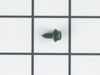
This part is a replacement screw for your oven. It is made of black metal and is sold individually. This screw is approximately 1/4 inch in diameter and about 1/2 inch in length. It is designed to con...
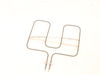
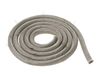
This broil element assembly is designed to deliver high-intensity heat from the top of the oven, making it essential for effective broiling. Positioned in the upper compartment, it directs radiant hea...
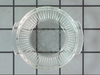
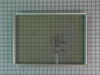
Introducing the GE Door Middle Glass, a crucial component for your wall oven. This heat-resistant glass is ingeniously placed in the middle of the oven door window, assuring you maintain a clear view ...
Having trouble maintaining the perfect temperature in your appliance? We've got you covered. This thermostat, an authentic Whirlpool part, is designed to help you regain control over your appliance's ...
Ask our experts a question about this model and we'll get back to you as soon as possible!
4 questions answered by our experts.
Sort by:
< Prev
1
Next >
Search filter:
Clear Filter
Your search term must have 3 or more characters.
Keep searches simple. Use keywords, e.g. "leaking", "pump", "broken" or "fit".
Sorry, we couldn't find any existing answers that matched.Try using some different or simpler keywords, or submit your new question by using the "Ask a Question" button above!
Kerri
November 8, 2021
Where’s does the bottom trim cab attach
For model number JKP30SM1SS
Hello Kerri, Thank you for the question. The Bottom Trim attaches by 3 screws to the underside lip of the Oven Cabinet. We hope this helps!
Was this helpful?
Thank you for voting!
Neil
January 27, 2023
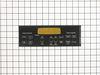
I need to replace the control panel overlay on my oven but the original overlay appears to be discontinued. Do you sell the retrofit kit for the control panel? What is the model number and cost?
For model number JKP30SM1SS
Hello Neil, thank you for your question. We do have one that is for retrofitted models only. The Black Overlay is part PS2370149. The Retrofit Panel and Bracket assembly is part PS2370355 ( item 1001) on our website. Please see the site for the most current pricing. We are pleased to have been able to help.
Can just the touch pad and overlay be replaced on model jkp30sm1ss. Nothing wrong with the panel just the paper indicators falling off and no way to read which button to push! Do not need a whole new panel.
For model number JKP30SM1SS
Hello Mary, thank you for the great question. We have researched and found the part you are looking for is part number PS2370149. Please reach out to customer service if you need help placing an order, anyone will be happy to assist you. We hope that helps.
It takes a long time for the oven to reach temperature, how many heating elements does it have and how do I replace them. Thank you
For model number JKP30SM1SS
Hello Mark, thank you for getting in touch. Your model comes with 2 heating elements. Based on our understanding of the issue, the problem seems to be most probably with the temperature sensor instead of heating elements. We would recommend checking the temperature sensor, part number PS10059162, to solve the problem. We hope this helps!
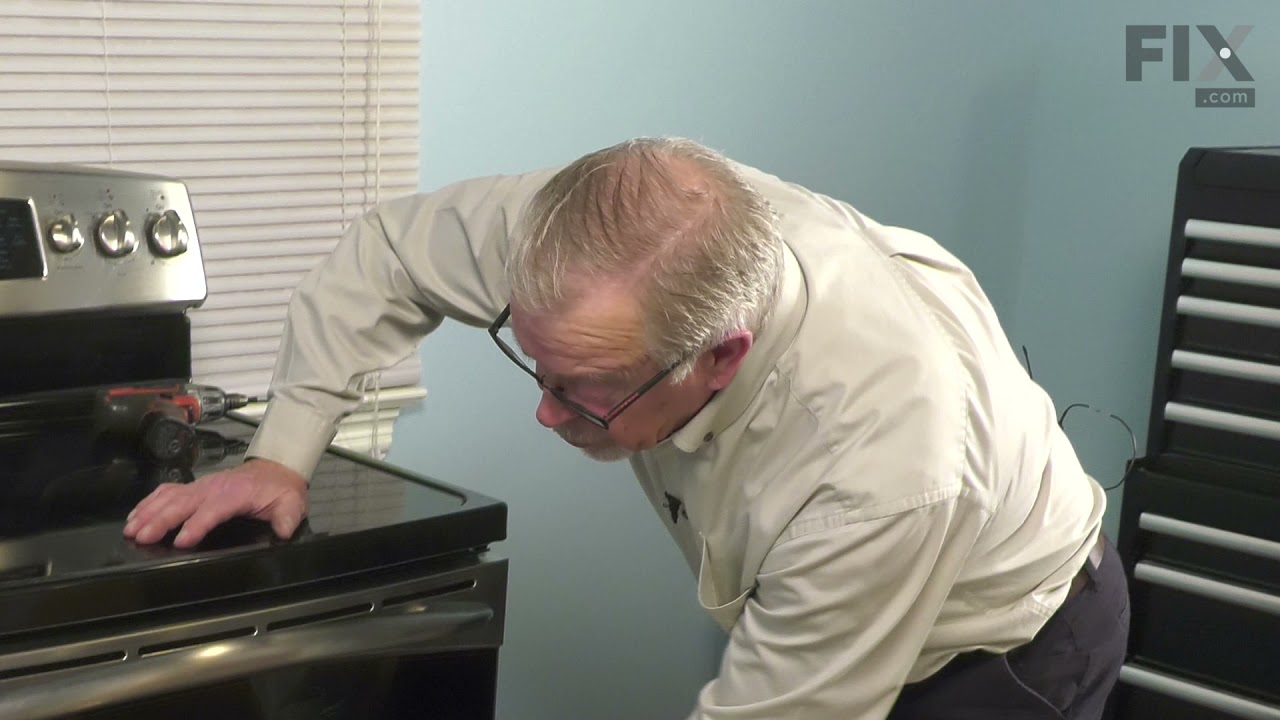
Removed six 1/4" hex nuts on rear of oven. Then through front/inside removed a single 1/4" hex nut to actually remove sensor. Unplug sensor connector, remove. Reversed steps, push oven back in place and plugged in. Tested oven function.
Unplugged appliance and removed 5 screws on back of stove/oven and removed plate. Disconnected the sensor and unscrewed it on the inside of the oven. Pulled the cord through and replaced with new sensor. Replaced all parts and plugged in the appliance and tested. Worked great.
1) pull out the stove 2) remove the 7 sheet metal screws holding the back panel on. (the panel that also covers where the cord splits and connects to the oven. 3) Find the small plastic connector located in the middle of the back of the range and unplug it. 4) open the front of the oven and remove the one screw holding in
... Read morethe oven temp sensor. 5) replace the sensor and make sure to "feed" the new cord through as best you can. 6) I had to dig through the insulation a little bit to find the new wiring harness 7) connect the wiring harness and put the back of the range back on
note: this was very simple to do if you think this might be the problem don't hesitate to handle this one yourself.