Your coupon for will be reflected when you check out!
✖
Your coupon for
✖
Hello!
You're visiting the PartSelect site in U.S.
Would you like to shop on the Canadian site?
Stay on this site
Go to Canadian site
✖
Model Number Locations
1Select Category Type
Select Category Type
2Select Product Type
Select Product Type
3Select {MODEL} Type
Select {MODEL} Type
Sample Model Number Tags
Model numbers can be made up of numbers (1005400, for example) or a combination of letters and numbers (LAT1000AAE). The model number will most likely appear on either a paper sticker or a metal plate. Your appliance's model number tag may look similar to the sample model number tags shown here (model number highlighted in yellow):
Model has been saved to My Models. If you're not signed in, your lists are available on this device and will expire within 30 days.
Model has been saved to My Models.
The temperature sensor, also known as the oven temperature sensor assembly is usually found in the back of the oven. The function of the oven temperature sensor assembly is to measure the temperature ...
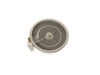
This 9-inch dual radiant element is a genuine replacement component designed for use in electric ranges and cooktops. Positioned beneath the main glass cooktop surface, it provides the high, consisten...
This part is a replacement lens for your oven or range. The lens is red in color, and when the elements are turned on, the light behind the lens will turn on to inform the user that the element is, in...
This replacement haliant surface element is designed for use with flat-top ranges and cooktops, positioned beneath the glass surface to supply consistent heat to the cooking area. Measuring approximat...
The GE Oven Door Window Pack Assembly is a genuine OEM part that fits select GE ranges and ovens. It includes a heat-resistant inner glass panel, frame, and seals, providing insulation and clear visib...
This part provides a way of connecting individual electrical wires and offers protection of the device from electrical surges (voltages and/or currents).
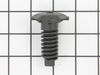
This part is a replacement screw for your oven. It is made of black metal and is sold individually. This screw is approximately 1/4 inch in diameter and about 1/2 inch in length. It is designed to con...
Ask our experts a question about this model and we'll get back to you as soon as possible!
2 questions answered by our experts.
Sort by:
< Prev
1
Next >
Search filter:
Clear Filter
Your search term must have 3 or more characters.
Keep searches simple. Use keywords, e.g. "leaking", "pump", "broken" or "fit".
Sorry, we couldn't find any existing answers that matched.Try using some different or simpler keywords, or submit your new question by using the "Ask a Question" button above!
Tess
June 26, 2022
When trying to turn on stove or even burners on top, the stove acts as if it working but will not heat up the burner or oven. Is there a fuse for this model #
For model number JB705ST2SS
Hello Tess, Thank you for the question. This model does not have a fuse. We suggest checking the wiring for damage or lose connections. If you need help placing an order, customer service is open 7 days a week. Please feel free to give us a call. We look forward to hearing from you!
Was this helpful?
Thank you for voting!
Jean
December 27, 2024
Beeper no longer works. Use to beep when pushing buttons. Use to beep when oven temp reached. No beeps now.
For model number JB705ST2SS
Hello Jean, Thank you for your inquiry. It could be that the tone has either been turned off or the volume lowered. According to the owners manual we have a copy of listed on our site, on page 25 it mentions on how to turn the tone off or change the volume. You can try hitting the BROIL HI/LO and BAKE pages at the same time until the display shows SF. Touch the BROIL pad, it should then show CON BEEP if it is set properly, and if not then touch the BROIL pad until it does and then hit START. To change the volume, press BROIL HI/LO and BAKE at the same time until the display shows SF, then hit the COOK TIME pad which changes the volume each time it is pressed LO BEEP, STD BEEP, HI BEEP or OFF. Once it is at the volume you need, hit the START pad to activate the level shown. If this does not fix the issue, then the control board may be at fault. Good luck with your repair.
Removed six 1/4" hex nuts on rear of oven. Then through front/inside removed a single 1/4" hex nut to actually remove sensor. Unplug sensor connector, remove. Reversed steps, push oven back in place and plugged in. Tested oven function.
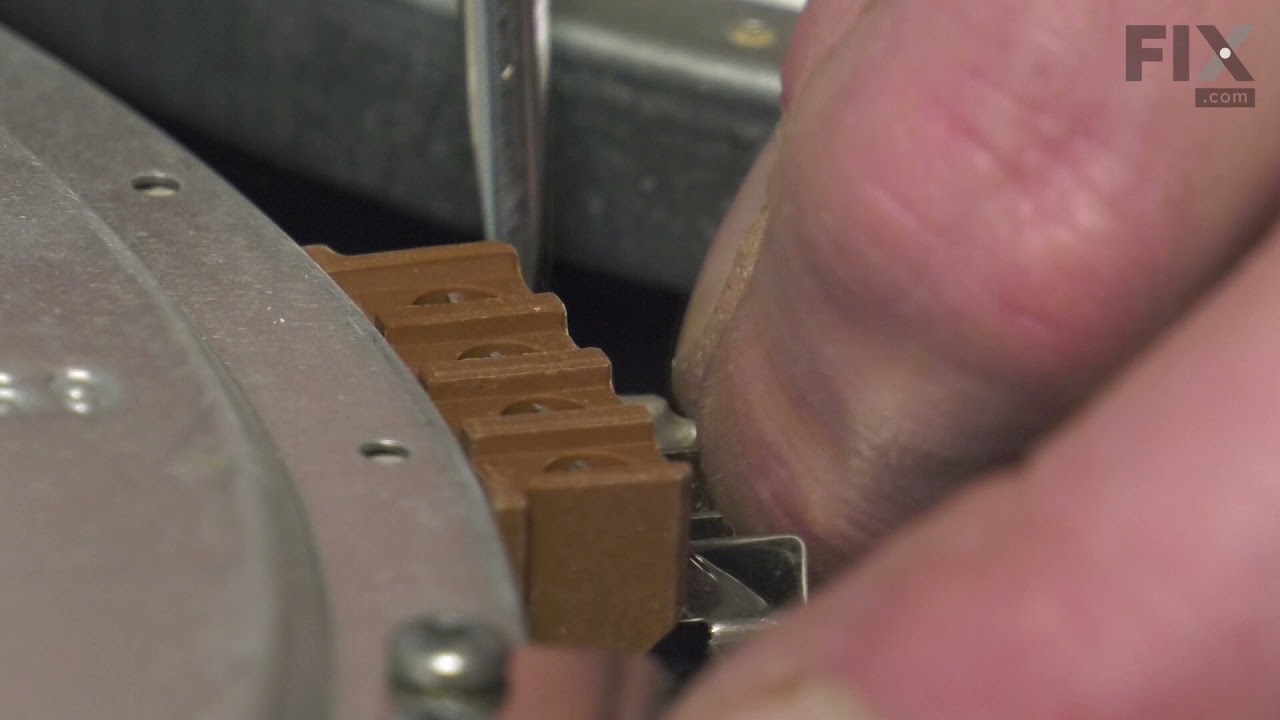
The existing terminal block on my Ge oven/Range had melted due to a loose wire causing sparking and starting the plastic casing of the terminal block on fire and melting it, Part select made the part easy to find and had it at my house in 2 days. All I had to do was remove six screws to take the back sheet metal cover off of the oven. U
... Read morenscrew the terminal connections remove two mounting screws that held the terminal on to the oven body. This was a little trickier than it should have been because the melted plastic had reformed making it very hard to access the mounting screws. i then mounted the new piece and plugged the oven in, it took 15 minutes and was very easy. definitely saved me at-least a $100 for the service call i would have made if finding the part wasn't so convenient
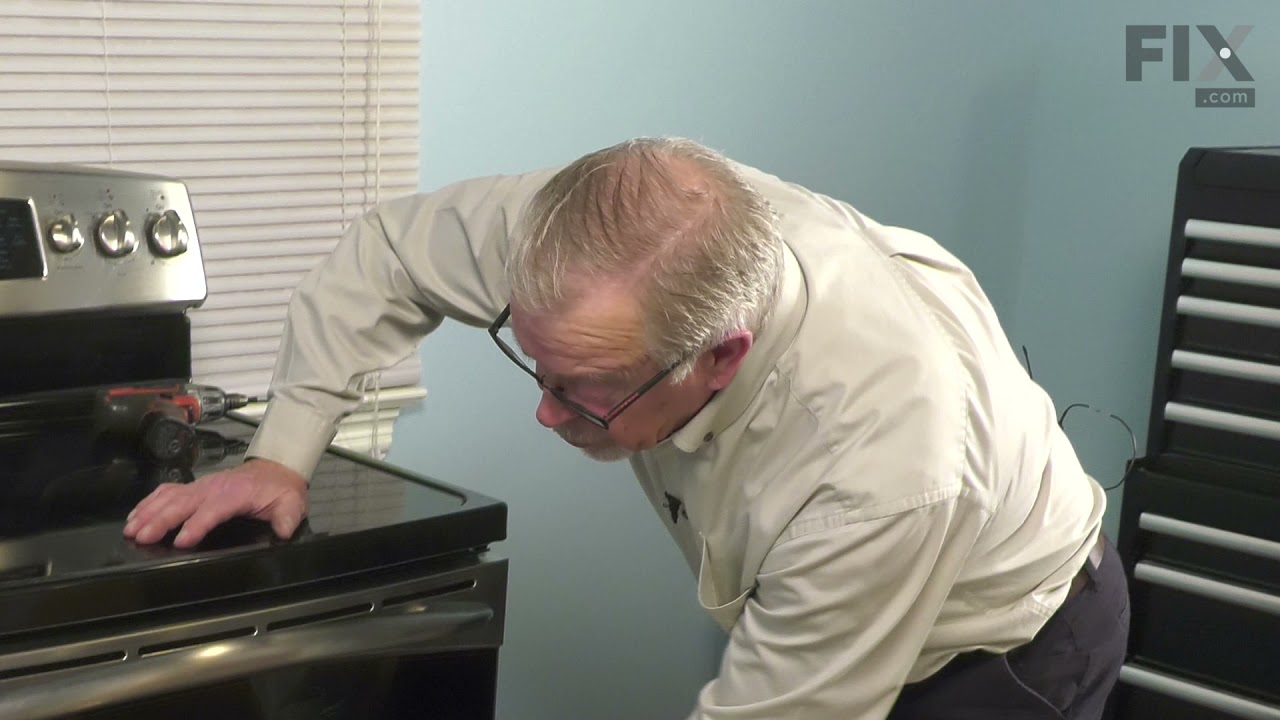
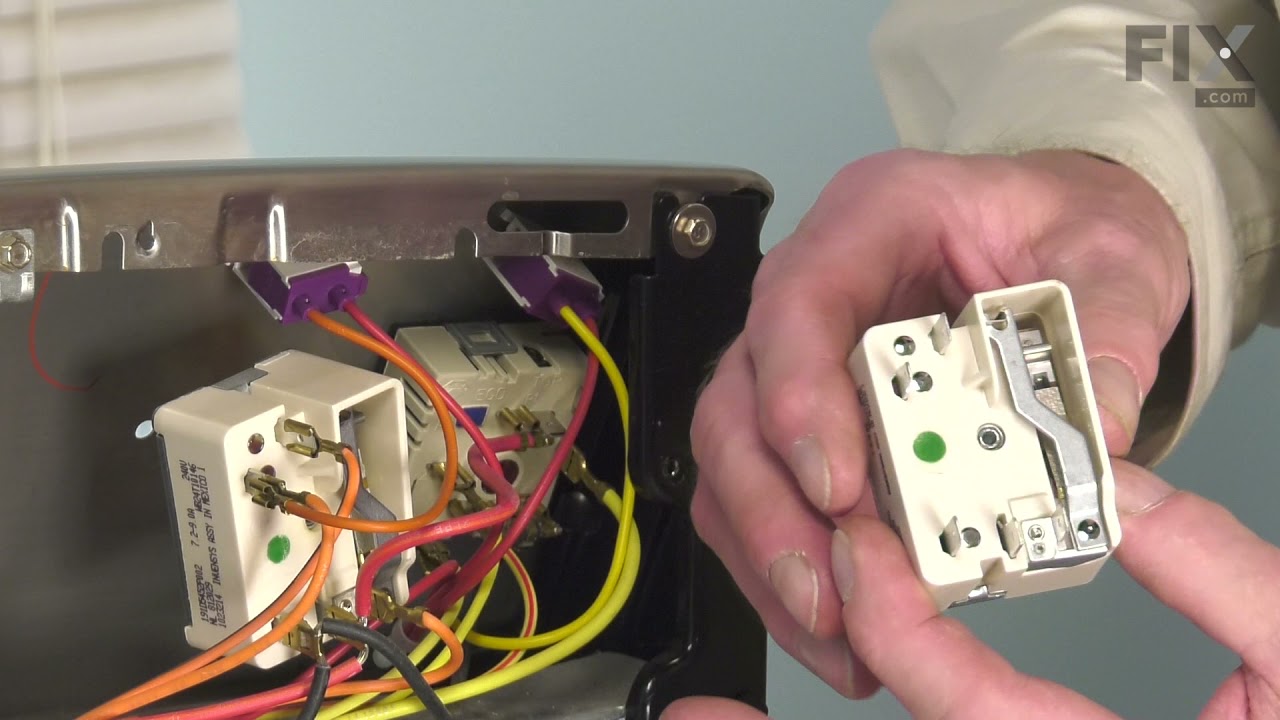
I started by Unscrewing the range top. 2 small screws. I took off the old piece by unclipping the piece . Then I color coded each wire so that I would know exactly where I would place the wires for the new part. 30 min maximum time spent changing the part. Please don't forget to unplug the range before you start.