This rear drum bearing kit is designed for use with dryers. It supports the rear of the drum in your appliance as it tumbles your clothes during the drying cycle. If your drum will not tumble, or if it is making a lot of noise, it could be an issue with this part. This is a ball-and-socket style bearing. You will need to replace this if t...Read morehe bushing has worn out, or if the ball support is damaged. This kit includes one bearing, one ball shaft, one ball bearing, one ball bearing retainer, a small tube of high temperature lubricant and installation screws. Unplug your dryer before you begin this repair.
This drum belt, often referred to as a drive belt, is used in the assembly of dryers. It goes around the drum, the idler pulley, and the motor pulley. As the armature on the motor spins, this belt is what rotates the drum and tumbles your clothes during the dry cycle. If you can hear the motor running but the drum is not moving, that is a...Read more sign your belt is broken, stretched, or damaged, and can no longer grip the drum. This belt is 88 3/4 inches long, and is 1/4 inch wide. Because it is made of rubber it is common for this part to become brittle and need to be replaced. This is an authentic OEM replacement part, and it is sold individually. Remember to unplug your dryer before you begin this repair.
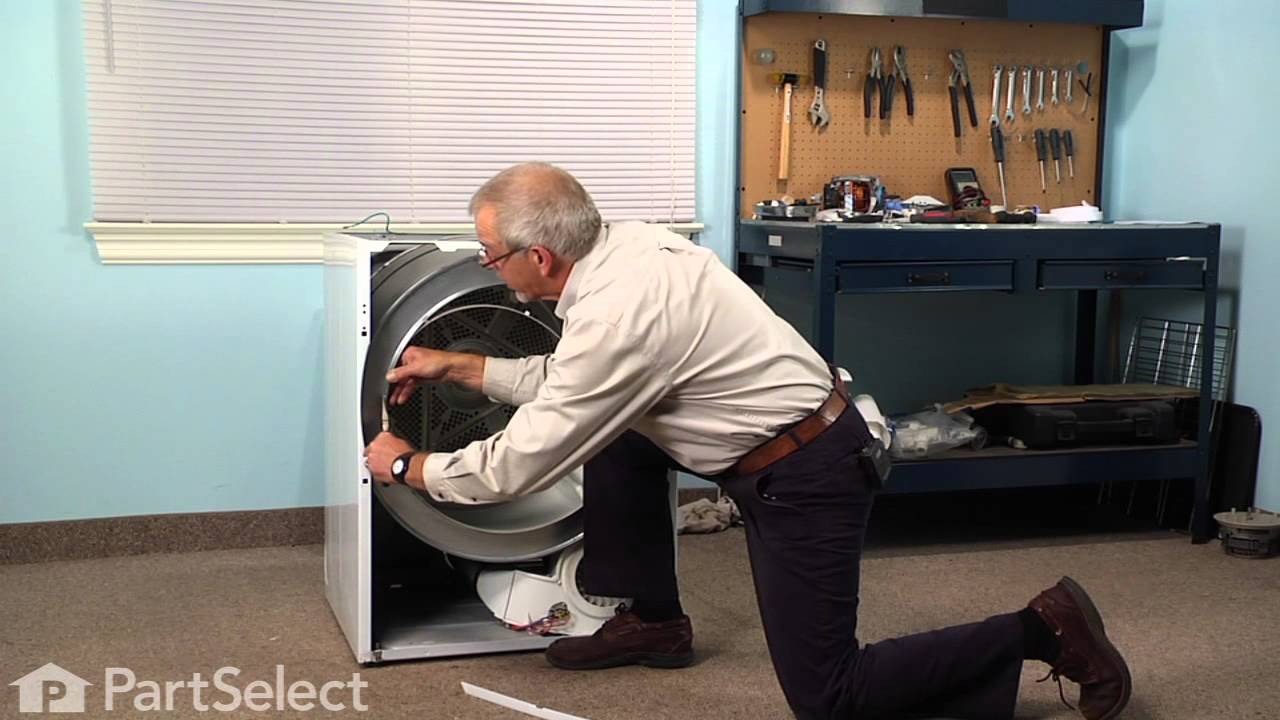
If your dryer does not tumble, will not start, is noisy, or is leaving marks on your clothing, you may need to replace the drum support bearing. The drum is supported at the rear by a bearing, which attaches onto the inside of the rear panel of the cabinet. You will need to remove the dryer drum before completing this repair. Although rep...Read morelacing the drum support bearing is a fairly easy job, you will need tools to complete it. For this repair, you will need a putty knife, a Phillips screw driver, a 5/16 nut driver and maybe a small flat blade screw driver.
This white drum glide is used in a clothes dryer to ensure the front of the dryer drum is supported as it does rotations. *Please note: these are sold individually, however there are two of these in your appliance. We recommend that these be replaced at the same time, this allows for optimal performance and ensures they wear evenly. Each ...Read moredrum glide is approximately 33 inches in length. If the following symptoms occur, consider replacing the drum guide as a solution: dryer is noisy, will not tumble, or leaves marks on clothes. Remember to unplug the power source to the dryer before installing this part. Refer to the diagram provided by the manufacturer for further instructions and guidance.
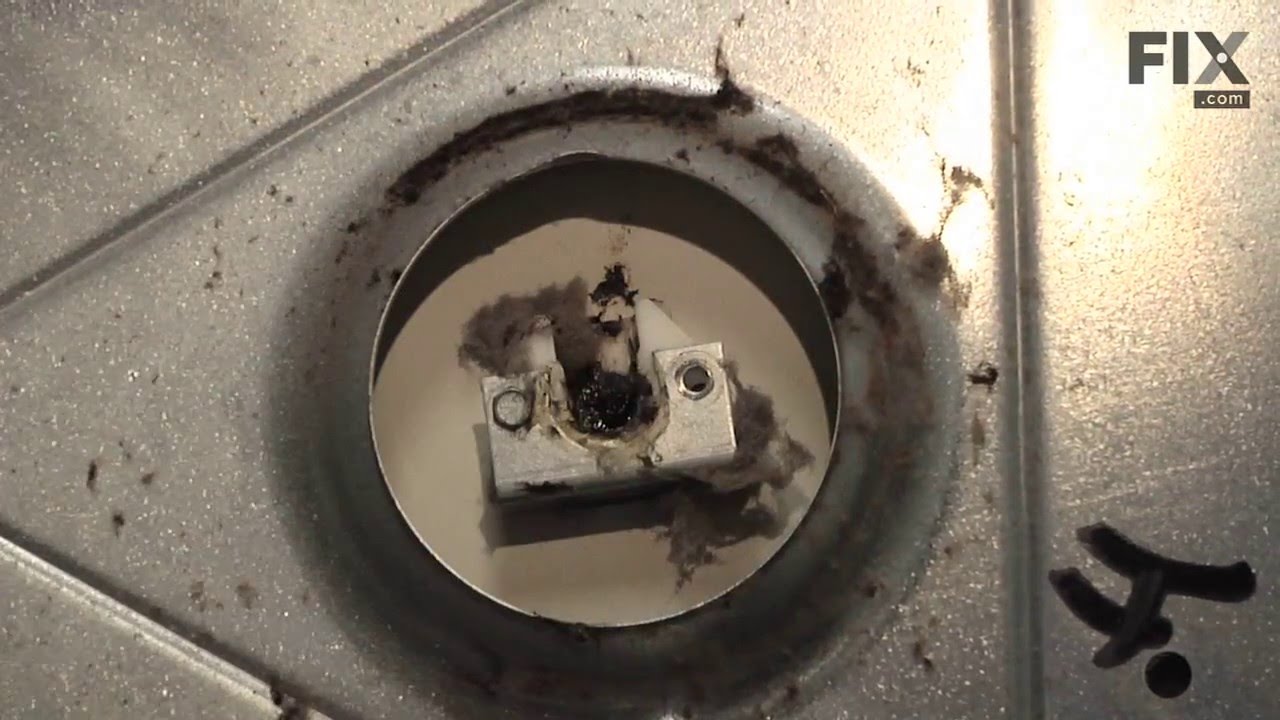
This dryer heating element produces heat to dry clothes and is located in the rear of a dryer. If the heater element is burned, the dryer does not heat or over heats, or clothes are taking too long to dry, replacing this part could solve your problem. The tools needed for this repair project are a Phillips screwdriver, putty knife, and ne...Read moreedle nose pliers. To repair, first remove the main top of the dryer and ground strap at the rear. Disconnect the two wire harnesses and remove the screws that hold the front panel to the cabinet, in order to pull out the front panel. Now that you have access to the inside of the dryer, refer to the manual for further installation instructions and detailed guidance. Remember to unplug your appliance from the power source before beginning this repair project.
The door catch on your dryer is an important part as it keeps your dryer door closed, in order to ensure no air or clothes can escape. This part works by holding the door strike, which allows the door to stay secure. Before you begin this repair make sure to disconnect the power supply to the dryer. The tools you will need for this instal...Read morelation include a Phillips screwdriver and a small flat blade screwdriver. A pair of pliers may also come in handy. Users ranked this repair as easy, and say that it will take fifteen minutes or less to complete.
The dryer thermal limiter, also known as a thermal fuse, blows the fuse to cut off power to the dryer when the dryer begins to overheat. Once the dryer reached 220 degrees Fahrenheit, the heat cuts out. If the thermal fuse is defective, damaged, or blown up then the dryer wont start, especially since it cannot be reset. It must be replace...Read mored if the following symptoms occur: the dryer overheats, takes too long to dry clothes, or there is not enough heat in the dryer. The tools needed for this repair are, a screwdriver, putty knife and needle-nose pliers. This part is manufactured for both gas and electric dryers.
The lower front felt seal with adhesive, also known as a drum felt seal, is used in dyers and allows the drum to easily glide on the front panel. For this repair project, you will need the following tools: #2 Phillips screw driver, #2 square head screw driver, putty knife, and wire bush. If your dryer will not tumble, or makes a squeaking...Read more noise when running, replacing this part could solve the problem. Remember to unplug your appliance from the power source for safety before you begin this installation project. Refer to the manual provided by the manufacturer for further installation instructions.
This high limit thermostat is used in a dryer and monitors the temperature to make sure it does not exceed 260 degrees Fahrenheit. When your dryer temperature reaches 260 it will cut it out and only comes back when it drops by at least 70 degrees Fahrenheit. If your dryer is overheating, taking too long to dry clothes, or is not producing...Read more enough heat, replacing the thermostat could be the solution to your problem. The tools needed for this part are a Phillips screwdriver, putty knife, and needle nose pliers. Refer to the manual provided by the manufacturer for installation instructions and guidance.
Located at the front of the dryer, this lint filter traps lint and debris from the exhaust air flowing out of the dryer drum. This part measures approximately 12 inches long x 7 inches high, has a plastic frame, and a mesh body to catch debris. If your filter needs cleaning, the dryer cycle will take longer due to a buildup of lint or fab...Read moreric softener affecting the air flow through the filter. If there is a buildup, try scrubbing the filter with hot water and soap. If the filter is damaged or torn, it should be replaced. Cleaning the lint filter before starting the drying cycle is a great way to ensure your dryer performs properly.
The door strike is attached to the door of your dryer and holds the door closed. If your dryer door is not closing, this might be due to the door strike needing to be replaced. This is a simple repair that should only take a few minutes to complete. The package contains one strike. Open the dryer door, and use a flat head screw driver to ...Read moresnap the old strike out if it has not fallen out already. Simply push the gasket out of the way, squeeze together the strike and place inside of the opening. Wiggle to ensure it is set in place properly.
Ask our experts a question about this model and we'll get back to you as soon as possible!
We may have answered a similar question already! Search questions and answers left by others using simple keywords like "fit", "broken", "easy", or "quality" to find questions that match.
Search filter:
Clear Filter
Your search term must have 3 or more characters.
Sort by:
Prev
1
2
3
Next
Sorry, we couldn't find any existing answers that matched.Try using some different or simpler keywords, or submit your new question by using the "Ask a Question" button above!
Alexa - For model number GLEQ2152ES0
January 29, 2020
All the lights just are blinking randomly. I start the dryer and within 10 seconds all lights just start flashing and random beeping.
Hi Alexa,
Thank you for your question. If the lights on the dryer are blinking randomly after you start the dryer, try unplugging the dryer for a few minutes to see if this helps reset it. If this does not help, you will need to check both the electronic control board and the heating element. Check the heating element with a multi-meter. Disconnect your dryer from the power source and locate the heating element. Depending on your model, you may need to open your dryer’s cabinet to access the heating element. Remove the heating element from the dryer and visually inspect it for signs of damage or burning. Set your multi-meter to the Rx1 setting and touch the probes to element terminals to test for continuity. If you receive a reading of infinity, you need a replacement heating element. You will need to check the electronic control board visually for signs of damage, wear or burn marks. If it shows any of these signs, it will need to be replaced. We hope this helps. Thank you and have a great day.
Dryer starts to run then stops and has a code of "e68"
Hello Timmy, Thank you for the question. The error code E68 is a stuck button. We suggest checking all of the buttons to be sure nothing is stuck and working properly. If the buttons are good, the Control Board, PartSelect Number PS12724036 will need to be replaced. We hope this helps!
The dryer will turn on, run for about 15 minutes, and then shut down. After shutting down, the led lights on the far right of the panel next to "drying", "cool down", "press saver", and "clean lint filter" blink on/off continuously. I have found several other people on the web with this same problem but no one has provided a solution to the problem. Any ideas? Thanks!
Hello Norm, Thank you for the question. This could indicate the Dryer is over heating or thinks it is over heating. We suggest to first clean out any lint build up in the Duct, Vent Hose and inside the cabinet. This can restrict the Air flow and cause over heating. If the issue continues you can test the Thermal Limiter. The reading should be close to 0 ohms if the limiter is working properly. The High Limit Thermostat will read zero ohms of resistance. We hope this helps!
Hello Keith, thank you for asking. The "AD" code states that your appliance is in an auto dry cycle. We suggest resetting your dryer. We hope this helps.
1 personfound this instruction helpful.
Was this helpful?
Thank you for voting!
Terry - For model number GLEQ2152ES0
February 24, 2020
Dryness lights will not light. Try to select and beeps three times and displays err. Taking very long time to dry and has heat.
Good Day Terry. Thank you for your question in regards to your unit (Model Number GLEQ2152ES0). Based on our research, we have found the following information that may explain why you are having this issue: 1) Lint screen is clogged with lint (Solution - Make sure all lint has been removed from the dryer lint screen before starting each cycle). 2) Exhaust duct requirements have not been met (Solution - Exhaust duct must be at least 4inches in diameter and made of rigid or flexible metal). 3) Electric dryer is connected to a 208 volt circuit (Drying time will be 20% longer than drying on a 240 volt circuit). 4) Outside exhaust hood or exhaust duct may be clogged or restricted (Solution - Clean out any obstruction). We hope this helps! Best Regards.
Was this helpful?
Thank you for voting!
Prev
1
2
3
Next
✖
Ask a Question
Ask our experts a question on this model and we'll respond as soon as we can.
See how others fixed this model. Time, tools, difficulty, and steps that lead to victory!View More
Search repair tips from other customers using simple keywords like "replace", "fit", "remove", "inspect". DIY doesn't mean you have to do it alone!
Search filter:
Clear Filter
Your search term must have 3 or more characters.
Loud Squeaking
355 of 383 peoplefound this instruction helpful.
Frank from Boyertown, PA
Easy
15 - 30 mins
Nutdriver, Screw drivers
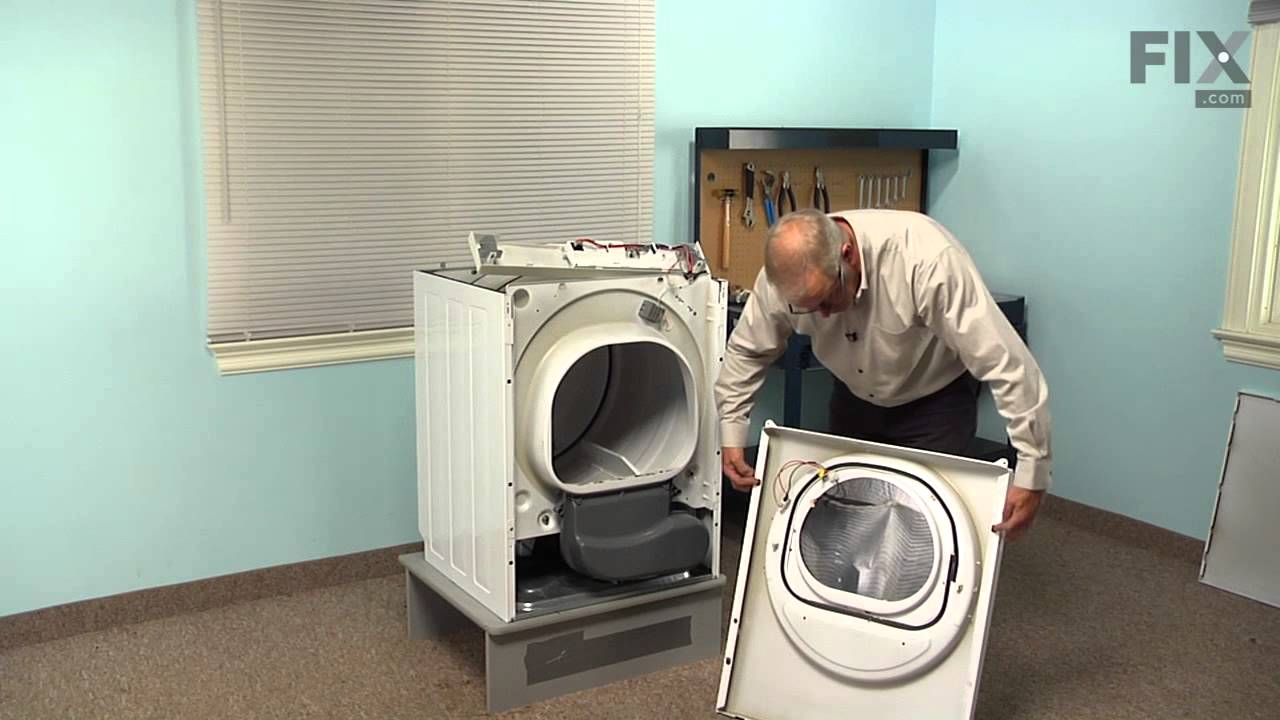
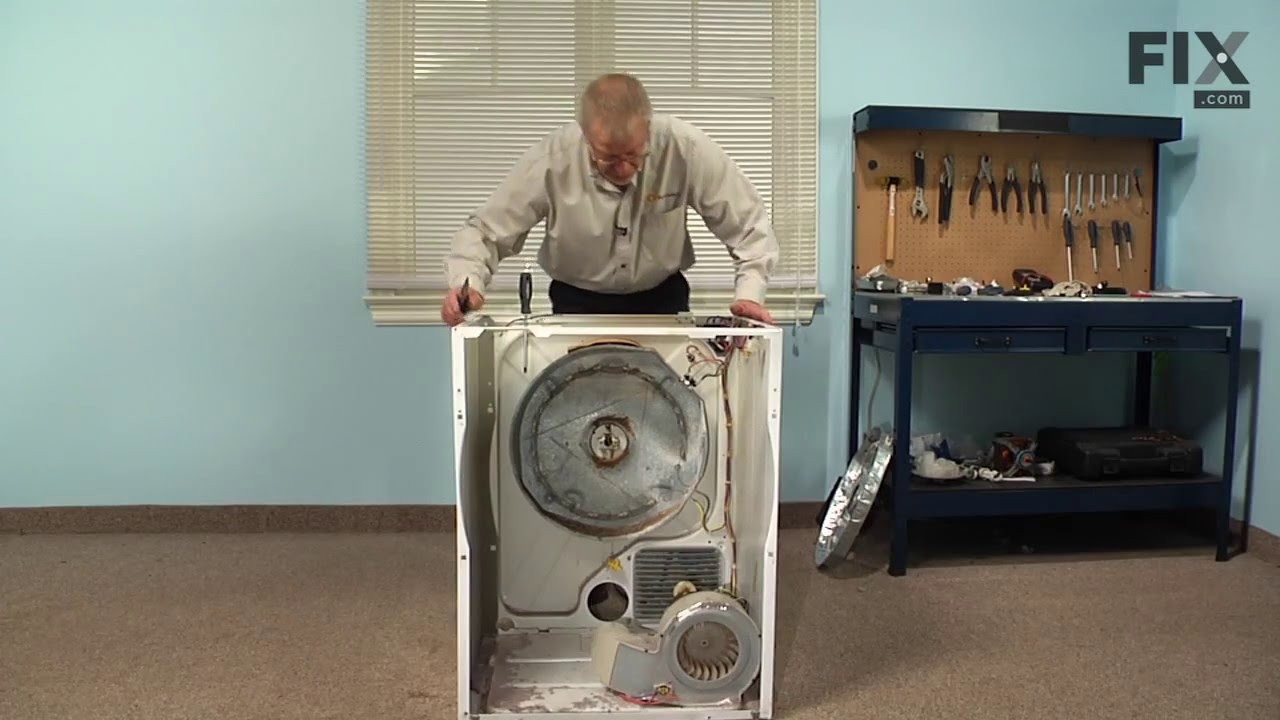
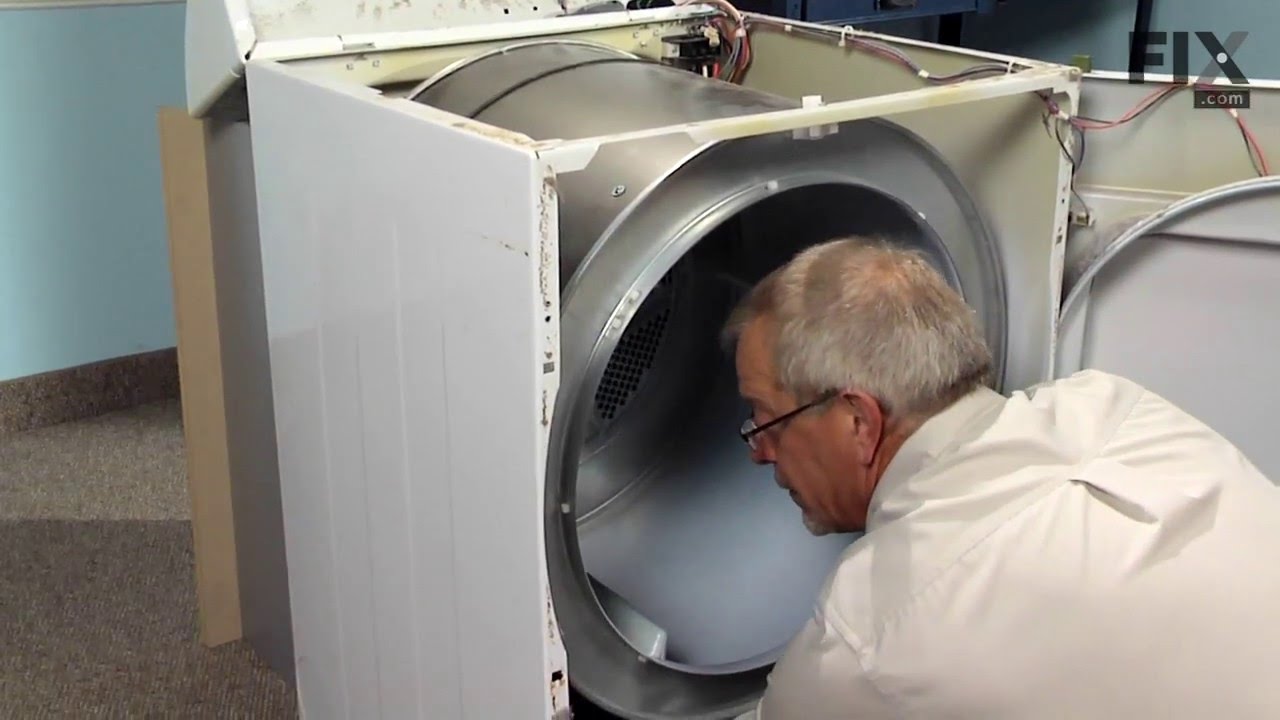
1. Unplug dryer from outlet 2. Using Lg. flat screwdriver, pry under the front edge of the top and release two spring tabs 3. Lift up top and tilt back out of your way 4. Unscrew two phillips scews on inside of front panel 5. Lift up and out the front panel. Two spring clips at bottom. 6. Rlease tension on drum be
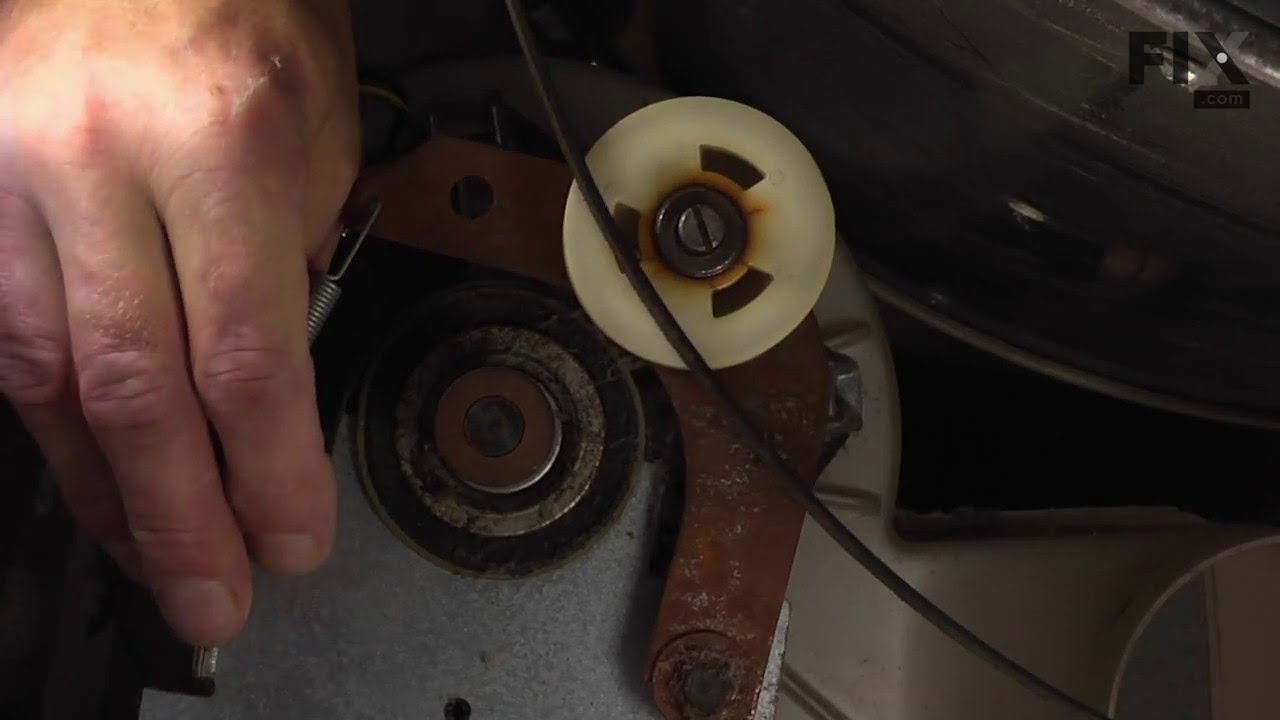
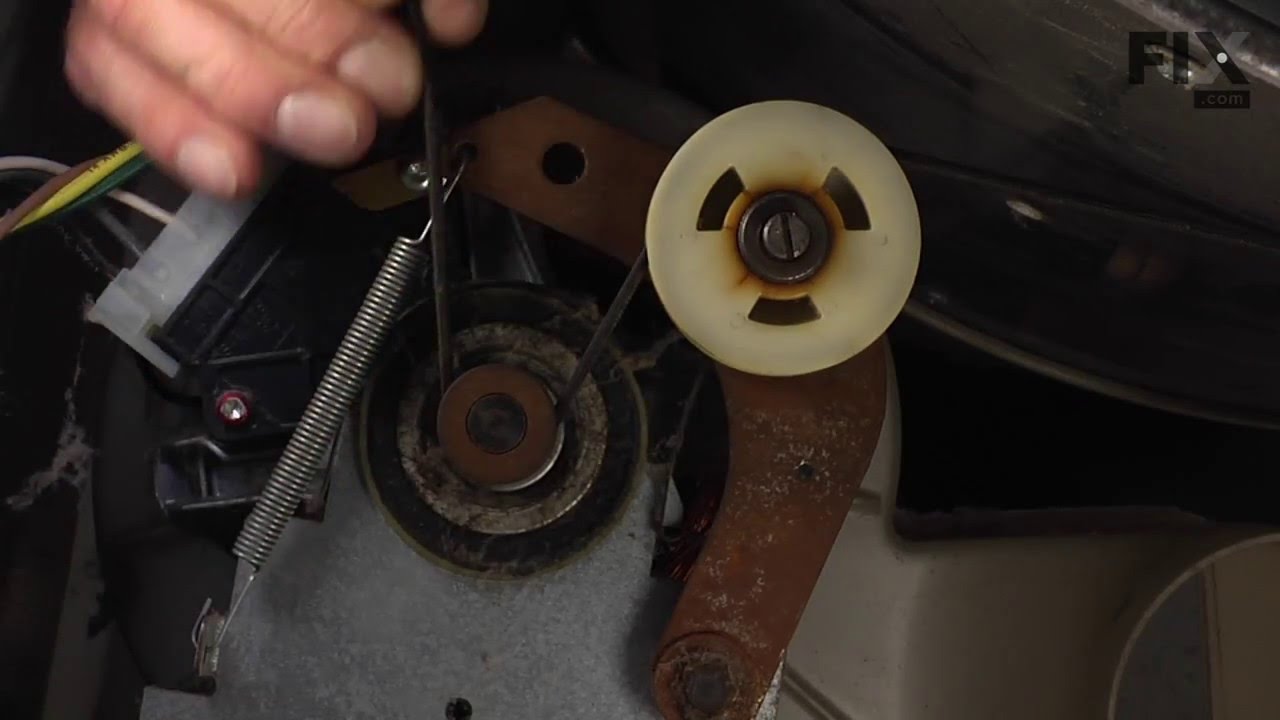
... Read morelt at the motor. Access panel at rear of dryer. 7.Unscrew 3 screws from inside, center rear of drum. 8. Remove drum through the front of the dryer. You may have to spread the sides apart a little bit for it to fit 9. Lift up on the rear drum bearing to remove it from the bearing retainer. ( U shaped plastic socket) 10. unsrew 2 screws and remove the bearing retainer, ground ball. Ball retainer is on outside of dryer. 11. Vacuum everything--duct, blower, lint trap, ect. 12. Intall new bearing retainer and grounding ball, an assistant is helpful at this time, one to hold ball retainer on rear of dryer, one to screw it in from the inside 13. reassemble remainder of parts in reverse order.
Read less
Was this helpful?
Thank you for voting!
short circuit with a brasier metal support
235 of 273 peoplefound this instruction helpful.
Juan Carlos from Weston, FL
Easy
30 - 60 mins
Screw drivers
Disconect the dryer from the main power source.
1) Remove the two screws from the rear / upper panel (below the control panel).
2) Snap the front side using a flat head screw driver.
3) On the inside front, remove two screws (one on each side) from the upper side and snap the door assembly off.
... Read more4) Remove the rear motor access panel (two screws) and appying tension to the spring remove the belt.
5) Pull the drum upwards (verticaly) unnapping it from the rear wall and remove it horizontally through the front panel.
6) Disconect the four leads to the heating element and remove the four screws from the rear of the dryer and replace the heating element.
Follow the same steps backwards to put the dryer together again.
Read less
Was this helpful?
Thank you for voting!
Thermal Limiter opened
254 of 337 peoplefound this instruction helpful.
Stephen from Newnan, GA
A Bit Difficult
15 - 30 mins
Pliers, Screw drivers
Unplugged Dryer. Opened top of Dryer, over the drum. Removed Thermal Limiter. Tested the Thermal Limiter - found it was open. Checked all vents and exhaust tube for lint build-up. Replaced Thermal Limiter. Closed top of dryer. Plugged Dryer back. Tested Dryer - it works.



 My Orders