















Parts That Fix LG Dryer DLEX7177RM Not Heating
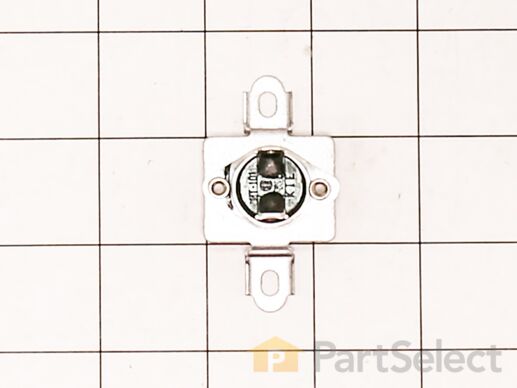
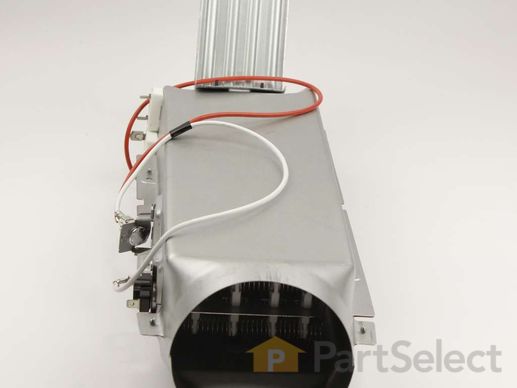
This thermal fuse acts as a high-limit thermostat, and shuts off the heating element when the dryer overheats by cutting off power to the dryer. If the thermal fuse has blown, the dryer will not start. These fuses cannot be reset, so if yours has blown, you will need to replace it. A common reason for the thermal fuse to blow on a dryer is if the exhaust vent on your dryer is restricted or blocked. Hot air will be confined in the dryer and the fuse will trip and stop the electricity from flowing to the gas valve or heating element.
Replacing your LG Dryer Thermal Fuse
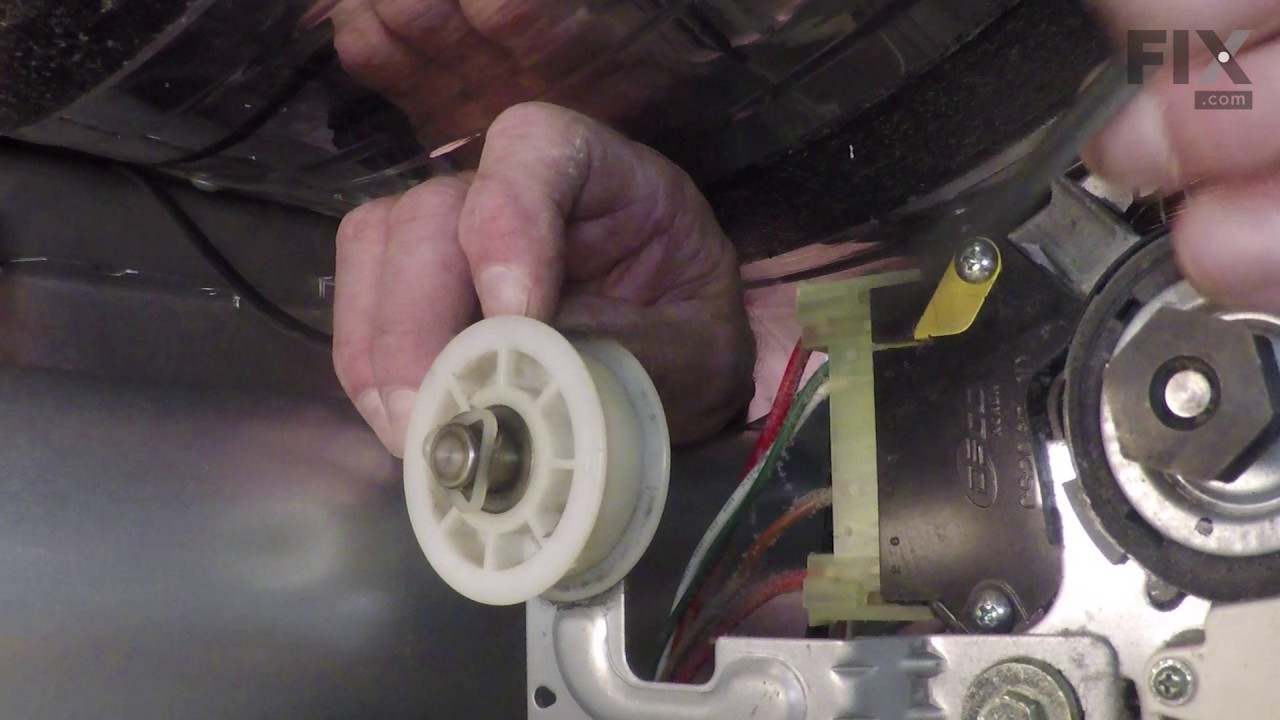
Customer Repair Stories
I pulled the dryer away from the wall so I had room to work on it.
Pulled the top cover off (slides back).
Took the door off
Took the front adjustable feet on the bottom off
Unscrewed all of the face screws on the front of the dryer
Took the two screws off of t ... Read more he back of the control panel holding the control panel to the metal frame.
Gently pulled on the control panel to reveal 4 screws under the control panel to be able to take the front cover off.
Pulled the front cover off (the dryer door front cover).
Pulled the dryer vent cover off (two screws).
I could now see the heating element with sensor/fuse (right side).
Did a continuity test (beep) on all visable sensors/fuses on the heating element. No beep on the thermal fuse (used website diagram to locate parts to test and replacement part numbers).
Got the part after about a week, tested the parted (it beeped), replaced with new part and put dryer back together, plugged in and the dryer heated. Problem solved.
-
Catherine from COVINGTON, WA
-
Difficulty Level:Really Easy
-
Total Repair Time:30 - 60 mins
-
Tools:Screw drivers
-
Richard from ORMOND BEACH, FL
-
Difficulty Level:Easy
-
Total Repair Time:30 - 60 mins
-
Tools:Screw drivers
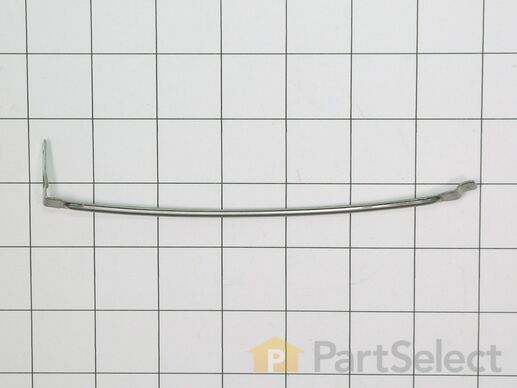
The sensor controls the temperature in your dryer and will turn off once your clothes have reached the desired dryness level. If you notice that your dryer is not giving off enough heat to dry the clothes or is taking too long to dry, this may indicate that a repair to the senor is required. To access this part, you will need to remove the front bulk head. To remove this, you will need to remove the screws securing the top. Uninstall the screws that support the control panel and lift. Remove screws holding the support bracket in place so you can detach this piece. Detach the wire harness and remove the wire, then set the bracket aside. You will now open the dryer door and release it by taking out the bottom two screws. Disconnect the wire harness and moisture sensor wire harness, remove screws from front bulk head, and remove screws that secure the duct housing. You should be able to completely remove the bulk head. You will find the sensor underneath the lint filter grill, which will also need to be removed.
Customer Repair Stories
The part was described as the Humidity sensor module. Actually it's just the wire leads for the sensor which must be electronic and only accessible by disassembling the dryer. There were descr ... Read more iptions about cleaning the wires, perhaps because some people use dryer sheets which cause a buildup on the wires and prevent them from doing their job. I use wool balls and have no buildup on my wires and replacing them did not fix the sensor, because the module accessible inside the dryer is not the moisture sensor, but only the wire leads.
-
marty from NEOSHO, MO
-
Difficulty Level:Easy
-
Total Repair Time:15 - 30 mins
-
Tools:Screw drivers
-
Ronald from Conyers, GA
-
Difficulty Level:Really Easy
-
Total Repair Time:15 - 30 mins
-
Tools:Pliers, Screw drivers
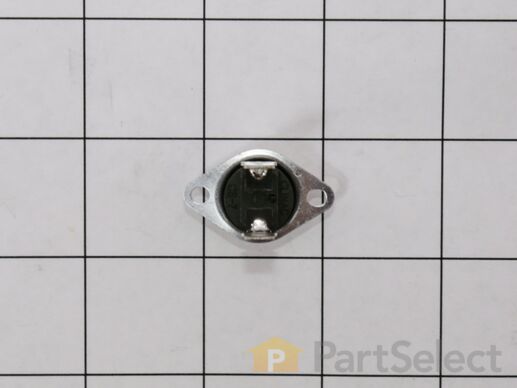
The thermostat is a part for your dryer, and it is roughly 1 inch long by roughly 1.5 inches wide. The purpose of the thermostat is to measure the temperature of the air inside your dryer drum. As the air is being measured, it will turn the heat on or off in order to maintain a stable temperature within the drum. The most common reason you would need to replace your thermostat is if your dryer is not receiving enough heat, or any heat at all.The tools you will need to complete this repair include a Phillips screwdriver, and a flat-head screwdriver.
Customer Repair Stories
-
Greg from Haddonfield, NJ
-
Difficulty Level:Really Easy
-
Total Repair Time:15 - 30 mins
-
Tools:Screw drivers
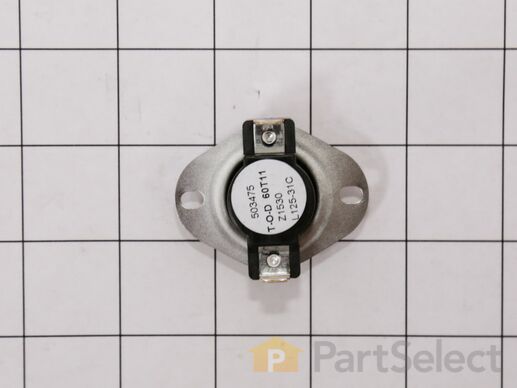
The high limit thermostat on your dyer prevents your dryer from overheating. When the dryer heats up too much, the high limit thermostat will sense it and automatically shut off the heating element. If the thermostat is malfunctioning, it will need to be replaced, to avoid more serious issues. This product is an OEM part, direct from the manufacturer.
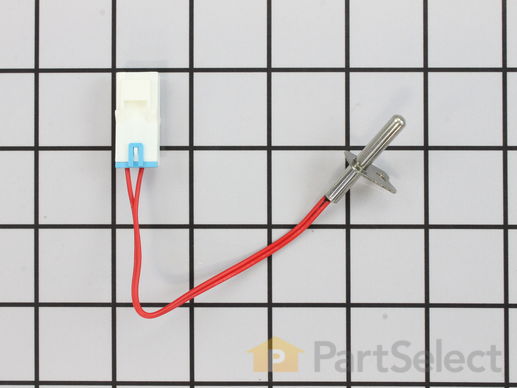
This dryer thermistor temperature sensor helps monitor and regulate the temperature inside a dryer. This part includes the wire harness. If your dryer overheats, does not produce enough heat, or takes too long to dry, then the thermistor might be defective or damaged. This can cause a fault code and could begin either prolonging or shortening drying time. As a safety precaution, make sure to unplug the dryer from the power source before beginning this installation, and wear gloves to protect your hands. Refer to the installation instructions provided by the manufacturer for further guidance.
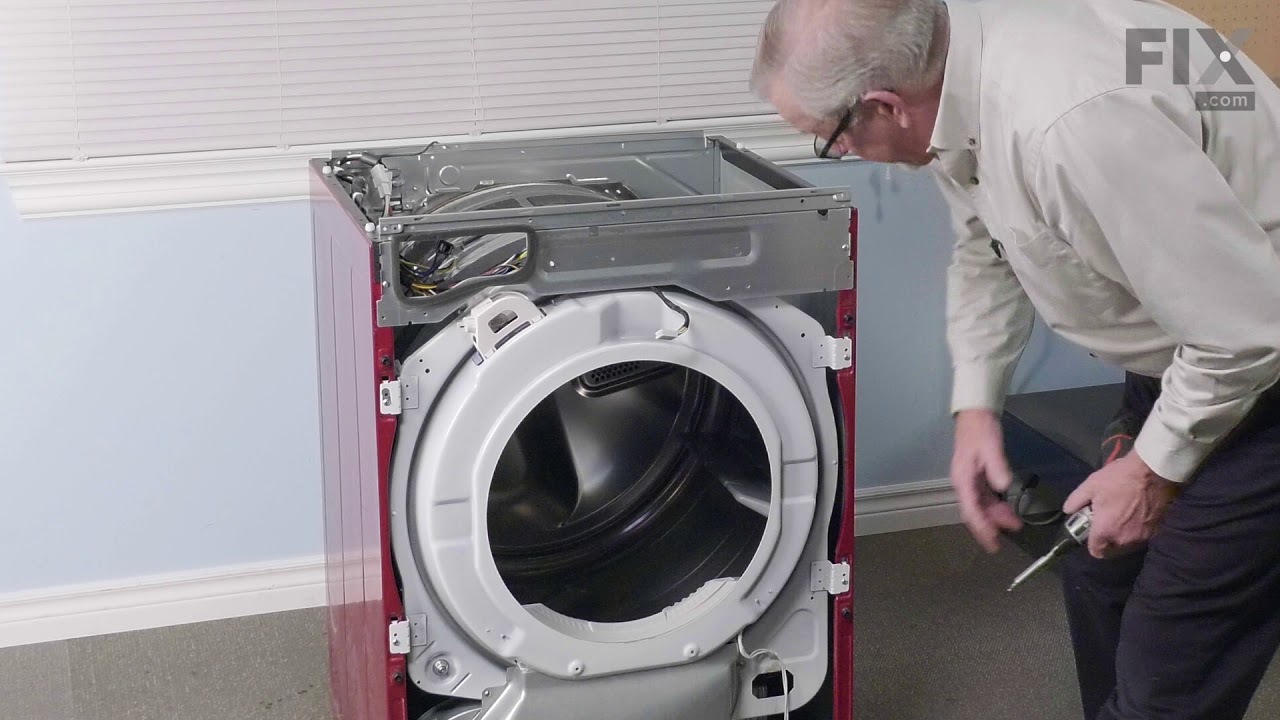
Replacing your LG Dryer Dryer Thermistor
Customer Repair Stories
-
Karolin from Middletown, NY
-
Difficulty Level:Easy
-
Total Repair Time:30 - 60 mins
-
Tools:Screw drivers, Wrench (Adjustable)
-
Sal from MORENO VALLEY, CA
-
Difficulty Level:Really Easy
-
Total Repair Time:30 - 60 mins
-
Tools:Screw drivers, Wrench (Adjustable)
Your dishwasher is an essential part of your home and we know the headache a breakdown can cause. Which is why we've got the perfect solution for you - The GE Dishwasher Power Cord. This important little piece ensures your dishwasher performs seamlessly, so you can enjoy hassle-free clean dishes whenever you need them. With a length of over 5 feet, this power cord promises to comfortably reach your kitchen plug points. No more struggling with connectors! This hard-wearing cord stands the test of time, ensuring it's an investment that brings you peace of mind. But remember, safety first! We strongly advise you to disconnect your dishwasher before beginning the installation of this part. We also recommend wearing protective gloves during the process, to keep those hands in top shape. Once installed, you'll notice your dishwasher back to its usual self, working efficiently and reliably. The GE Dishwasher Power Cord is more than just a replacement part?it's a vote of confidence in your appliance and a step towards its enhanced longevity. Embrace dependable functionality. Bring your appliance back to life with the steadfast GE Dishwasher Power Cord. Make the right choice today and let us help you keep your dishwasher working like new.