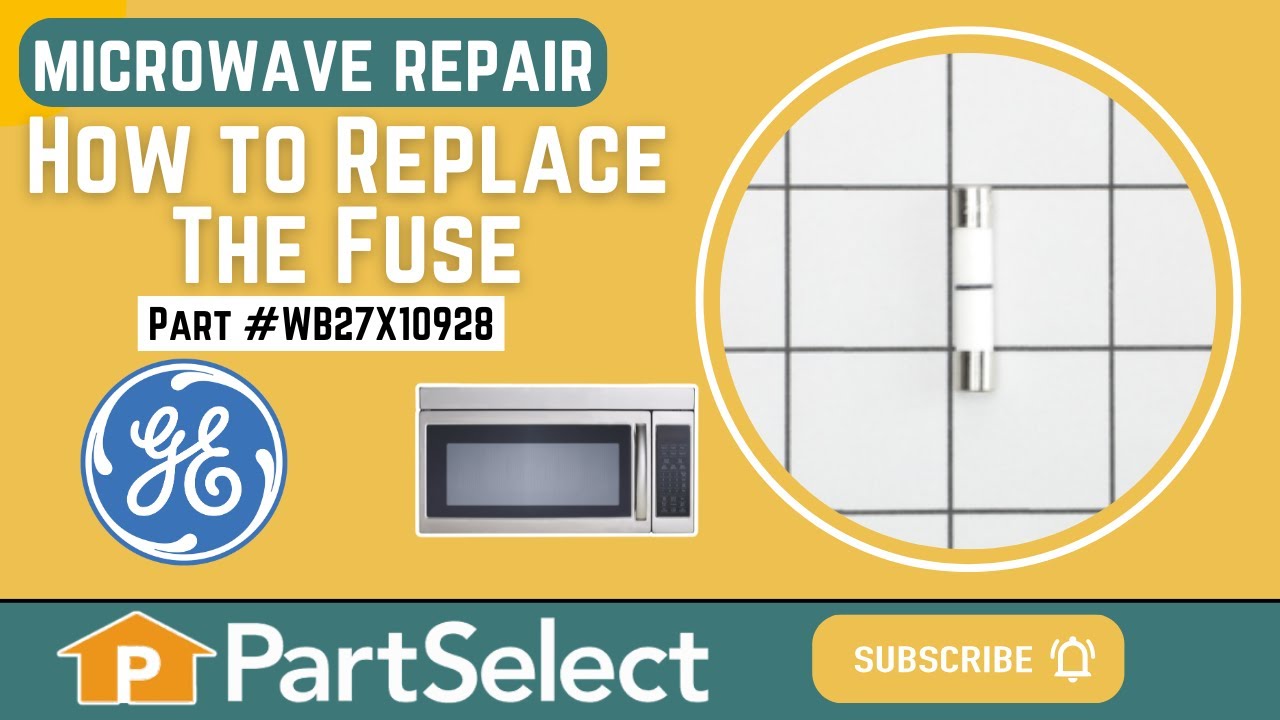
This ceramic microwave fuse is just over an inch in length. It is white in the center, and metal on both ends. This is a 20-amp fuse, and is used to power your microwave. If the touch pad on the microwave becomes unresponsive, the microwave produces little to no heat, or the appliance simply does not turn on, it could mean that your fuse ...Read moreis at fault and needs to be replaced. Because this part contains an electrical charge, remember to disconnect power to the microwave unit before you begin this repair.
NOTE: Before you start this repair, ensure that the microwave is unplugged, and the capacitor is discharged. A capacitor stores large amounts of electricity even after your microwave is unplugged.
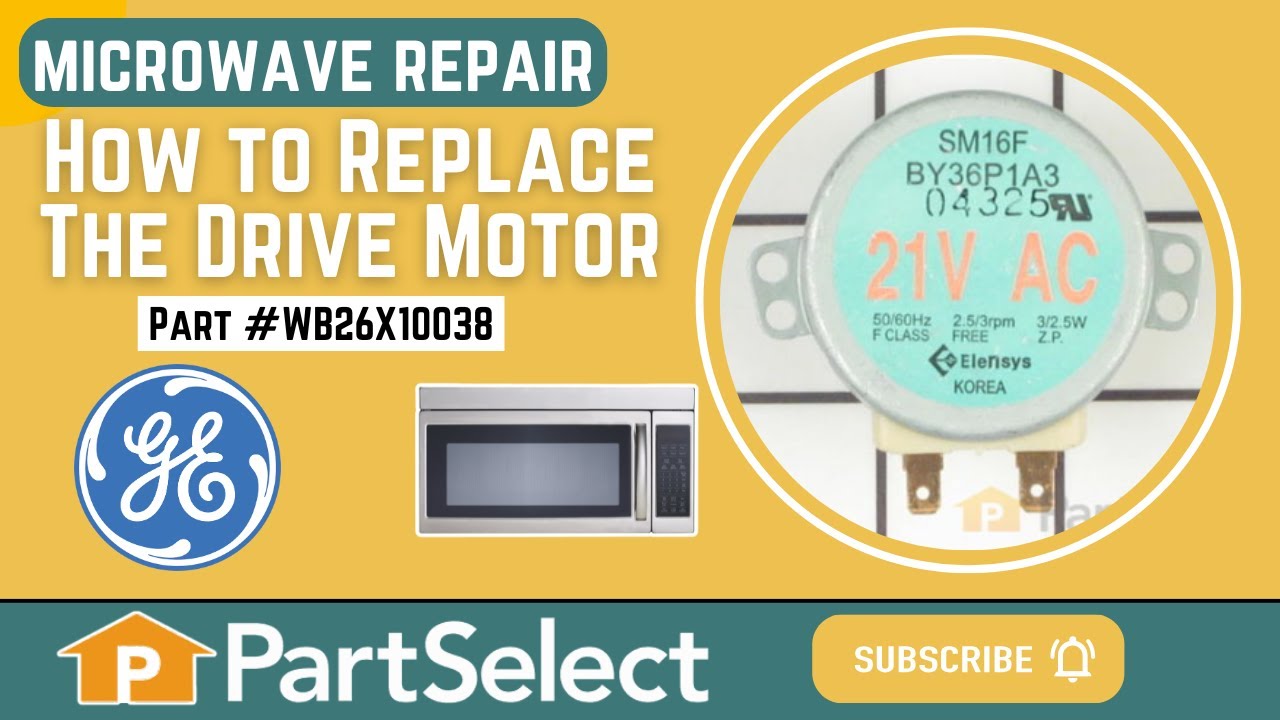
This is a microwave turntable drive motor. This is a genuine OEM replacement part. It accepts a D-shaped drive shaft. The drive motor is located under the glass microwave turntable, and allows the turntable plate to rotate while the appliance is in use. Your drive motor might be broken if it is noisy or does not turn at all. Be sure to di...Read moresconnect power to the microwave before starting this repair. Simply unscrew the bottom plate and the drive motor of your microwave, disconnect the wires, and install the replacement part. This drive shaft is 21 volts, is about 2 inches in diameter, and is made of metal.
The secondary door switch is a simple on/off mechanism that stops the microwave from operating when the door is open (normally opened). The switch monitors the door latch position, and communicates whether the door is open or closed to the electrical control board. This door switch is approximately 1 inch long, and has 2 metal prongs cal...Read moreled terminals that extend out of its body. Common symptoms related to a faulty secondary door switch include: microwave will not turn/shut off, or the microwave will not heat properly.
NOTE: Before you begin this repair, first make sure your microwave is unplugged, and that your capacitor is discharged. A capacitor stores large amounts of electricity even when your microwave is unplugged.
This turntable motor coupler connects the turntable motor to the turntable tray to activate the tray. If your tray does not consistently turn or does not turn at all, replace this part. This part measures 1 1/2" in diameter. Remember to unplug your microwave from the power source as a safety precaution. Refer to the openers manual provid...Read moreed by the manufacturer for further installation instructions and accurate guidance.
Unplug your microwave before attempting this repair. You will need to remove the grill, which is held into place by two screws at the top of the grill (open your microwave door before doing this). Remove the grill. Remove the screw on the left holding the control panel in place. Loosen the screw behind the panel. You should now be able to...Read more lift the panel up and pull forward to detach. You will find the door switch by removing the screws to detach the switch assembly. Press on the release tab to remove the middle switch. Disconnect the wire connector to release the old switch. The door switch is normally closed.
This is a charcoal filter but you may know it as the vent hood filter. It is designed to work in multiple appliances. The purpose of the vent hood filter is to collect the grease particles and other tiny debris from the air while cooking. Take note that this part is sold individually. This charcoal filter is almost 12 inches long, and jus...Read moret over 6 inches wide. For safety purposes when making this repair, we recommend disconnecting the power to your appliance before changing the filter.
This part is the replacement flat cab mounting bolt for your microwave. The bolt is approximately 4 inches long. It is designed to hold the microwave in place in your cabinet. The main reason to replace this bolt, would be if the old bolt is stripped or missing, and the microwave will not stay secure in the cabinet. This is an OEM part sourced directly from the manufacturer, and it is sold individually.
See how others fixed this model. Time, tools, difficulty, and steps that lead to victory!View More
Search repair tips from other customers using simple keywords like "replace", "fit", "remove", "inspect". DIY doesn't mean you have to do it alone!
Search filter:
Clear Filter
Your search term must have 3 or more characters.
Microwave completely stopped working
968 of 1266 peoplefound this instruction helpful.
Kim from Cliffside Park, NJ
Really Easy
15 - 30 mins
Screw drivers
Turned out the issue was easily solved by replacing a single, inexpensive fuse.
First off, UNPLUG THE MICROWAVE.
The fuse is located under the plastic grill at the top of the microwave. It's held on by two screws. Once you've removed the screws and taken off the plastic grill, you go to the right side of the mic
... Read morerowave and remove another screw that holds a small metal grill in place. Removing the small metal grill is probably the toughest part of this repair. You kind of have to rock it back and forth a bit to get it to release. Once that's off, you can get to the fuse. I removed the burnt out one with a pair of needle nose pliers. I also put a small piece of cardboard under the fuse when I did this so I didn't accidentally drop it into the innards of the microwave. I did the same thing when I replaced the new fuse. I then plugged the appliance back in and made sure it worked. Once that was confirmed, I replaced both grills.
Read less
Was this helpful?
Thank you for voting!
turne table ot moving. Filter never changed
387 of 400 peoplefound this instruction helpful.
Jean-Christophe from Salisbury, MA
Easy
30 - 60 mins
Screw drivers
I had no idea what to expect. I was tired to see this turn table not moving. I removed the 7 screws at the bottom of the microwave that I thought was hiding the turn table mechanism. Bingo! I removed the 2 screws holding the motor and check if the power was coming to the motor and it was. The motor was cooked. I decided to chang
... Read moree the filter since I was working on this. When I received it, and proceeded to change it, I found out that there was no filter. Finding the right position was a bit tricky. The most difficult part was to remove the front vent grille.
Don’t be shy, try it! Make sure, to disconnect the power when changing the filter.
light worked, timer and control pad worked, but no turntable, no heat, no noises of any sort, just didn't start up
320 of 387 peoplefound this instruction helpful.
Marla from Arlington, TX
Easy
Less than 15 mins
Screw drivers
Noted on partselect.com that someone else with this problem, found it to be secondary door switch. There are three door switches in this model, but online info noted that one of the three might feel "soft" (in my case, one switch clicked in a rather "jiggly" way, the other two were strong decisive clicks.) To access the door switches on
... Read more this model was the only difficult part. First use a torx bit to remove the two torx screws below the latches inside the microwave. This frees the latching part inside, that holds the door switches, which you will remove after you take off the control panel. The top grill has to come off before you can remove the door panel. Remove the screws above the grill, on the microwave top cover, The grill on this model is covered with a panel that moves out when it vents. After removing the two top screws, the covered grill vent slides left to remove. Be careful, as the sliding tabs are plastic. Wiggle and jiggle it, to slip it off. Below the removed grill, is a small metal grill with one screw in lower center. Remove that screw, and wiggle that out. You'll then see the one screw that holds on the control panel. Remove this screw, and lift the control panel up to remove. Again, go slowly and gently, as the bottom tabs holding the control panel in, are also plastic and easily broken. Lay the control panel on something, (I used the coffee maker) and pull out the wire bundles tucked on the left, that are attached to the latching panel. Wiggle the latching panel gently to lift it up off of it's plastic tabs and pull it out towards you, so you can see the three door switches. Each switch (part number WB24X829) has a little black switch on it. Feel each switch with either your finger, or a screwdriver to see which one doesn't "click" strongly. The weak one is the one you will replace. The door switches are fitted into a tab, and plugged into their wires. Remove the defective switch, pull out the wires, and replace it with the new switch, plugging back the wires, and slipping it back into it's plastic tabs. Then put everything back together in reverse order. The entire job took me fifteen minutes EXCEPT for figuring out how to slide off the upper grill, which I have told you. A repairman would have cost $150, the part was $18. AND, there's a good chance, the other two switches will get "used up" in the next year or so as well, so I'll be ready next time. Thank you, Partselect, why work all day, to make money, only to give it to somebody else, for fifteen minutes of work. All I needed was the knowledge.



 My Orders