



 My Orders




JVM1861WD001 General Electric Microwave - Overview

Enter a part description. DIY Heroes keep it simple, eg. "belt" or "pump".
Search filter:
Clear Filter
Your search term must have 3 or more characters.

$21.81
In Stock
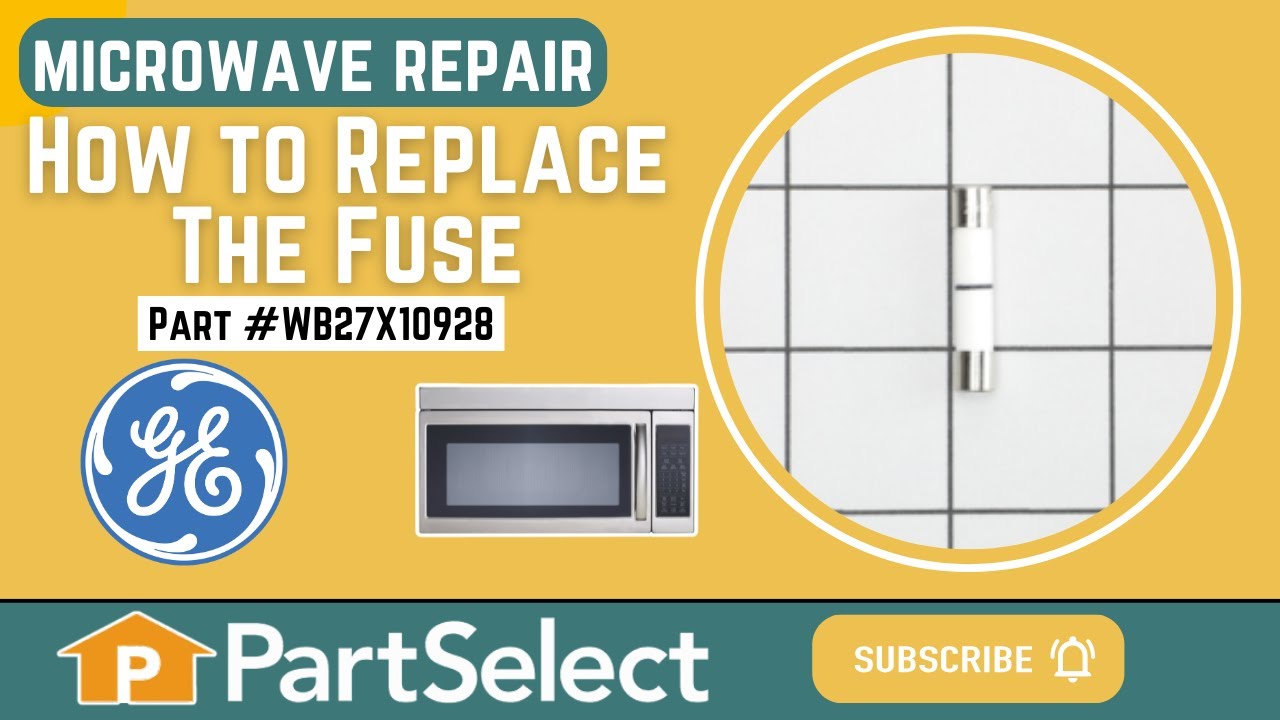
Microwave Fuse
Part #WB27X10928
This ceramic microwave fuse is just over an inch in length. It is white in the center, and metal on both ends. This is a 20-amp fuse, and is used to power your microwave. If the touch pad on the microwave becomes unresponsive, the microwave produces little to no heat, or the appliance simply does not turn on, it could mean that your fuse ...Read moreis at fault and needs to be replaced. Because this part contains an electrical charge, remember to disconnect power to the microwave unit before you begin this repair.
NOTE: Before you start this repair, ensure that the microwave is unplugged, and the capacitor is discharged. A capacitor stores large amounts of electricity even after your microwave is unplugged.
Read less

$38.45
In Stock
Grease Filter
Part #WB06X10288
This metallic vent hood filter collects grease particles in the air from cooking. This part is sold individually.

$40.02
In Stock
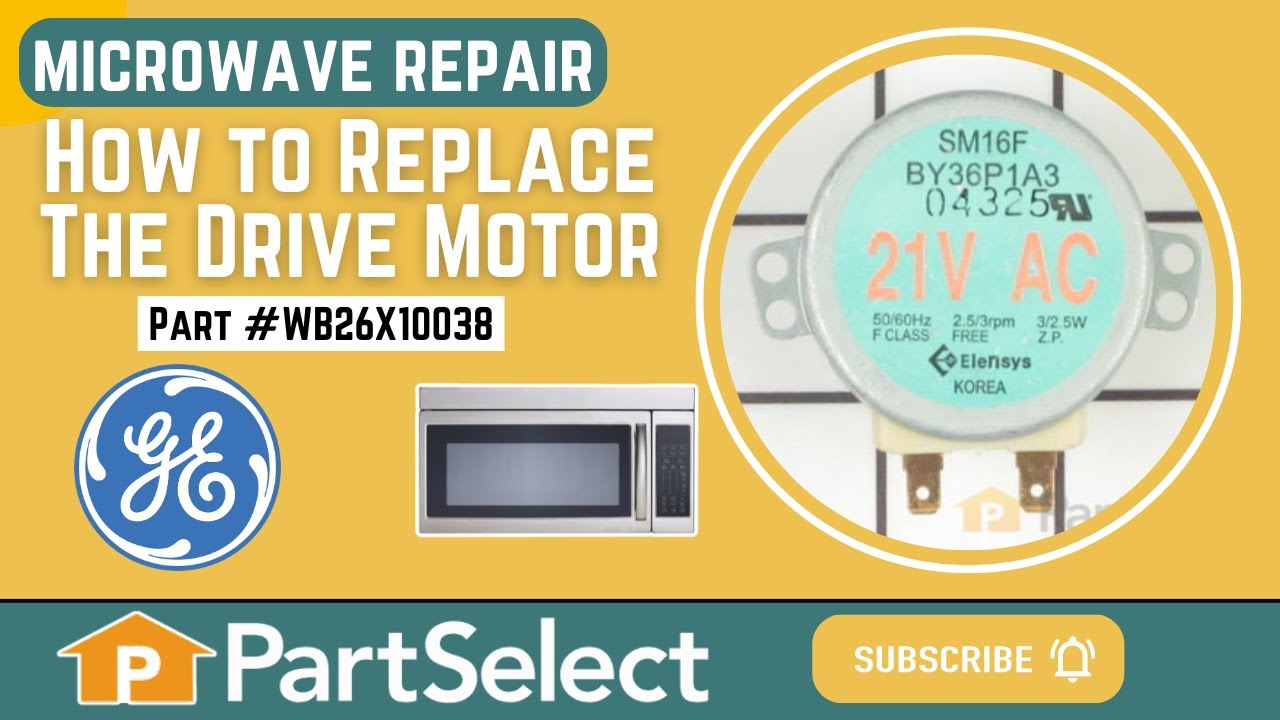
Drive Motor
Part #WB26X10038
This is a microwave turntable drive motor. This is a genuine OEM replacement part. It accepts a D-shaped drive shaft. The drive motor is located under the glass microwave turntable, and allows the turntable plate to rotate while the appliance is in use. Your drive motor might be broken if it is noisy or does not turn at all. Be sure to di...Read moresconnect power to the microwave before starting this repair. Simply unscrew the bottom plate and the drive motor of your microwave, disconnect the wires, and install the replacement part. This drive shaft is 21 volts, is about 2 inches in diameter, and is made of metal.
Read less

No Longer Available

$80.82
In Stock
Glass Cooking Tray
Part #WB49X10063
This tray rotates in your microwave ensuring more even temperatures and is approx.14-1/2 inches in diameter.

$63.63
Special Order
Charcoal Filter
Part #WB02X10733
This charcoal filter is designed to capture airborne grease, smoke, and other particles generated during microwave cooking, helping to maintain clean air circulation within the kitchen. Engineered for optimal performance, it fits securely within the microwave’s designated filter compartment and is constructed from high-quality materials t...Read moreo ensure long-lasting filtration. Regular replacement of the filter supports efficient ventilation and odor control. Installation is simple and requires no tools—just slide the filter into place according to your appliance’s manual. Always confirm your microwave’s model number before installing to ensure proper fit and function.
Read less

No Longer Available

$20.37
In Stock

$46.34
In Stock

No Longer Available

No Longer Available

$51.61
In Stock
Common Symptoms of the JVM1861WD001
How this model fails, and the parts that fix it.
Won’t turn on
Fixed by
these parts
these parts


Show All
Tray won’t turn
Fixed by
these parts
these parts


Show All
No heat
Fixed by
these parts
these parts


Show All
Touchpad does not respond
Fixed by
these parts
these parts
Show All
Noisy
Fixed by
these parts
these parts

Show All
Watch our pros, then fix it yourself.
See how others fixed this model. Time, tools, difficulty, and steps that lead to victory!
View More
Search repair tips from other customers using simple keywords like "replace", "fit", "remove", "inspect". DIY doesn't mean you have to do it alone!
Search filter:
Clear Filter
Your search term must have 3 or more characters.
turntable made a loud noise
374 of 380 people
found this instruction helpful.
First I unscrewed the screws that were holding the panel underneath. Then I removed the panel and removed the screws that held the turntable motor in place. Then replaced the old motor with the new and screwed everything back into place.
Other Parts Used:


Was this helpful?
Thank you for voting!