EasyApplianceParts is now PartSelect! We've merged our sites to provide a better shopping experience for you.   Full Details
✖

Find Parts

Parts Departments

Top Model Types

Top Brands

Repair Help

Expert Repair Videos

Keep typing for more specific results...

JE510BW01 General Electric Microwave - Overview

Diagrams for JE510BW01

See every part. Know exactly what you need.

Enter a part description. DIY Heroes keep it simple, eg. "belt" or "pump".

Search filter:
Clear Filter
Your search term must have 3 or more characters.
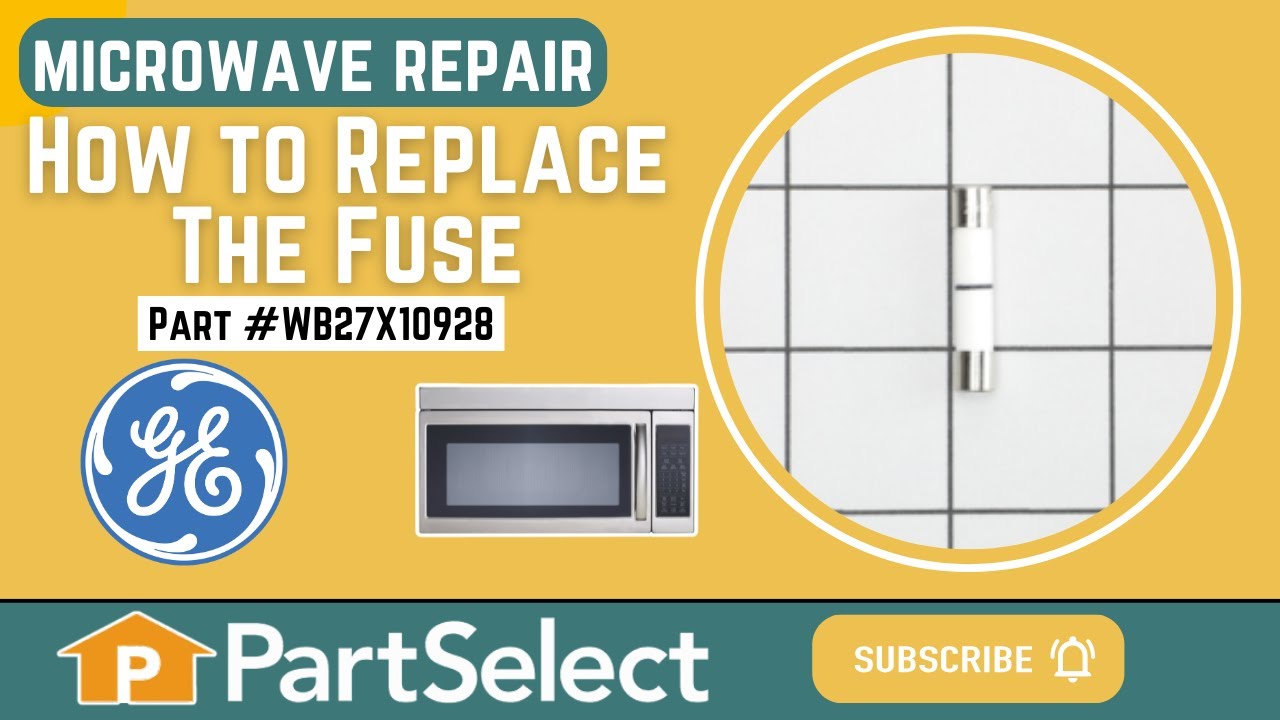
Microwave Fuse – Part Number: WB27X10928
$21.81
In Stock
Microwave Fuse
★★★★★
★★★★★
(21)
Part #WB27X10928
This ceramic microwave fuse is just over an inch in length. It is white in the center, and metal on both ends. This is a 20-amp fuse, and is used to power your microwave. If the touch pad on the microwave becomes unresponsive, the microwave produces little to no heat, or the appliance simply does not turn on, it could mean that your fuse is at fault and needs to be replaced. Because this part contains an electrical charge, remember to disconnect power to the microwave unit before you begin this repair. NOTE: Before you start this repair, ensure that the microwave is unplugged, and the capacitor is discharged. A capacitor stores large amounts of electricity even after your microwave is unplugged.
USE GEH WB3X881 – Part Number: WB03X0881
No Longer Available
USE GEH WB3X881
Part #WB03X0881
USE GEH WB3X882 – Part Number: WB03X0882
No Longer Available
USE GEH WB3X882
Part #WB03X0882
USE GEH WB14X188 – Part Number: WB14X0188
No Longer Available
USE GEH WB14X188
Part #WB14X0188
USE GEH WB14X205 – Part Number: WB14X0205
No Longer Available
USE GEH WB14X205
Part #WB14X0205
USE GEH WB18X453 – Part Number: WB18X0453
No Longer Available
USE GEH WB18X453
Part #WB18X0453
USE GEH WB18X471 – Part Number: WB18X0471
No Longer Available
USE GEH WB18X471
Part #WB18X0471
USE GEH WB19X286 – Part Number: WB19X0286
No Longer Available
USE GEH WB19X286
Part #WB19X0286
USE GEH WB7X2086 – Part Number: WB07X2086
No Longer Available
USE GEH WB7X2086
Part #WB07X2086
USE GEH WB27X524 – Part Number: WB27X0524
No Longer Available
USE GEH WB27X524
Part #WB27X0524
USE GEH WB27X944 – Part Number: WB27X0944
No Longer Available
USE GEH WB27X944
Part #WB27X0944
TRANSFORMER HV – Part Number: WB27X1131
No Longer Available
TRANSFORMER HV
Part #WB27X1131

Common Symptoms of the JE510BW01

How this model fails, and the parts that fix it.

Watch our pros, then fix it yourself.

See how others fixed this model. Time, tools, difficulty, and steps that lead to victory! View More

Search repair tips from other customers using simple keywords like "replace", "fit", "remove", "inspect". DIY doesn't mean you have to do it alone!

Search filter:
Clear Filter
Your search term must have 3 or more characters.
Microwave completely stopped working
968 of 1266 people found this instruction helpful.
  • Kim from Cliffside Park, NJ
  • Really Easy
  • 15 - 30 mins
  • Screw drivers
Turned out the issue was easily solved by replacing a single, inexpensive fuse.

First off, UNPLUG THE MICROWAVE.

The fuse is located under the plastic grill at the top of the microwave. It's held on by two screws. Once you've removed the screws and taken off the plastic grill, you go to the right side of the mic rowave and remove another screw that holds a small metal grill in place. Removing the small metal grill is probably the toughest part of this repair. You kind of have to rock it back and forth a bit to get it to release. Once that's off, you can get to the fuse. I removed the burnt out one with a pair of needle nose pliers. I also put a small piece of cardboard under the fuse when I did this so I didn't accidentally drop it into the innards of the microwave. I did the same thing when I replaced the new fuse. I then plugged the appliance back in and made sure it worked. Once that was confirmed, I replaced both grills.
Was this helpful?
Thank you for voting!
I diagnosed the problem incorrectly: based on a previous repair.
66 of 141 people found this instruction helpful.
  • Ralph from Brandon, FL
  • Easy
  • Less than 15 mins
  • Pliers, Screw drivers
The old fuse is perfectly good. The new ones arrived within a day.
Was this helpful?
Thank you for voting!
appliance stopped working -- no readout on screen
24 of 24 people found this instruction helpful.
  • Carolyn from ARMONK, NY
  • Easy
  • 30 - 60 mins
  • Screw drivers
1. turned off electricity -- unplugged the unit 2. removed 3 screws on top of top vent, removed vent screen then I located the little white cylindrical fuse and popped it out with a table knife. Then I popped in the new fuse. Replaced the vent screen and screws -- plugged in the appliance and it is working again.
Was this helpful?
Thank you for voting!