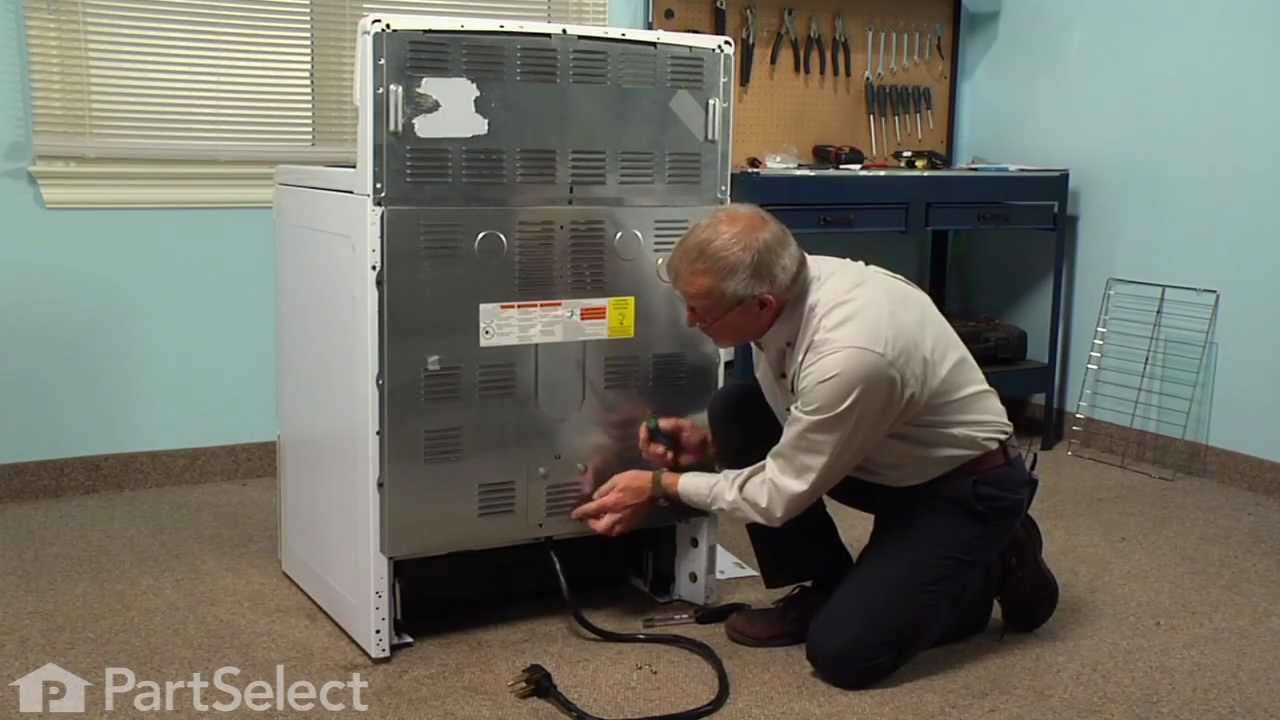
Terminal block kits are also known as terminal boards, or terminal strips, and they are found in a wide variety of household appliances. Most often in ranges, wall ovens, and dryers. This kit attaches the power cord to the inner wiring of your appliance. If the terminal block is faulty, your appliance will not get the power it needs to op...Read moreerate properly. When removing the old block pay close attention to the wire placement, this will make installing your new part much easier. If you notice any of the wires or wire terminals are corroded or damaged they will also need to be replaced.
This fan blade retainer nut in your oven secures the fan blade onto the motor shaft, preventing it from coming loose during operation. You can typically find it at the back of your oven behind a cover. If you notice that the fan blade becomes wobbly or does not rotate smoothly, or your oven starts to make rattling or scraping sounds, the ...Read morenut may be damaged. If the fan blade cannot spin properly, your food may cook unevenly. Your oven will also work harder and consume more energy to maintain the desired temperature. To access the nut, you will need to remove the back panel of your oven. Remove any screws or release any clips holding it using a screwdriver. To remove the nut itself, you will need either a wrench or a pair of pliers to loosen it from the motor shaft. The fan blade is sold separately from this genuine OEM nut.
Ask our experts a question about this model and we'll get back to you as soon as possible!
We may have answered a similar question already! Search questions and answers left by others using simple keywords like "fit", "broken", "easy", or "quality" to find questions that match.
Search filter:
Clear Filter
Your search term must have 3 or more characters.
Sort by:
Prev
1
Next
Sorry, we couldn't find any existing answers that matched.Try using some different or simpler keywords, or submit your new question by using the "Ask a Question" button above!
Dave - For model number FCWS2727ASD
November 23, 2024
Error code 45 appears.
Hello Dave, Thank you for your inquiry. Usually this error indicates that the cooling fan is spinning too slowly. Check the fan blade for any restrictions and check the motor. We hope this helps you.
See how others fixed this model. Time, tools, difficulty, and steps that lead to victory!View More
Search repair tips from other customers using simple keywords like "replace", "fit", "remove", "inspect". DIY doesn't mean you have to do it alone!
Search filter:
Clear Filter
Your search term must have 3 or more characters.
Cord was not tightened enough by delivery crew.
109 of 174 peoplefound this instruction helpful.
Timothy from Spring Valley, AL
Really Easy
15 - 30 mins
Screw drivers, Socket set
PF alarm appeared on display. Noticed clicking when cord was moved. Had arced for some time and melted original block. New part slightly different. Only has 3 lugs, old one had six. Stack using washers provided. Take note of colors before disassembly. Use caution while working through access opening. The edges are sharp. Only tools neede
... Read mored are phillips screwdriver, deep socket for lug nuts. Nut driver optional. Hope this is helpful.
Read less
Was this helpful?
Thank you for voting!
The elements were not heating up
6 of 8 peoplefound this instruction helpful.
Tanya from KALISPELL, MT
Really Easy
15 - 30 mins
Screw drivers
It was really easy just unplugged it took off the back cover changed the part out put back cover on plugged it in and the elements were working great!
Was this helpful?
Thank you for voting!
Oven wires arced and caused the terminal block to melt and become detached from the back of the range
3 of 3 peoplefound this instruction helpful.
Daniel from Falmouth, MA
A Bit Difficult
30 - 60 mins
Nutdriver, Pliers, Screw drivers, Wrench set
Removed the wires that I could, then terminal block. Installing the new terminal block was very easy; however the wires that arced were fused to the terminal bock screws and needed to be cut and new connectors had to be put on the wires to allow them to be reattached to the block safely. Once all was replaced and reinstalled the oven
... Read more has worked great. The length of the repair was increased because of the melted parts and having to run to the store to get the new wire connectors big enough to fit on the wires. If we were simply replacing the block and had not encountered the melted ends, it would have been a very quick and easy repair.


 My Orders