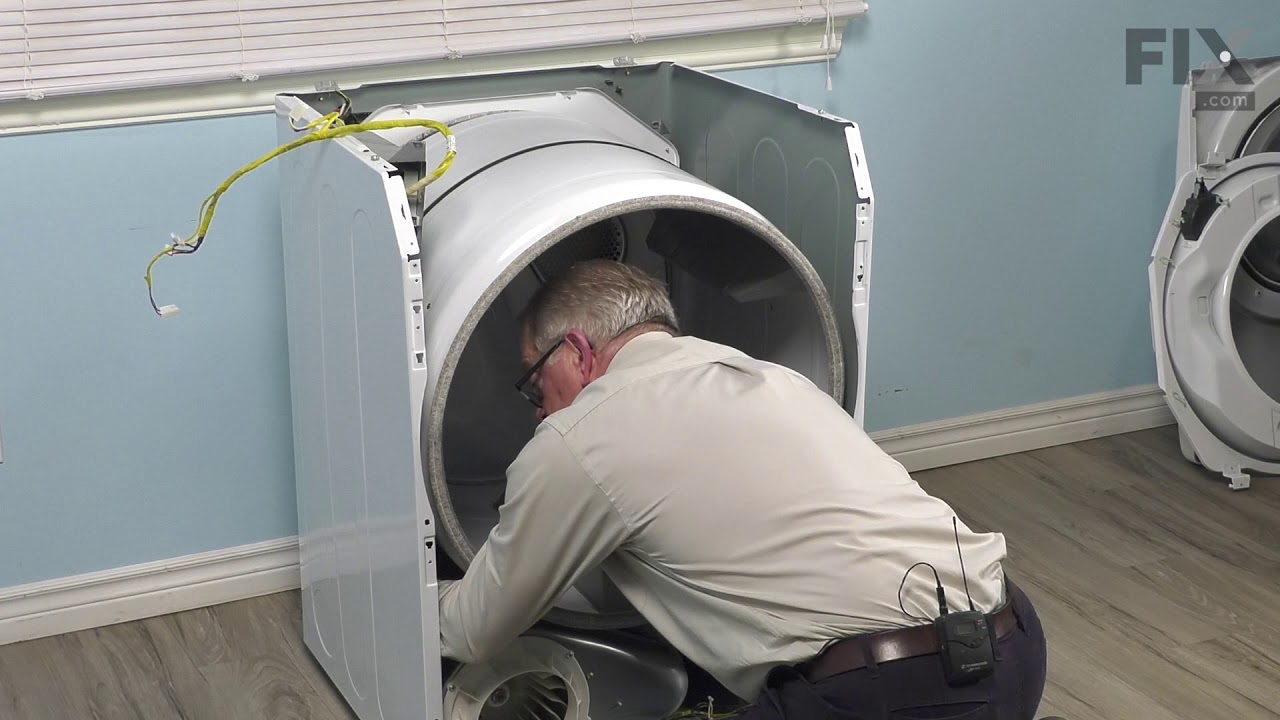
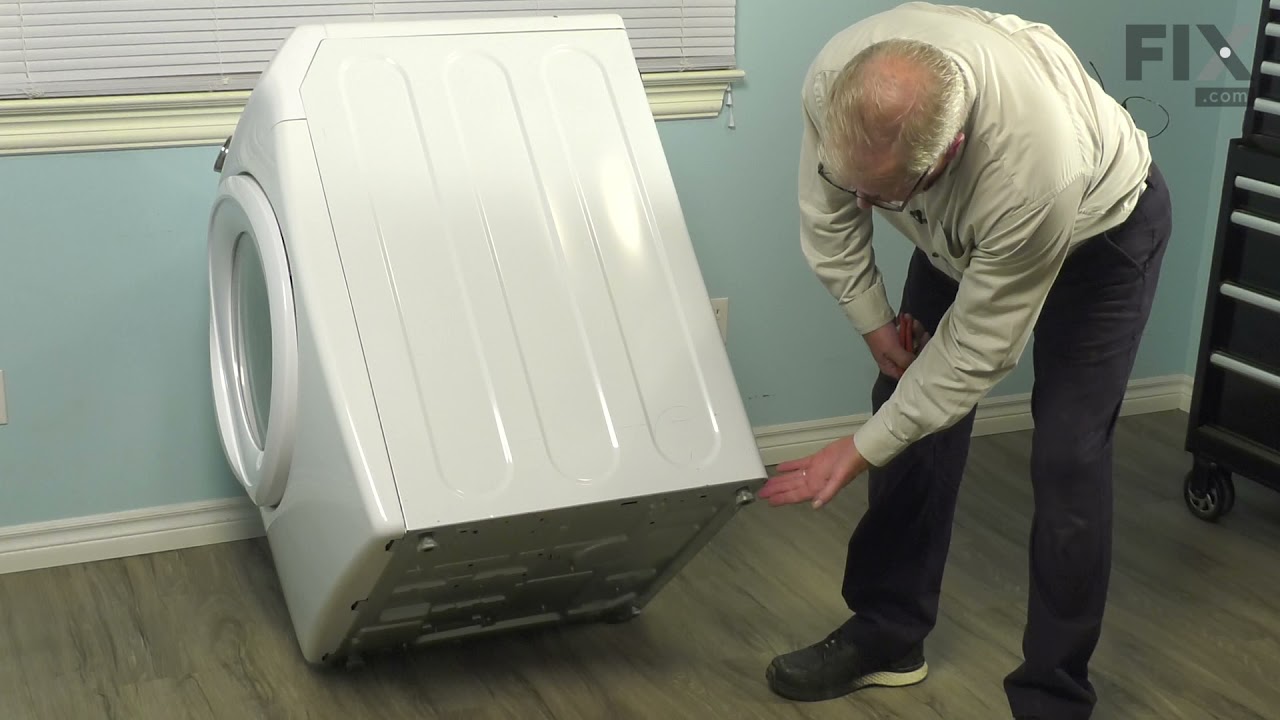
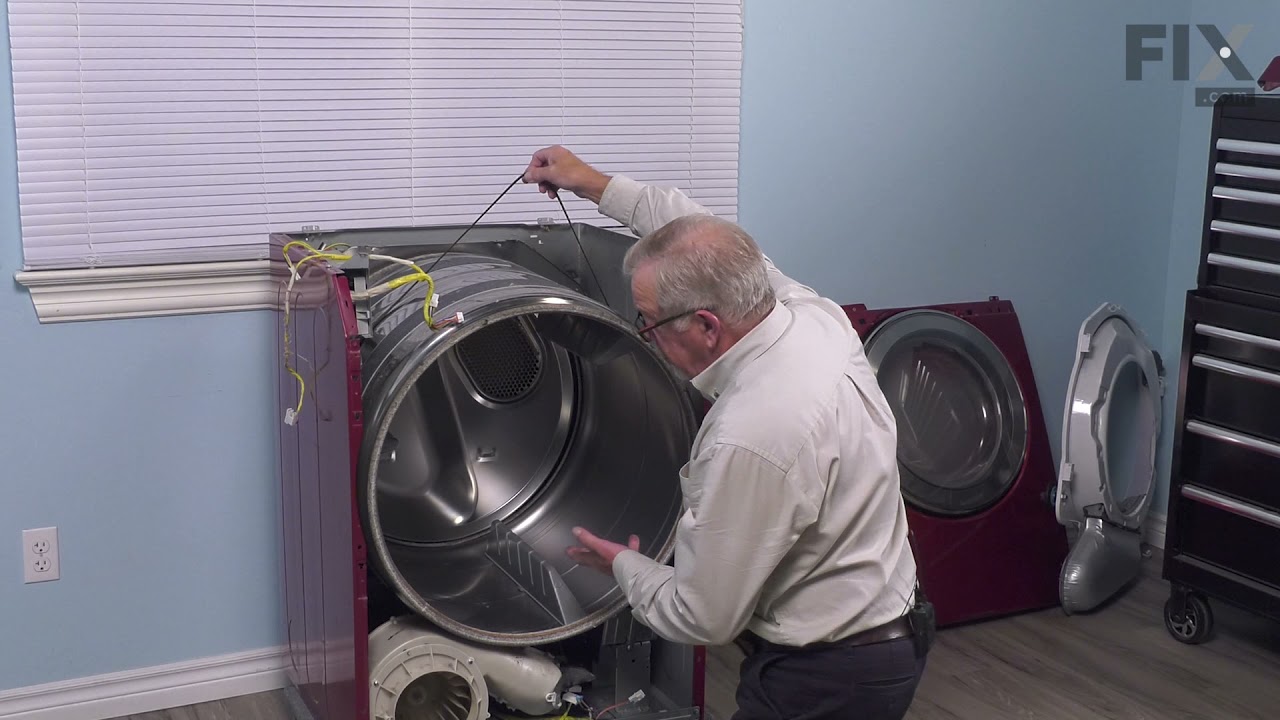
The drum belt attaches to the motor pulley and causes the drum to spin as the motor is rotating. The drum belt is made of black rubber. This is an easy repair and should only take a few minutes. This goes between the drive motor and the dryer drum. The belt may have broken, which will cause the drum to not turn properly. You will need to ...Read morepull your dryer away from the wall and use your Phillips screwdriver to remove the screws on the back. This is an OEM product, shipped directly from the manufacturer.
This is a thermistor, also known as a dryer thermistor. The thermistor is attached to the blower housing, it will help regulate and oversee the temperature within the dryer. The most common symptom of needing a new thermistor is the dryer cycle not working. Before installing this part, you should disconnect your dryer from its power sourc...Read moree. We also recommend you wear work gloves to protect your hands during this installation. To make this repair, the tools you will need include a multi-screwdriver, a Phillips head bit, and a flat-head bit.
This idler pulley assembly is sourced from the original manufacturer for use in dryers. The assembly includes the pulley wheel and bracket. It is found near the motor where it provides tension to the dryer belt, allowing it to rotate the drum during the drying cycle. Over time, the pulley wheel and its bearings can wear out leading to squ...Read moreeaking and grinding noises when the drum rotates. The bracket or pulley wheel can also fall out of alignment which can damage the belt and cause it to slip off. Eventually, a faulty idler pulley assembly will prevent the drum from rotating altogether. Depending on your dryer model, you may need to disassemble the dryer to access the pulley assembly. Remove the dryer belt from the idler pulley wheel and detach the assembly from the dryer frame. Position the new assembly in its place and secure it in position. Thread the belt over the pulley and around the dryer drum, ensuring that the grooved side lays flat against the drum. Manually spin the drum to check that the belt is properly tensioned and reassemble your appliance.
This thermostat is a genuine OEM part and is manufacturer-approved for electric dryers. The thermostat is responsible for monitoring and maintaining the temperature inside the dryer during the drying cycle. A faulty thermostat could result in clothes getting burned because the heating element does not receive the necessary signal to stop ...Read moreproducing heat. This is a dangerous situation and could also lead to a fire. Ensure that you disconnect the power source to your dryer before you conduct this repair. This thermostat is connected to the clothes dryer unit by two screws which are sold separately.
This moisture sensor detects dampness in the drum of compatible Samsung dryers and helps automatic cycles determine when clothes are dry. If sensor-based cycles end too early or run too long, clean the sensor bars and inspect the wiring before replacing the sensor. Match the dryer model.
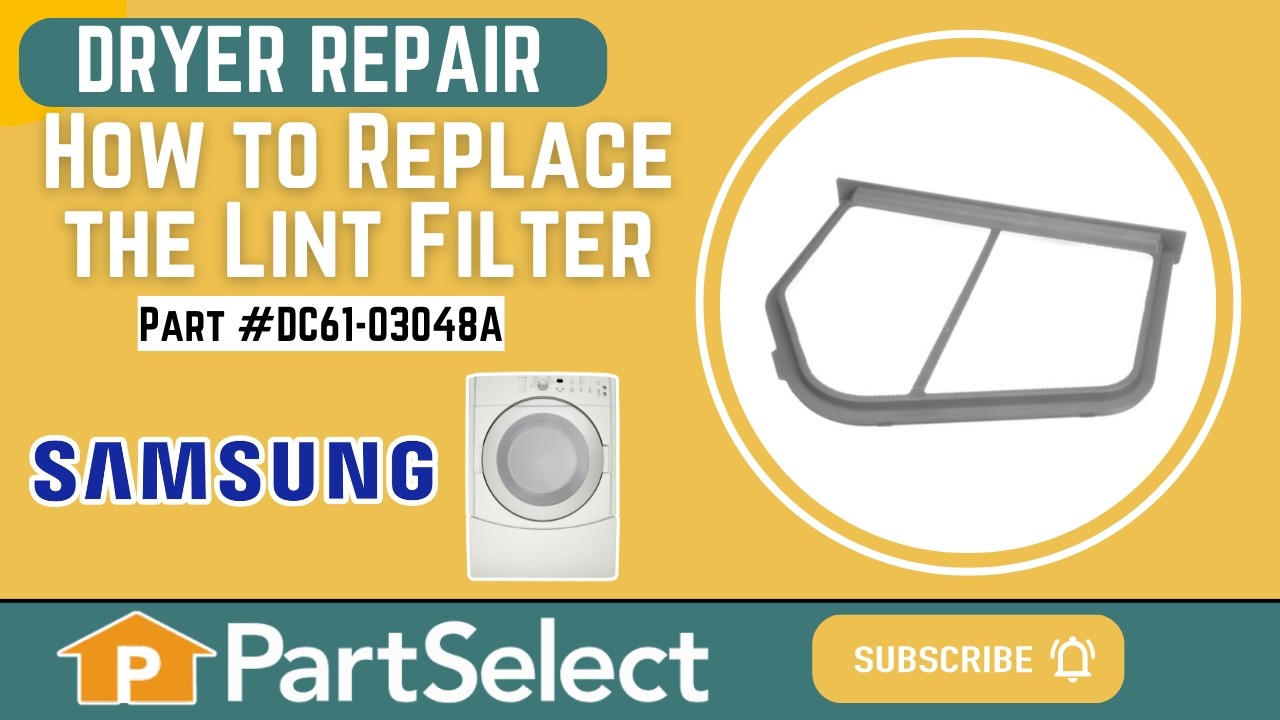
This lint screen case, or lint filter case is specially designed for Samsung dryers. It is responsible for securing the lint screen inside the lint screen housing and preventing it from falling out. The case also allows you to remove and handle the lint screen easily. The screen helps to capture lint from clothes during the drying cycle a...Read morend prevent it from clogging the dryer vent. If the lint screen case is faulty, the screen may become damaged or it may fall off leading to lint build-up, restricted air flow, longer drying times, and potential fire hazards. It is recommended to inspect and clean the lint filter case after every load of laundry and replace it promptly if it is no longer in good working condition.
This extension spring provides the pulling tension that holds or returns a moving part on a compatible Samsung appliance. A stretched, broken, or displaced spring can let that part sag or fail to return. Check the parts diagram for the correct mounting position, and disconnect power before replacing it.
This high-limit thermostat opens the heating circuit in selected Samsung dryers if temperatures rise beyond the specified limit. If the dryer stops heating, check airflow and the heater circuit as well as the thermostat. Match the temperature rating and dryer model, and disconnect power before service.
Ask our experts a question about this model and we'll get back to you as soon as possible!
We may have answered a similar question already! Search questions and answers left by others using simple keywords like "fit", "broken", "easy", or "quality" to find questions that match.
Search filter:
Clear Filter
Your search term must have 3 or more characters.
Sort by:
Prev
1
Next
Sorry, we couldn't find any existing answers that matched.Try using some different or simpler keywords, or submit your new question by using the "Ask a Question" button above!
Milton - For model number DVG50T5300C
February 23, 2024
Dryer won't turn off when pressing off button. Will go off if you open door or unplug. Panel goes blank and dryer continues to run until you open door.
Hello Milton, thank you for reaching out. Based on our research, the issue is most probably with the control board, part number PS12720699. You may need to replace it to fix the issue. We hope that helps!
See how others fixed this model. Time, tools, difficulty, and steps that lead to victory!View More
Search repair tips from other customers using simple keywords like "replace", "fit", "remove", "inspect". DIY doesn't mean you have to do it alone!
Search filter:
Clear Filter
Your search term must have 3 or more characters.
The dryer turned on but the drum did not move when you pressed start even though It started it cycles.
44 of 82 peoplefound this instruction helpful.
Christopher from SUGARLOAF, CA
Really Easy
15 - 30 mins
Screw drivers
I YouTube it and there’s a step by step process on how to do it, took maybe 30 mins. If I can so can you
Was this helpful?
Thank you for voting!
Tension/Dead Man Wheel Broke/Shattered
13 of 25 peoplefound this instruction helpful.
Noah from OXFORD, KS
Really Easy
Less than 15 mins
Screw drivers
Dryer would not start but electronics were working.
Pulled top of dryer off; noticed the belt was loose but not broken. Went in through the back (1 screw and removed the exhaust pipe/plate); noticed the wheel was broken and thus the belt had fallen off.
Ordered replacement wheel/arm. One screw to remove ol
... Read mored one, one screw to install new one...tentioned the belt. Dryer was good as new.
Read less
Was this helpful?
Thank you for voting!
Dryer getting warm but turning off before clothes dry
13 of 25 peoplefound this instruction helpful.
Eric from CHAMBERSBURG, PA
Easy
30 - 60 mins
Screw drivers
Cleaned the sensors from inside the drum with alcohol and that did not work. Ordered two sensors. Lift top cover. Remove screws on each of the front side that secures front cover. Unplug door sensor and pull front cover towards you and lift at same time removing from frame. I own dogs and immediately noticed dog hair and surprisingly
... Read morelint all over the place. Remove the screws from the lint trap. (Theres one you access from inside the drum.) Unplug your sensor wires. Remove lint trap. The sensors simply push in/out. While I was in there I removed the cover for the lint tube and cleaned it out good. Lint had started to gather around the fan. Reverse your process and your done. TIP: Keep your screws orderly as you unscrew them. If you have this problem, just a good cleaning of hair, lint, dirt may do the trick as it essentially packs around the plug of the sensors. I had already ordered my sensors so I just put them in. I took my time and cleaned good and it was about an hour. It could be done in 15-30 minutes easily.



 My Orders