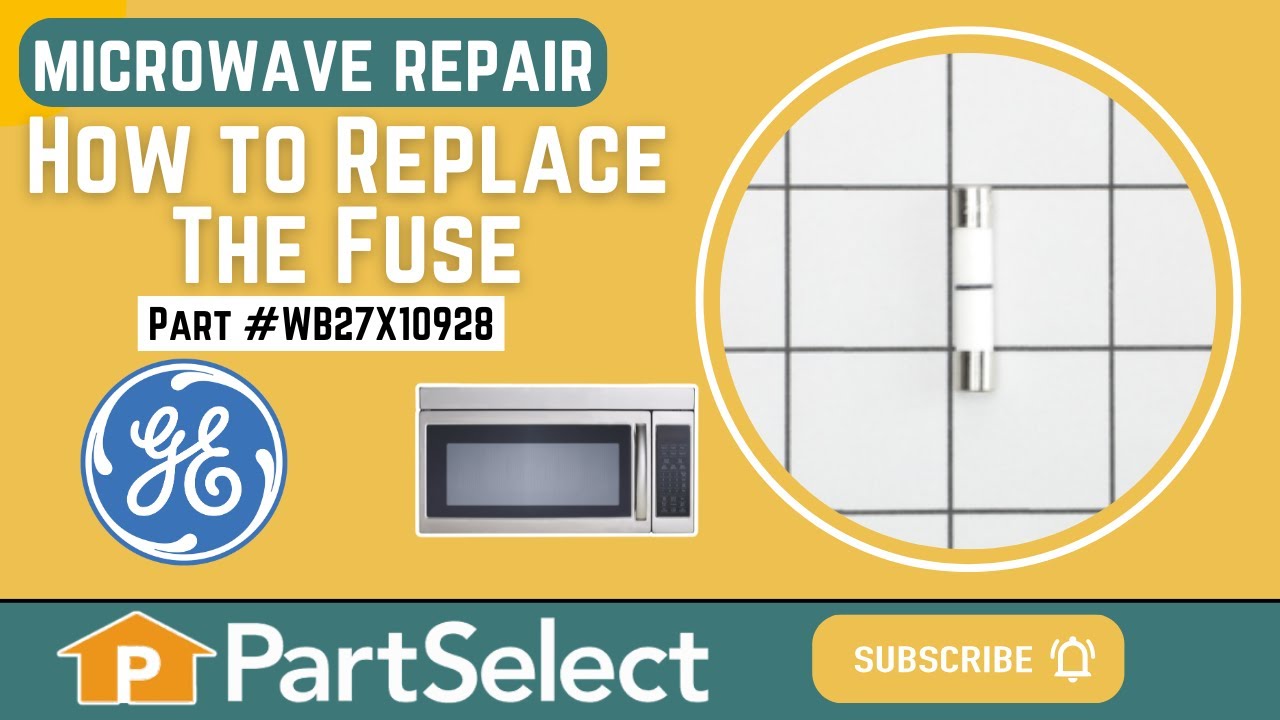
This ceramic microwave fuse is just over an inch in length. It is white in the center, and metal on both ends. This is a 20-amp fuse, and is used to power your microwave. If the touch pad on the microwave becomes unresponsive, the microwave produces little to no heat, or the appliance simply does not turn on, it could mean that your fuse ...Read moreis at fault and needs to be replaced. Because this part contains an electrical charge, remember to disconnect power to the microwave unit before you begin this repair.
NOTE: Before you start this repair, ensure that the microwave is unplugged, and the capacitor is discharged. A capacitor stores large amounts of electricity even after your microwave is unplugged.
The secondary door switch is a simple on/off mechanism that stops the microwave from operating when the door is open (normally opened). The switch monitors the door latch position, and communicates whether the door is open or closed to the electrical control board. This door switch is approximately 1 inch long, and has 2 metal prongs cal...Read moreled terminals that extend out of its body. Common symptoms related to a faulty secondary door switch include: microwave will not turn/shut off, or the microwave will not heat properly.
NOTE: Before you begin this repair, first make sure your microwave is unplugged, and that your capacitor is discharged. A capacitor stores large amounts of electricity even when your microwave is unplugged.
The microwave glass light lens protects the light bulb inside the appliance. It is clear in color and measures approximately 6-1/2 inches long, and 2-1/2 inches wide. You may notice that this part is cracked or broken and will need to be replaced. You will need to remove the screw holding the cover in place. Unhook the cover from the bott...Read moreom panel. Bend the tabs up that are securing the old lens in place. The textured side should be facing up. Place the new lens into place and secure back into place.
Unplug your microwave before attempting this repair. You will need to remove the grill, which is held into place by two screws at the top of the grill (open your microwave door before doing this). Remove the grill. Remove the screw on the left holding the control panel in place. Loosen the screw behind the panel. You should now be able to...Read more lift the panel up and pull forward to detach. You will find the door switch by removing the screws to detach the switch assembly. Press on the release tab to remove the middle switch. Disconnect the wire connector to release the old switch. The door switch is normally closed.
This part is the replacement flat cab mounting bolt for your microwave. The bolt is approximately 4 inches long. It is designed to hold the microwave in place in your cabinet. The main reason to replace this bolt, would be if the old bolt is stripped or missing, and the microwave will not stay secure in the cabinet. This is an OEM part sourced directly from the manufacturer, and it is sold individually.
Ask our experts a question about this model and we'll get back to you as soon as possible!
We may have answered a similar question already! Search questions and answers left by others using simple keywords like "fit", "broken", "easy", or "quality" to find questions that match.
Search filter:
Clear Filter
Your search term must have 3 or more characters.
Sort by:
Prev
1
Next
Sorry, we couldn't find any existing answers that matched.Try using some different or simpler keywords, or submit your new question by using the "Ask a Question" button above!
Andrea - For model number CVM2072SM3SS
December 18, 2019
We are getting a prompt on our touchscreen: "control fault -- shorted touchscreen f10. The control has detected a shorted touchscreen and has shut off the oven. It may be possible to use the oven. However, if this message continues to appear, your oven will require service."
So what do we do now? is this a dangerous situation? is there a part we can order from you and install ourselves? i have looked over your q & a section and wonder if it's a fuse we need. h-e-l-p. the microwave keeps beeping every few minutes.
fyi, last week we ordered from you a new turntable motor and put it in, and it worked!
(we also ordered the coupler, on backorder, but don't need it any more; can you cancel that order for us and credit our output?)
Hello Andrea and thanks for writing.
If you have a faulty fuse the oven would not work at all. If it is a control board issue the part is # PS1018841.
You should try a hard reset first. Go to your breaker box, turn the breaker for your unit off, wait 5 minutes and turn the breaker back on. We hope this helps. Please contact us anytime.
This is a follow-up to my question and your answer of a few minutes ago. Is a control board the same as a touchscreen?Thank you. i am in awe of your service and responsiveness!!!
Hello Andrea and thanks for writing.
certain parts are overlapping. Unfortunately, the touch screen has been discontinued for your model and is no longer available. We have no known replacement information in our system. We recommend you contact the manufacturer of the part to see if they have recently released a new substitute. Changing the control board might fix this problem but there is no 100 % guarantee that it will. But if you can check it for burn marks as a sign for a short you might be able to narrow the diagnose down a bit. We hope this helps. Please contact us anytime.
Was this helpful?
Thank you for voting!
John - For model number CVM2072SM3SS
December 20, 2019
Turn on microwave by accident rather than the timer. 15 minutes without anything in microwave. Got hot and turned off- no power to unit however fan ran i guess to cool unit.Could it be blown ceramic fuse or worse ?
Hello John and thanks for writing.
It hopefully will be only the fuse Part Number: PS239525 is in the list of compatible items for your model. There is also a thermal fuse # PS239811 and 2 thermostats. We would suggest testing your line fuse first as this would be the easiest repair. We hope this helps. Please contact us anytime.
My fan stopped working, can you tell me what I need to order to replace it? Do I need to replace the motor and fan or just the motor? Thank You
Hi Charles,
Thank you for your question. If the fan stopped working, you may only need to replace the motor.
The part number listed under your model number for the fan motor is PS237820. If you need help placing an order for it, customer service is open 7 days a week and anyone will be happy to assist you. Please feel free to give us a call. We look forward to hearing from you!
I have a touchscreen that I can see. But does not function to the touch. When I turn it on yet. Says set time, but no touch screen capability. I' Have Taken it a part. cleaned all the Leads no change. Do I need a key board circuit board. Looks like you suggest a fuse ? All other items fan lights buttons work
Hi James, thank you for the question. If you have already checked the control panel and it is not faulty, then you may need to check the electronic control board, part number PS2339862, as it is the most likely cause of this issue and may need to be replaced. Let us know if you have further questions!
See how others fixed this model. Time, tools, difficulty, and steps that lead to victory!View More
Search repair tips from other customers using simple keywords like "replace", "fit", "remove", "inspect". DIY doesn't mean you have to do it alone!
Search filter:
Clear Filter
Your search term must have 3 or more characters.
Microwave completely stopped working
968 of 1266 peoplefound this instruction helpful.
Kim from Cliffside Park, NJ
Really Easy
15 - 30 mins
Screw drivers
Turned out the issue was easily solved by replacing a single, inexpensive fuse.
First off, UNPLUG THE MICROWAVE.
The fuse is located under the plastic grill at the top of the microwave. It's held on by two screws. Once you've removed the screws and taken off the plastic grill, you go to the right side of the mic
... Read morerowave and remove another screw that holds a small metal grill in place. Removing the small metal grill is probably the toughest part of this repair. You kind of have to rock it back and forth a bit to get it to release. Once that's off, you can get to the fuse. I removed the burnt out one with a pair of needle nose pliers. I also put a small piece of cardboard under the fuse when I did this so I didn't accidentally drop it into the innards of the microwave. I did the same thing when I replaced the new fuse. I then plugged the appliance back in and made sure it worked. Once that was confirmed, I replaced both grills.
Read less
Was this helpful?
Thank you for voting!
Dirty filter - replacement filter installed
537 of 612 peoplefound this instruction helpful.
Laura from Sugar Grove, IL
Really Easy
Less than 15 mins
Manually with no tools
Was this helpful?
Thank you for voting!
light worked, timer and control pad worked, but no turntable, no heat, no noises of any sort, just didn't start up
320 of 387 peoplefound this instruction helpful.
Marla from Arlington, TX
Easy
Less than 15 mins
Screw drivers
Noted on partselect.com that someone else with this problem, found it to be secondary door switch. There are three door switches in this model, but online info noted that one of the three might feel "soft" (in my case, one switch clicked in a rather "jiggly" way, the other two were strong decisive clicks.) To access the door switches on
... Read more this model was the only difficult part. First use a torx bit to remove the two torx screws below the latches inside the microwave. This frees the latching part inside, that holds the door switches, which you will remove after you take off the control panel. The top grill has to come off before you can remove the door panel. Remove the screws above the grill, on the microwave top cover, The grill on this model is covered with a panel that moves out when it vents. After removing the two top screws, the covered grill vent slides left to remove. Be careful, as the sliding tabs are plastic. Wiggle and jiggle it, to slip it off. Below the removed grill, is a small metal grill with one screw in lower center. Remove that screw, and wiggle that out. You'll then see the one screw that holds on the control panel. Remove this screw, and lift the control panel up to remove. Again, go slowly and gently, as the bottom tabs holding the control panel in, are also plastic and easily broken. Lay the control panel on something, (I used the coffee maker) and pull out the wire bundles tucked on the left, that are attached to the latching panel. Wiggle the latching panel gently to lift it up off of it's plastic tabs and pull it out towards you, so you can see the three door switches. Each switch (part number WB24X829) has a little black switch on it. Feel each switch with either your finger, or a screwdriver to see which one doesn't "click" strongly. The weak one is the one you will replace. The door switches are fitted into a tab, and plugged into their wires. Remove the defective switch, pull out the wires, and replace it with the new switch, plugging back the wires, and slipping it back into it's plastic tabs. Then put everything back together in reverse order. The entire job took me fifteen minutes EXCEPT for figuring out how to slide off the upper grill, which I have told you. A repairman would have cost $150, the part was $18. AND, there's a good chance, the other two switches will get "used up" in the next year or so as well, so I'll be ready next time. Thank you, Partselect, why work all day, to make money, only to give it to somebody else, for fifteen minutes of work. All I needed was the knowledge.



 My Orders