



 My Orders




CGLMV168KQ001 General Electric Range - Overview

Enter a part description. DIY Heroes keep it simple, eg. "belt" or "pump".
Search filter:
Clear Filter
Your search term must have 3 or more characters.

$21.81
In Stock
Microwave Fuse
Part #WB27X10928
This ceramic microwave fuse is just over an inch in length. It is white in the center, and metal on both ends. This is a 20-amp fuse, and is used to power your microwave. If the touch pad on the microwave becomes unresponsive, the microwave produces little to no heat, or the appliance simply does not turn on, it could mean that your fuse ...Read moreis at fault and needs to be replaced. Because this part contains an electrical charge, remember to disconnect power to the microwave unit before you begin this repair.
NOTE: Before you start this repair, ensure that the microwave is unplugged, and the capacitor is discharged. A capacitor stores large amounts of electricity even after your microwave is unplugged.
Read less

$37.91
In Stock
Light Socket - 250V 75W
Part #WB08X10016
This light bulb socket that is used in microwaves. The socket is meant to fit small-base light bulbs. * Please note: The light bulb is not included with this part and is sold separately. If the following symptoms occur, you may need to replace this part: existing socket is broken or cracked, light bulb is not turning on, or new light bulb...Read more does not work. Remember to unplug microwave before installing this part and refer to the manual provided by the manufacturer for installation instructions and a detailed diagram.
Read less

$40.02
In Stock
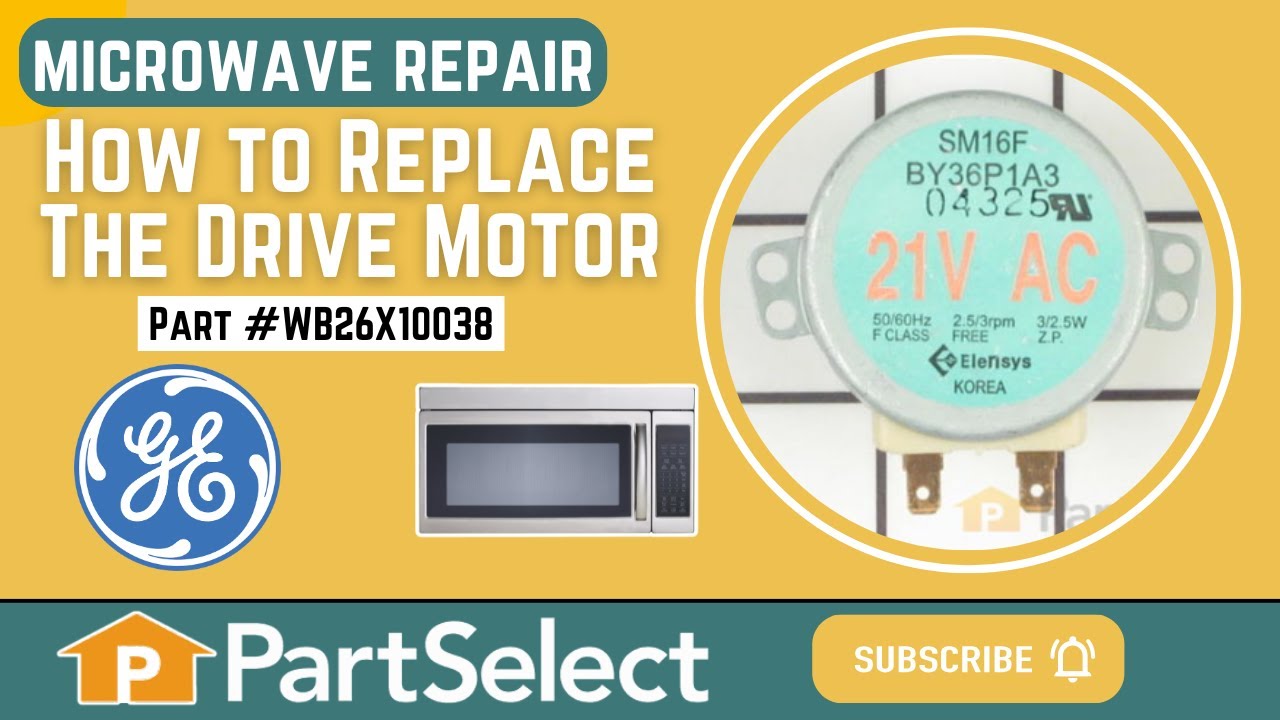
Drive Motor
Part #WB26X10038
This is a microwave turntable drive motor. This is a genuine OEM replacement part. It accepts a D-shaped drive shaft. The drive motor is located under the glass microwave turntable, and allows the turntable plate to rotate while the appliance is in use. Your drive motor might be broken if it is noisy or does not turn at all. Be sure to di...Read moresconnect power to the microwave before starting this repair. Simply unscrew the bottom plate and the drive motor of your microwave, disconnect the wires, and install the replacement part. This drive shaft is 21 volts, is about 2 inches in diameter, and is made of metal.
Read less

$29.47
In Stock
Glass Light Lens
Part #WB36X10071
The microwave glass light lens protects the light bulb inside the appliance. It is clear in color and measures approximately 6-1/2 inches long, and 2-1/2 inches wide. You may notice that this part is cracked or broken and will need to be replaced. You will need to remove the screw holding the cover in place. Unhook the cover from the bott...Read moreom panel. Bend the tabs up that are securing the old lens in place. The textured side should be facing up. Place the new lens into place and secure back into place.
Read less

No Longer Available
Charcoal Filter
Part #WB2X9883
This is a charcoal filter but you may know it as the vent hood filter. It is designed to work in multiple appliances. The purpose of the vent hood filter is to collect the grease particles and other tiny debris from the air while cooking. Take note that this part is sold individually. This charcoal filter is almost 12 inches long, and jus...Read moret over 6 inches wide. For safety purposes when making this repair, we recommend disconnecting the power to your appliance before changing the filter.
Read less

$84.27
In Stock
Aluminum Grease Filter
Part #WB6X486
This aluminum filter collects grease particles in the air from cooking. Sold individually.

No Longer Available

$20.37
In Stock

$46.34
Special Order

No Longer Available

No Longer Available

No Longer Available
Common Symptoms of the CGLMV168KQ001
How this model fails, and the parts that fix it.
Won’t turn on
Fixed by
these parts
these parts


Show All
No heat
Fixed by
these parts
these parts


Show All
Tray won’t turn
Fixed by
these parts
these parts
Show All
Touchpad does not respond
Fixed by
these parts
these parts
Show All
Noisy
Fixed by
these parts
these parts

Show All
Watch our pros, then fix it yourself.

See how others fixed this model. Time, tools, difficulty, and steps that lead to victory!
View More
Search repair tips from other customers using simple keywords like "replace", "fit", "remove", "inspect". DIY doesn't mean you have to do it alone!
Search filter:
Clear Filter
Your search term must have 3 or more characters.
turne table ot moving. Filter never changed
387 of 400 people
found this instruction helpful.
I had no idea what to expect. I was tired to see this turn table not moving. I removed the 7 screws at the bottom of the microwave that I thought was hiding the turn table mechanism. Bingo! I removed the 2 screws holding the motor and check if the power was coming to the motor and it was. The motor was cooked.
I decided to chang ... Read more e the filter since I was working on this. When I received it, and proceeded to change it, I found out that there was no filter. Finding the right position was a bit tricky. The most difficult part was to remove the front vent grille.
Don’t be shy, try it! Make sure, to disconnect the power when changing the filter.
I decided to chang ... Read more e the filter since I was working on this. When I received it, and proceeded to change it, I found out that there was no filter. Finding the right position was a bit tricky. The most difficult part was to remove the front vent grille.
Don’t be shy, try it! Make sure, to disconnect the power when changing the filter.
Read less
Other Parts Used:


Was this helpful?
Thank you for voting!