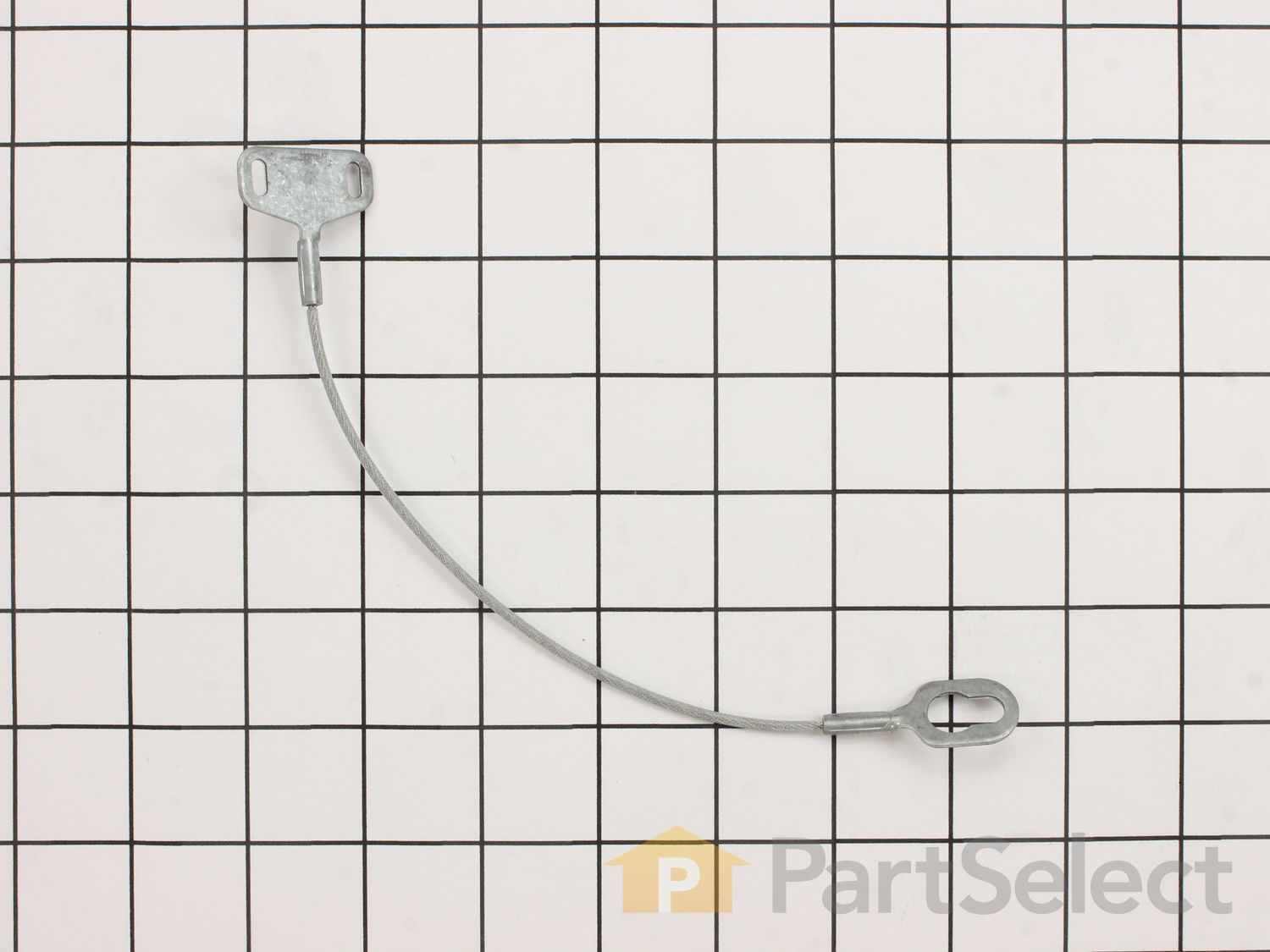
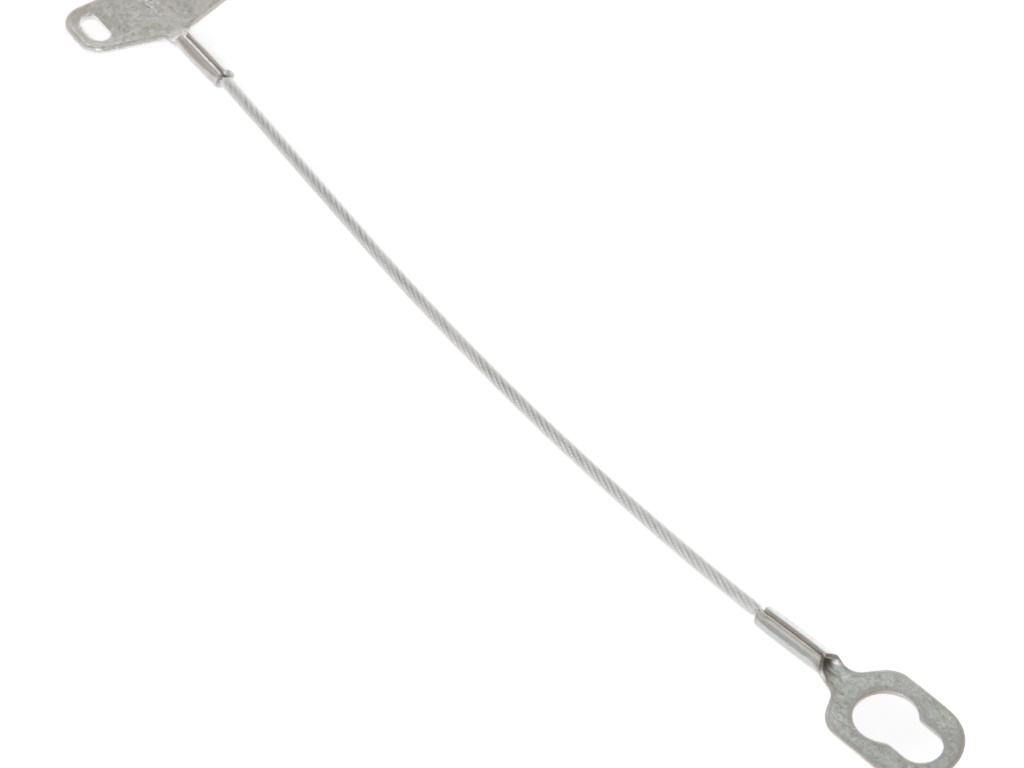
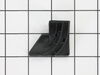
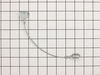
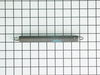
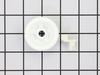
This part is sold individually. It is recommended that both sides are changed when replacing one.
How Buying OEM Parts Can Save You Time and Money
Troubleshooting
This part fixes the following symptoms:
Door latch failure | Door won’t close
This part works with the following products:
Dishwasher.
This part works with the following products:
General Electric, Hotpoint, Kenmore, Amana.
Part# WD7X14 replaces these:
AP2038829, 2291, WD07X0013, WD07X0014, WD7X13
Customer Reviews
Average Rating:
★★★★★
★★★★★
14 Reviews
4.7
Filter By Rating:
5 Stars
13
4 Stars
0
3 Stars
0
2 Stars
0
1 Star
1
Sort by:
< Prev
1
2
Next >
Search filter:
Clear Filter
Your search term must have 3 or more characters.
Keep searches simple. Use keywords, e.g. "leaking", "pump", "broken" or "fit".
Sorry, we couldn't find any existing reviews that matched. Try using some different or simpler keywords.
★★★★★
★★★★★
John B - June 5, 2022
Verified Purchase
Part is identical to original.
Received the order in reasonable time. The part was identical to original and appeared to of good quality. Worked perfect after installation.
★★★★★
★★★★★
Roger W - November 23, 2021
Verified Purchase
Happy camper
Part worked perfectly. Delivery also timely.
★★★★★
★★★★★
M. Michele B - June 14, 2019
Verified Purchase
Easy and fast, worked great
They helped me find the right part for my very old dishwasher,Got here SOOOOO FAAAAST! Husband installed easy. Works great Thanks Love this company. Only one I'll use.
★★★★★
★★★★★
Christina P - May 24, 2019
Verified Purchase
Ordered two parts and only got 1
The part I received was in good condition. Though I ordered two and only received one.
★★★★★
★★★★★
Jerome B - February 5, 2019
Verified Purchase
Five stars. Shipped promptly received quickly. Problem solved.
What more can I say, good job. No complaints.
★★★★★
★★★★★
Glenn L - December 5, 2018
Verified Purchase
Fit perfectly
The part was exactly like the originals, fit perfectly and the dishwasher is back to 100% with a Simple $30 part versus buying a new machine.
★★★★★
★★★★★
David W - September 8, 2018
Verified Purchase
Right part and quick delivery.
Right part and quick delivery. Easy installation directions. Saved repair charges. Always happy with Partselect.com service and parts.
★★★★★
★★★★★
Robert B - September 5, 2018
Verified Purchase
perfect
just what I needed for my door
★★★★★
★★★★★
Winthrop H - August 25, 2018
Verified Purchase
Perfect parts
The parts were perfect and just what we needed to fix the cabler our very old dish washer.
★★★★★
★★★★★
Kenneth C - July 10, 2018
Verified Purchase
Part worked great easy repair
Part received in days dishwasher is now up and running
< Prev
1
2
Next >
Customer Repair Stories
Average Repair Rating: 4.5 / 5.0, 49 reviews.
What's this?
Sort by:
< Prev
1
2
3
Next >
Search filter:
Clear Filter
Your search term must have 3 or more characters.
Keep searches simple. Use keywords, e.g. "leaking", "pump", "broken" or "fit".
Sorry, we couldn't find any existing installation instruction that matched.
Tub Baffles Disintegrated & Door Cable Broken
I used Partselect.com website to educate myself on parts needed for my model of dishwasher. Also reviewed repair instructions by others on the website and learned repair and replacement was straight forward and simple. I ordered parts from Partselect.com, they came promptly, and were the correct parts. Based on the repair instructions, I
... Read moreremoved the fascia panel at the bottom of my dishwasher to expose the cable and spring setup for my model dishwasher, cleaned the area and installed the new parts - it took only a few minutes - then I replaced the panel and secured it with the sheet metal screws that were holding it in place. I opened the dishwasher door. My wife had already cleaned the corners of the tub where the old baffles had been, so I pressed the new baffles into place with my fingers - no tools were required for baffle installation. Dishwasher is back in service; thanks to the information, parts and prompt service provided by Partselect.com ! My wife is pleased and so am I.
Very easy - the hardest part is getting down on the floor to remove 4 Phillips screws which hold on the two trim panels below the door and, even tougher, getting the holes to line back up and reinstall them. Visibility is limited and an extra set of hands to hold the panels in position while you start the screws is really helpful. Other
... Read morewise, it's just a matter of hooking the cable eyelets onto the door, routing the cables over the nylon rollers, hooking one end of the spring to one of the cables and stretching it across to hook into the other cable. It's easier to do the rear spring first and to use the lower tension spring first if, like mine, the two springs ae different tension.
Read less
Dave from IJAMSVILLE, MD
Difficulty Level:
Really Easy
Total Repair Time:
Less than 15 mins
Tools:
Screw drivers
1 personfound this instruction helpful.
Was this instruction helpful to you?
Thank you for voting!
Door mech. broke, door came down
this unit is 29yrs old. I used your directions, just took a little time to make sure how to put together. All went well
I found that the door cable, which attaches to a spring system (which keeps the door from slamming open,) had broken. It was a simple repair. Remove the bottom panel of the dishwasher, reattach the cables to the hooks if they've come off, reattach the springs to the cables. Make sure the cable threads around the guide wheels. Remarkably s
... Read moreimple!
Read less
Brian from La Grange Park, IL
Difficulty Level:
Really Easy
Total Repair Time:
Less than 15 mins
Tools:
Screw drivers
0 of 1 peoplefound this instruction helpful.
Was this instruction helpful to you?
Thank you for voting!
Replace Door Cable
Remove bottom cover diswasher place the eyelet on the side of door attach the spring to the cable thats it. . . Thank you!!!
Thomas from Wesley Chapel, FL
Difficulty Level:
Really Easy
Total Repair Time:
Less than 15 mins
Tools:
Screw drivers
0 of 2 peoplefound this instruction helpful.
Was this instruction helpful to you?
Thank you for voting!
left hand cable broke with age
connected cable to door springs, eyelet to hook on door frame then pulled cable under rollers on bottom of frame.... works like it was made to work
Randall from Hillsboro, TX
Difficulty Level:
Really Easy
Total Repair Time:
Less than 15 mins
0 of 1 peoplefound this instruction helpful.
Was this instruction helpful to you?
Thank you for voting!
Door Springs Broke
This was a simple fix. I removed the bottom panel and the broken springs for the door were exposed. Just a matter of putting the new ones around the pulleys on each side of the unit and connect the springs to one end of the cable and to the side of the door where they just slide on.
Rick from La Motte, IA
Difficulty Level:
Really Easy
Total Repair Time:
15 - 30 mins
Tools:
Pliers, Screw drivers
0 of 1 peoplefound this instruction helpful.
Was this instruction helpful to you?
Thank you for voting!
door cable broke while openning the door causing it to fall.
After removing the lower panels below the door, I was able to see the broken cable. After looking at a diagram on your web site I identified and ordered the part. It arrived within 24 hours. It was easy to install. Total repair took about 1/2 hour.
ray from worcester, MA
Difficulty Level:
Easy
Total Repair Time:
15 - 30 mins
Tools:
Screw drivers
0 of 1 peoplefound this instruction helpful.
Was this instruction helpful to you?
Thank you for voting!
< Prev
1
2
3
Next >
Questions and Answers
Ask our experts a question about this part and we'll get back to you as soon as possible!
6 questions answered by our experts.
Sort by:
< Prev
1
Next >
Search filter:
Clear Filter
Your search term must have 3 or more characters.
Keep searches simple. Use keywords, e.g. "leaking", "pump", "broken" or "fit".
Sorry, we couldn't find any existing answers that matched.Try using some different or simpler keywords, or submit your new question by using the "Ask a Question" button above!
Martha
November 19, 2018
Can you provide for me the length of the dishwasher cable part select: Ps263918,
Hello Martha, Thank you for the question. According to the 1inch grid, this cable is approximately 9" long. Hope this helps, good luck with this repair!
3 people found this helpful.
Was this helpful?
Thank you for voting!
Gary
November 21, 2017
The cable that holds the springs for the door broke and the fix seems fairly simple, except i'm not 100% sure where the cable attaches to the door. Both cables fell off when the one broke, so i don't know where they were originally attached to the door and i can't find a video or picture anywhere that shows where they attach. Can you provide any help on this, the instructions i found on your site were not clear enough for me to verify the correct location.
For model number GSD500D03AW
Hi Gary,
Thank you for your question. The cables are originally attached to the hinges that are on the door. I hope that helps. Good luck with your repair.
1 person found this helpful.
Was this helpful?
Thank you for voting!
Ray
February 4, 2020
Was wondering if part select part number ps263918 fit for my dishwasher model 3631435597. Thanks for any help
For model number 3631435597
Hello and thank you for writing.
Yes, part PS263918 should fit your model. We hope this helps. Please contact us anytime if you require further assistance.
1 person found this helpful.
Was this helpful?
Thank you for voting!
Terrie
November 25, 2017
Everything I read says to remove bottom of dishwasher plate with 4 screws. My plate has 8 screws. Am I removing the correct plate. Just below dishwasher door, right?
For model number GSD600D03
Hi Terrie,Thank you for the question. Yes some appliances have more screws on the plate. It depends on the model. Hope this helps!
Was this helpful?
Thank you for voting!
Leeah
March 13, 2018
Washer door latch will not unlock. I can't start the washer
For model number hda487k-02bk
Hi Leeah,
Thank you for your question. If the door latch will not unlock, there are some parts that you will need to check to see which ones are causing the issue. You will need to check the door cable and eyelet, the detergent cup shaft and lever, the detergent release arm, the detergent cup door spring, the interlock switch and the latch keeper. I hope this helps. Thank you and have a great day!
Was this helpful?
Thank you for voting!
John
January 23, 2019
Wire in door broke. Door no longer stay up unless you lock it
For model number GSD940M20
Hello John, Thank you for contacting us. I have researched the model you have provided and have found the part you are looking for is PartSelect Number PS263918. Thank you for your inquiry, good luck with this repair!
Was this helpful?
Thank you for voting!
< Prev
1
Next >
✖
Ask a Question
Ask our experts a question on this part and we'll respond as soon as we can.